
Chiclet Slicer
Button-based slicer for Power BI that can be arranged horizontally or as a matrix, with cross highlighting and image support.
Microsoft CorporationPaid
View, select, filter, and export IFC building models within Excel.
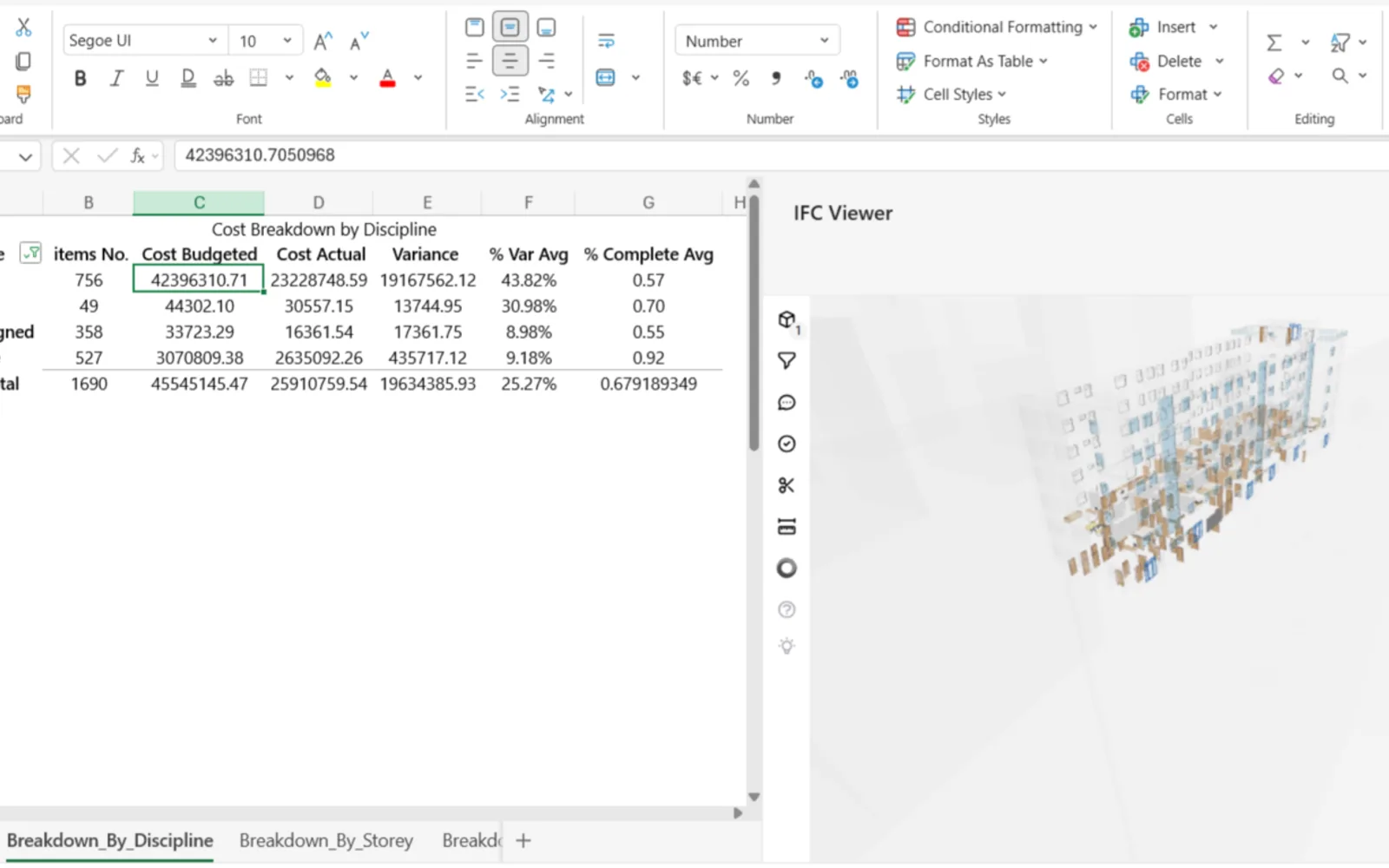
Loads IFC models inside Excel for viewing and interaction. Selections in the viewer can be synchronized with Excel worksheets, while BIM elements can be filtered or highlighted based on viewer selections. BIM data can also be exported to Excel sheets.
Displays IFC building information models within Excel.
Synchronizes selections between the IFC viewer and Excel worksheets.
Filters and highlights BIM elements from viewer selections.
Exports BIM data to Excel sheets.
Architects, engineers, construction professionals, and BIM specialists.
8 plugins in Excel · Design & Engineering
Price distribution: 3 paid, 5 price not published
Button-based slicer for Power BI that can be arranged horizontally or as a matrix, with cross highlighting and image support.
Microsoft Corporation
Automates formulas, data cleanup, reporting, and bulk row-by-row tasks in Microsoft Excel from plain-language prompts.
TALARIAN S. à r.l.
Artemis Sheets pulls blockchain, protocol, and stablecoin metrics into Excel workbooks using CapIQ-like formula syntax.
Artemis Analytics
Excel add-in providing real-time quotes and up to 30+ years of historical price and fundamental data for 80,000+ global assets.
SheetsFinance«Bring powerful Building Information Modeling (BIM) capabilities directly into Excel. The Excel IFC Viewer Add-in allows you to seamlessly load, visualize, and interact with IFC (Industry Foundation Classes) models right inside your Excel environment. Key Features: • Direct IFC Viewing: Visualize BIM models within …»