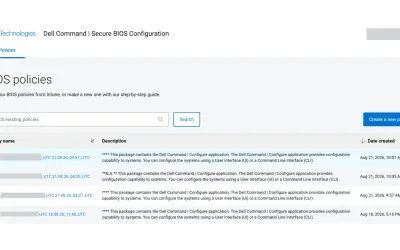
Dell Command | Secure BIOS Configuration
Cloud-based tool that replaces BIOS passwords with certificate-based configuration management for Dell commercial devices.
Dell TechnologiesPaid
Manage, organize, and share bookmarks within Microsoft Teams.
Hyperlinks organizes bookmarks in Microsoft Teams using link lists and categories. Links can include websites, team sites, files, and conversations, with icons and favorites available. Link lists can remain private or be shared in Teams channels for collaborative editing.
Groups bookmarks into link lists and categories within Microsoft Teams.
Adds websites, team sites, files, and conversations to link lists.
Displays links with icons and allows individual links to be marked as favorites.
Shares link lists with colleagues in Microsoft Teams channels.
950 plugins in Microsoft Teams · Collaboration
Price distribution: 19 free, 11 freemium, 100 paid, 820 price not published
Cloud-based tool that replaces BIOS passwords with certificate-based configuration management for Dell commercial devices.
Dell Technologies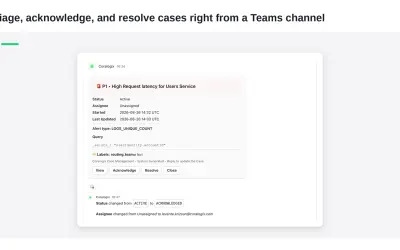
Delivers Coralogix observability notifications and case previews directly into Microsoft Teams channels for review and action.
Coralogix LTD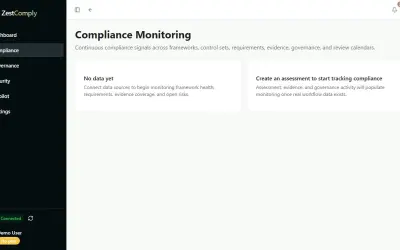
ZestComply manages industry frameworks, generates policies and control mappings, and produces defensible evidence.
"Zest Creations."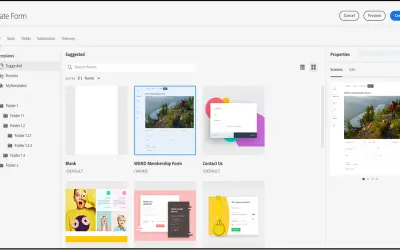
A DAM and CMS for building websites, mobile apps, and forms that delivers marketing content and assets to any channel.
Adobe US«With Hyperlinks you can manage, categorize, and visualize your bookmarks in Microsoft Teams®. Collect all your relevant links in link lists and different categories to keep a better overview and find your links quickly. Share your links to a teams channel and edit them together with your colleagues. Structured …»