CoreGPT AI for Outlook
CoreGPT AI for Outlook drafts, replies, summarizes, and translates emails inside Microsoft Outlook using GLM and GLM.
Shhapps Ltd. Liability Co.Price not published
Send large attachments through Outlook using a dedicated server, with expiry, extraction codes, tracking, and storage controls.
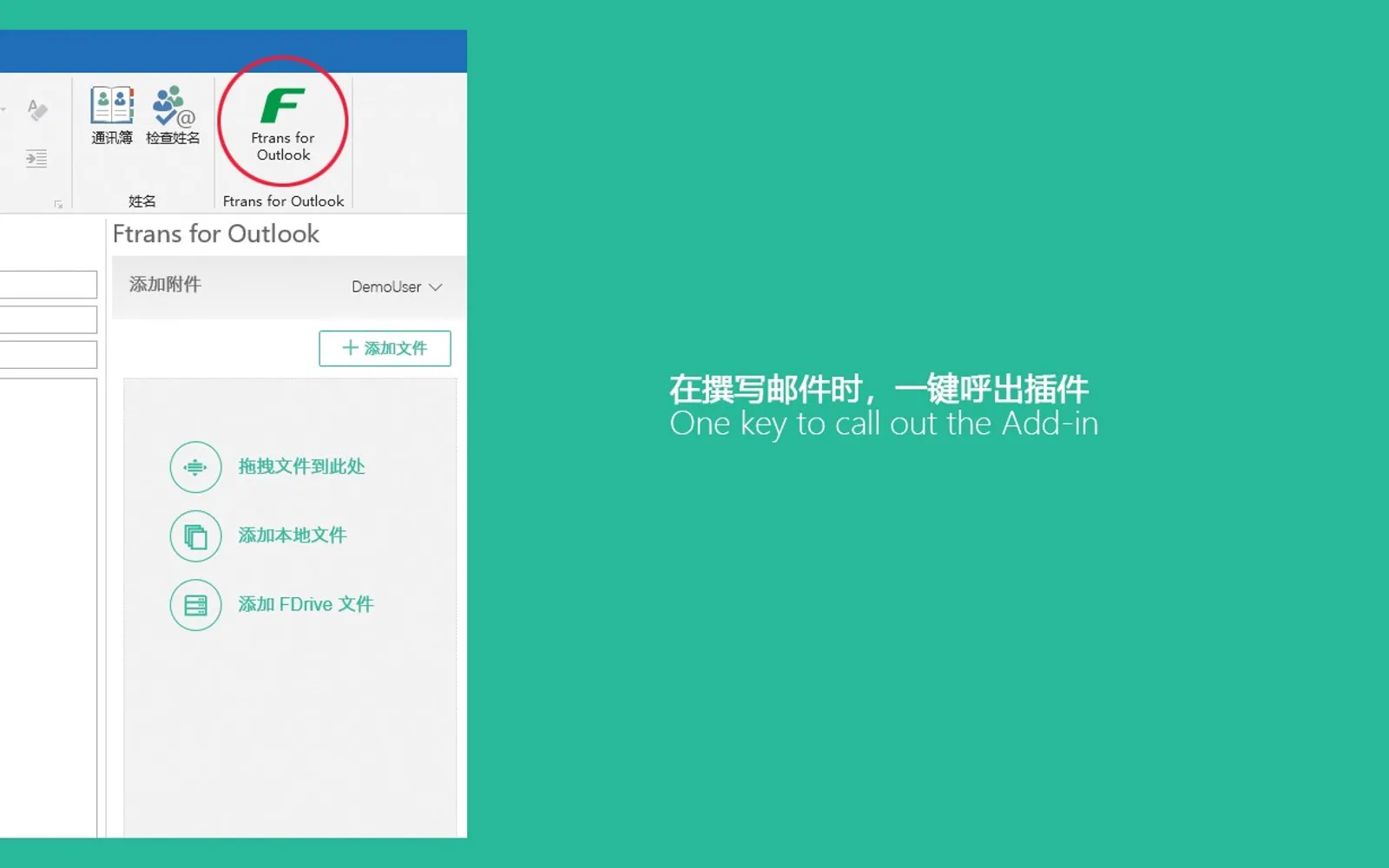
Ftrans for Outlook uploads attachments to a dedicated server instead of storing them in personal mailboxes. It supports interrupted-transfer resumption, attachment expiry, extraction codes, and download-status tracking. Files and folders stored in its built-in cloud storage can be sent as attachments without another upload. Enterprise administrators can set storage, upload-size, and file-type limits and integrate user accounts with LDAP or AD.
Attachments are uploaded to a dedicated server rather than stored in personal mailboxes.
Large-file uploads can resume after an interruption.
Attachments can be assigned an expiry period and become unavailable afterward.
Recipients need an extraction code to download attachments.
Files or folders in the built-in cloud storage can be sent without uploading them again.
Senders can track whether recipients have downloaded attachments.
Enterprise administrators can set storage, upload-size, and file-type limits for different users.
User accounts can be integrated with existing enterprise LDAP or AD domains.
Enterprise administrators and Outlook users who need to send large attachments.
23 plugins in Outlook · Utilities
Price distribution: 8 paid, 15 price not published
CoreGPT AI for Outlook drafts, replies, summarizes, and translates emails inside Microsoft Outlook using GLM and GLM.
Shhapps Ltd. Liability Co.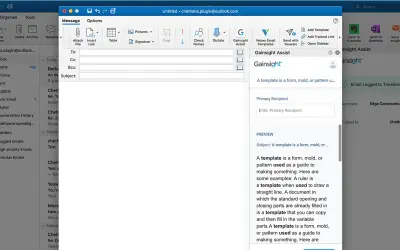
Gainsight Assist lets users access Gainsight email templates and log messages to the Gainsight Timeline directly from Outlook.
Gainsight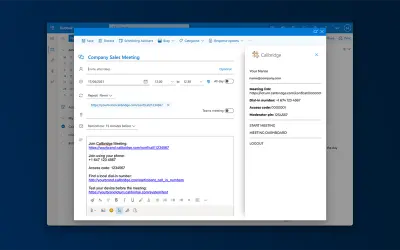
Adds the Callbridge meeting URL and information to the body of new or existing Microsoft Outlook calendar events.
Iotum Inc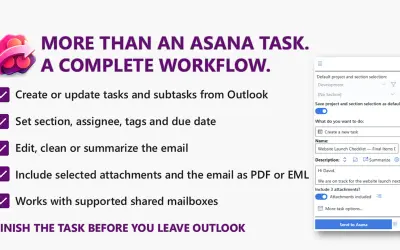
Send to Asana converts Outlook emails into structured Asana tasks and subtasks with configurable fields and attachments.
Kryl Solutions«通过邮件安全地发送超大附件 Ftrans for Outlook 超大附件插件,让您轻松突破邮箱附件大小限制,安全可控地发送不限大小的邮件附件。 • 附件被上传至专用服务器,不占用户个人邮箱空间,降低Exchange Server资源压力。 • 高速上传与下载,通过大文件分块与并发传输等多种手段,最大化地利用网络带宽; • 支持断点续传,大文件上传不怕中断; • 支持设定附件有效期,过期附件自动失效,自动空间清理; • 支持设定附件提取码,只有获得提取码才能下载附件,多重保护数据安全; • 内置网盘空间,无需重复上传,可以直接将网盘中的文件或文件夹作为附件发送; • 附件状态持续跟踪,发件人可以跟踪收件人是否下载了附件; • …»