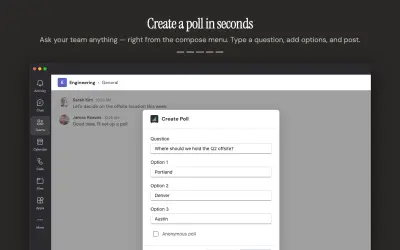
ChalkHR Polls & Surveys
Polls and surveys tool for Microsoft Teams with anonymous voting, auto-close, scheduled sends, and multiple question types.
ChalkHRPrice not published
Create forms, quizzes, branching questions, and polls in Microsoft Teams, with response visualization and Excel export.
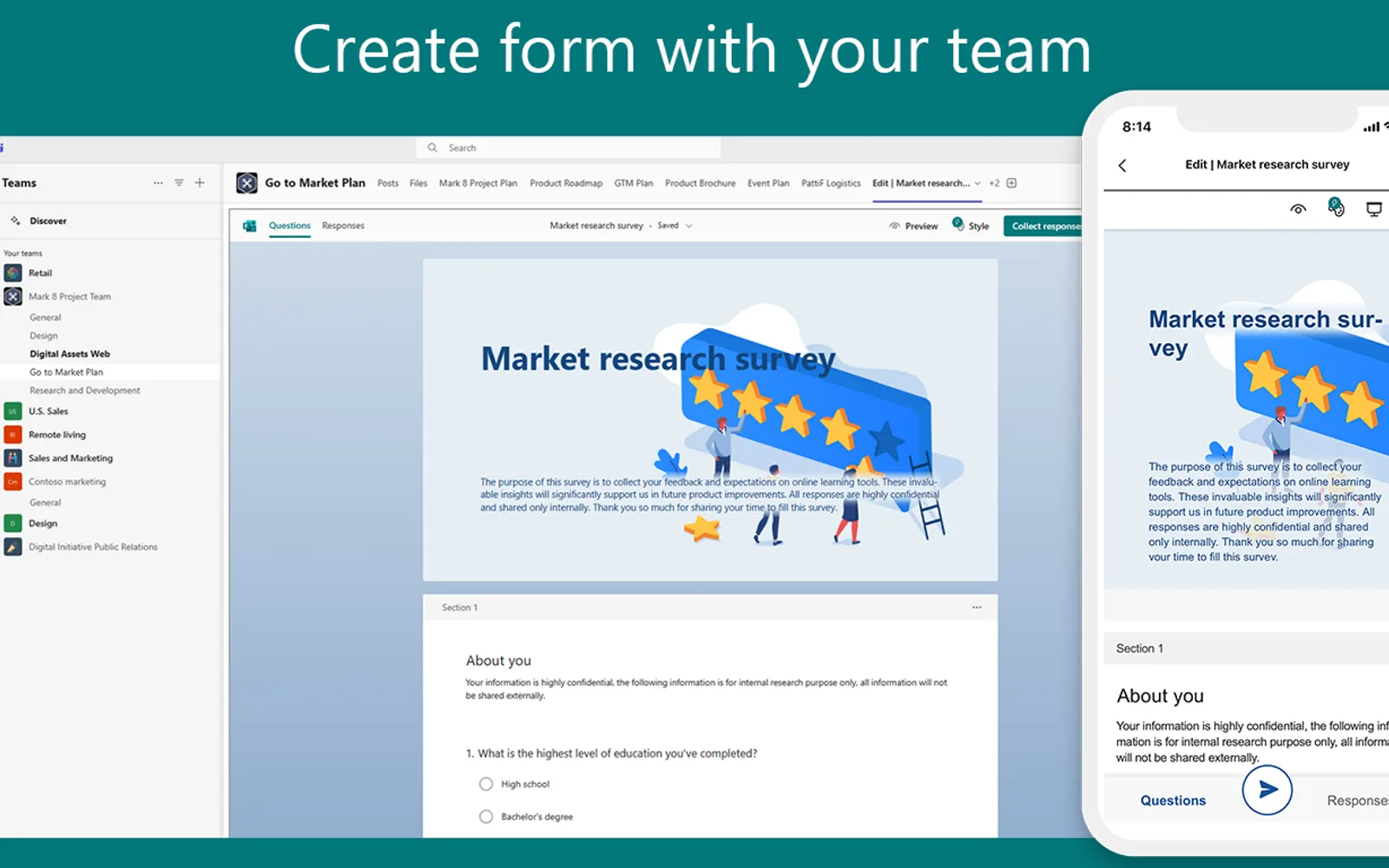
Creates forms in Microsoft Teams for collecting feedback and detailed information, including branching questions. Displays response data and supports advanced analysis. Quizzes can assess student progress, with answers exportable to Excel. Polls can be launched in meetings or chats to collect real-time feedback.
Creates forms in Microsoft Teams with form-building tools and design suggestions.
Uses branching questions to collect quick feedback or more detailed information.
Visualizes response data and supports advanced analysis.
Supports quizzes for assessing student progress and exporting answers to Excel.
Launches polls in meetings or chats to collect real-time feedback.
Forms for Microsoft Teams and ChalkHR Polls & Surveys both use cloud deployment and have unknown pricing. This listing was updated on Apr 2026, while ChalkHR Polls & Surveys was updated in May 2026.
| Name | Pricing | Deployment | Updated |
|---|---|---|---|
| this plugin | Price not published | Cloud | |
| ChalkHR Polls & Surveys | Price not published | Cloud |
151 plugins in Microsoft Teams · Data Management
Price distribution: 2 free, 2 freemium, 42 paid, 105 price not published
Polls and surveys tool for Microsoft Teams with anonymous voting, auto-close, scheduled sends, and multiple question types.
ChalkHR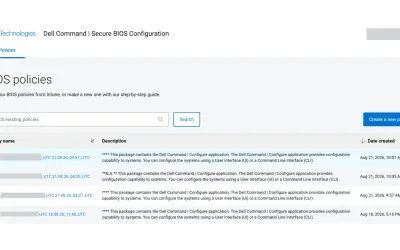
Cloud-based tool that replaces BIOS passwords with certificate-based configuration management for Dell commercial devices.
Dell Technologies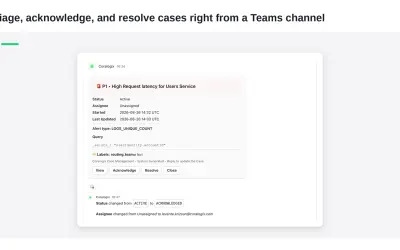
Delivers Coralogix observability notifications and case previews directly into Microsoft Teams channels for review and action.
Coralogix LTD
ZestComply manages industry frameworks, generates policies and control mappings, and produces defensible evidence.
"Zest Creations."«Forms empower you to collect better data and make better decisions. Use Forms in Microsoft Teams to:\n* Create effective forms with easy-to-use tools and clear design suggestions.\n* Get quick feedback or collect more detailed information with branching questions.\n* Instantly visualise response data and advanced …»