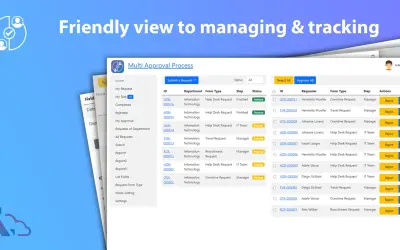
Multi Approval Process
Builds unlimited approval systems and workflows without coding for Microsoft SharePoint, with support for Teams and Outlook.
LTAPPS SOFTWARE CO.,LTD.Price not published
Models and automates business workflows in Power Automate, including request forms, approvals, tracking, notifications, and reports.
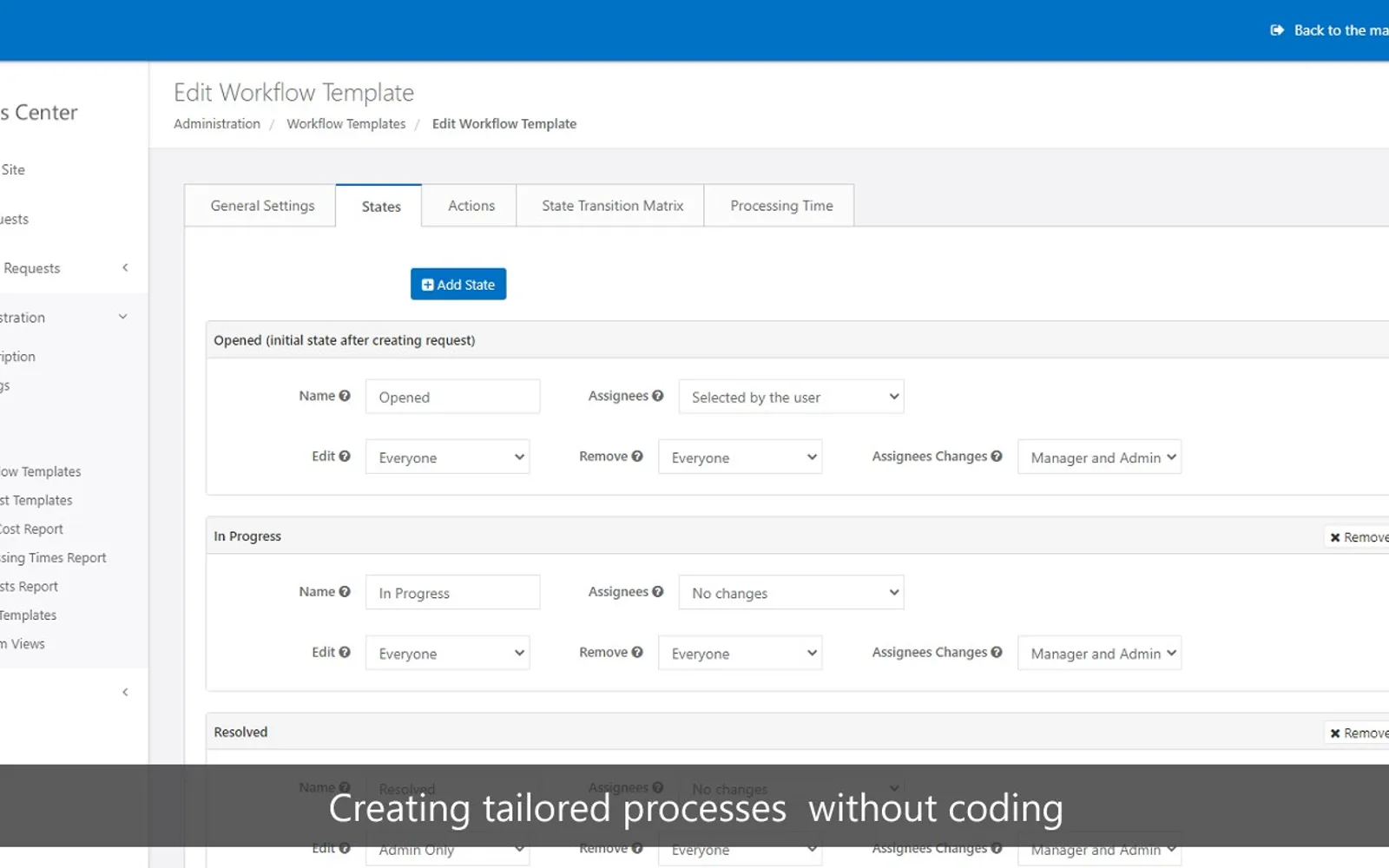
Forms Center lets non-technical users design no-code workflows for business processes such as invoice approval, and expense tracking. Administrators can create request forms with custom fields, workflow steps, access levels, notifications, assignments, attachments, and audit logs. Reports can be customized and exported to CSV, PDF, or XLS. Requests can also be exported to a native SharePoint list.
Workflow templates and an editor allow users to design workflows without code.
Request templates support forms such as HR, IT, and expense requests with custom fields and workflows.
Administrators can add fields including text, choice, number, and currency.
Access levels can be configured for regular users, managers, and administrators.
Each object has an audit log that records changes such as creation and editing.
Email notifications can be configured for each process step.
Requests can be assigned automatically to staff members for each workflow state.
Reports and custom report views support filtering and export to CSV, PDF, or XLS.
Forms Center names non-technical users, administrators, regular users, managers, and staff members.
Forms Center and Multi Approval Process use cloud deployment and have unknown pricing; Forms Center was updated on Feb 2024, while Multi Approval Process was updated on Jan 2024. Autopilot Accounts Payable AI and Approval System also use cloud deployment with unknown pricing, and were updated on Mar 2026 and Aug 2026. Organimi has paid pricing and cloud deployment, while Policy management software - Xoralia has free pricing and cloud deployment.
| Name | Pricing | Deployment | Updated |
|---|---|---|---|
| this plugin | Price not published | Cloud | |
| Multi Approval Process | Price not published | Cloud | |
| Autopilot Accounts Payable AI | Price not published | Cloud | |
| Approval System | Price not published | Cloud | |
| Organimi | Paid | Cloud | |
| Policy management software - Xoralia | Free | Cloud |
1,706 plugins in Power Automate · Analytics
Price distribution: 90 free, 139 freemium, 726 paid, 751 price not published
Builds unlimited approval systems and workflows without coding for Microsoft SharePoint, with support for Teams and Outlook.
LTAPPS SOFTWARE CO.,LTD.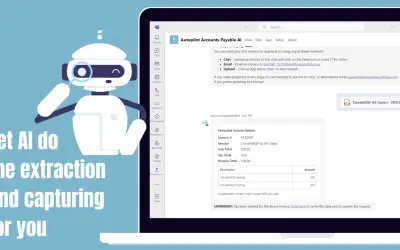
Automates supplier invoice upload, assignment, approval, and tracking in Microsoft Teams and Copilot for Microsoft 365.
Autopilot Workflow Solutions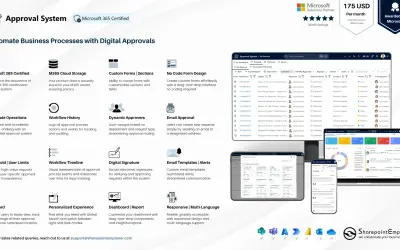
Manages requests and approvals for companies on Microsoft platforms, with SharePoint web part and multi-language support.
SharepointEmpower Private Limited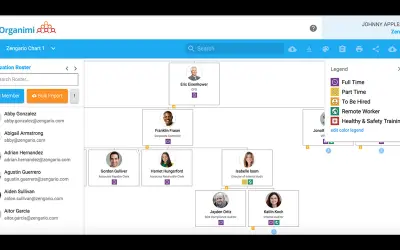
Organimi is purpose-built org chart software for creating, sharing, and printing organizational charts for your workplace.
Organimi«Eliminating manual, paper-based processes by business process automation is key to a successful digital transformation. Forms Center allows you to model and automate key business processes in your organization in a fast and efficient way. Non-technical people can design no-code workflows that manage any kind of …»