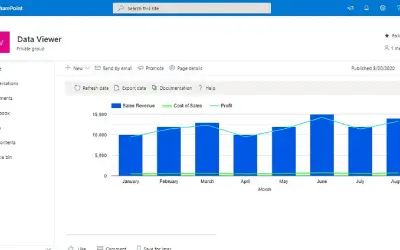
Lightning Tools Data Viewer
Lightning Tools Data Viewer lets SharePoint and Teams users build data views and charts from multiple sources without code.
Lightning ToolsPrice not published
Explore worksheet and file data through linked visualizations and tables in Excel.
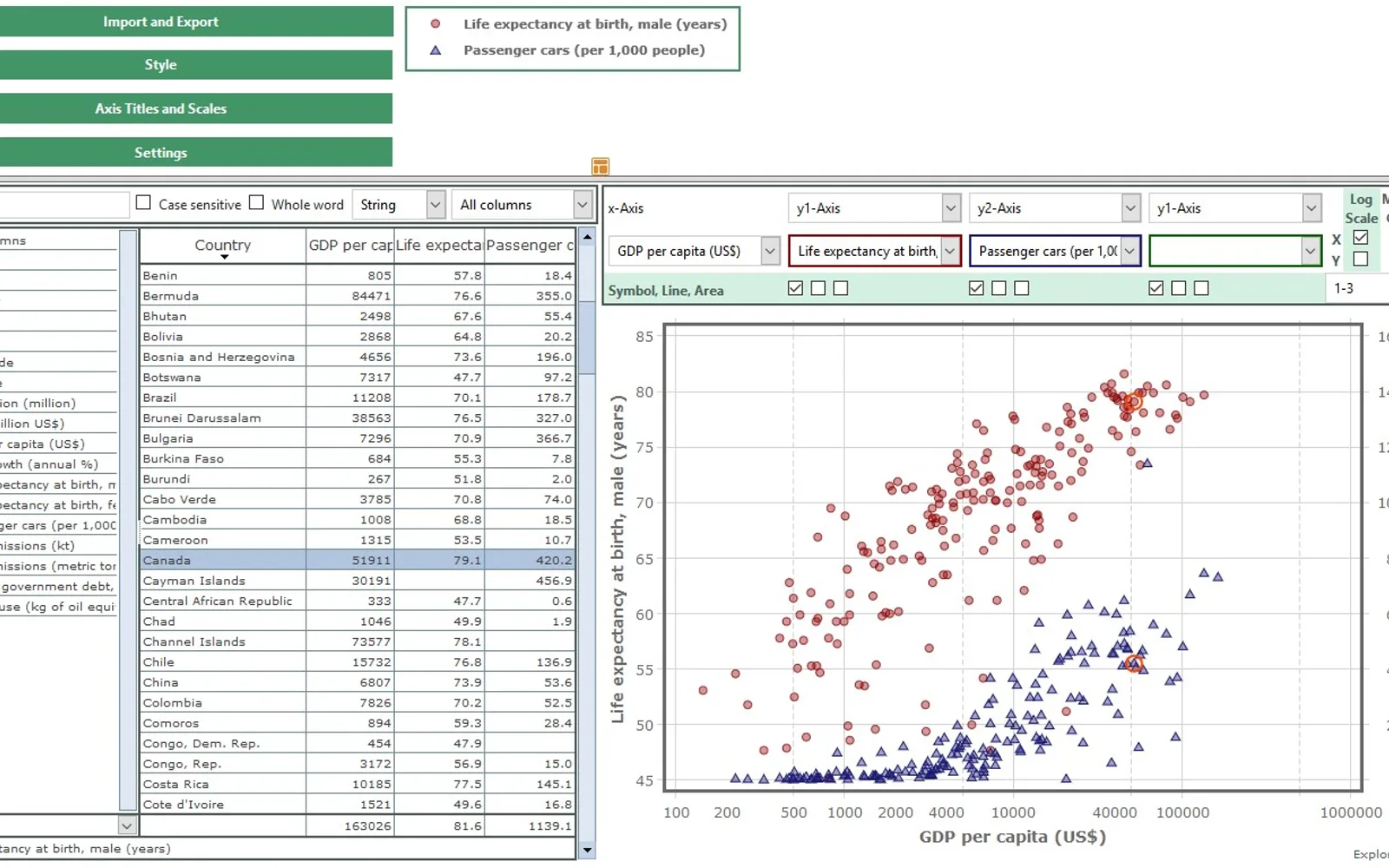
ExploreTheData turns selected Excel ranges, CSV files, or JavaScript data files into charts and tables. Available charts include line, scatter, and area types, with linear or logarithmic axes. Tables support selecting rows, ordering and filtering records, searching values, and calculating column statistics. Selections and filters are reflected between the table and chart, while style and JavaScript configuration files provide customization options.
Builds line, scatter, and area charts with either linear or logarithmic axes.
Provides row selection, sorting, search, and filtering for imported data.
Connects table records and chart marks so related selections are shown in both views.
Allows sum, mean, minimum, and maximum calculations on table columns.
Accepts CSV files, JavaScript data files, and cell ranges from Excel worksheets.
Allows style files and JavaScript configuration files to define available data and style choices.
446 plugins in Excel · Analytics
Price distribution: 8 free, 17 freemium, 142 paid, 279 price not published
Lightning Tools Data Viewer lets SharePoint and Teams users build data views and charts from multiple sources without code.
Lightning Tools
Button-based slicer for Power BI that can be arranged horizontally or as a matrix, with cross highlighting and image support.
Microsoft Corporation
Automates formulas, data cleanup, reporting, and bulk row-by-row tasks in Microsoft Excel from plain-language prompts.
TALARIAN S. à r.l.
Artemis Sheets pulls blockchain, protocol, and stablecoin metrics into Excel workbooks using CapIQ-like formula syntax.
Artemis Analytics«ExploreTheData enables you to visualize and explore your data with interactive, cross-linked charts and tables. To create a chart with automatic settings, simply select the data and the variables to be plotted. The add-in provides you different views and helps you gain useful insights about the data. It is powered by …»