Tented
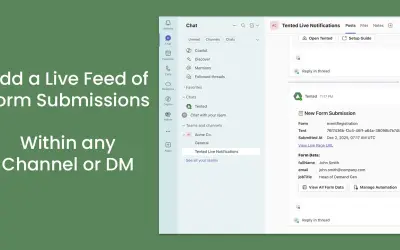
Tented delivers real-time form submission alerts from published tents to Microsoft Teams channels or personal DMs.
TentedPrice not published
Connects Excel data with Word or PowerPoint files for repeat document updates and template-based generation.
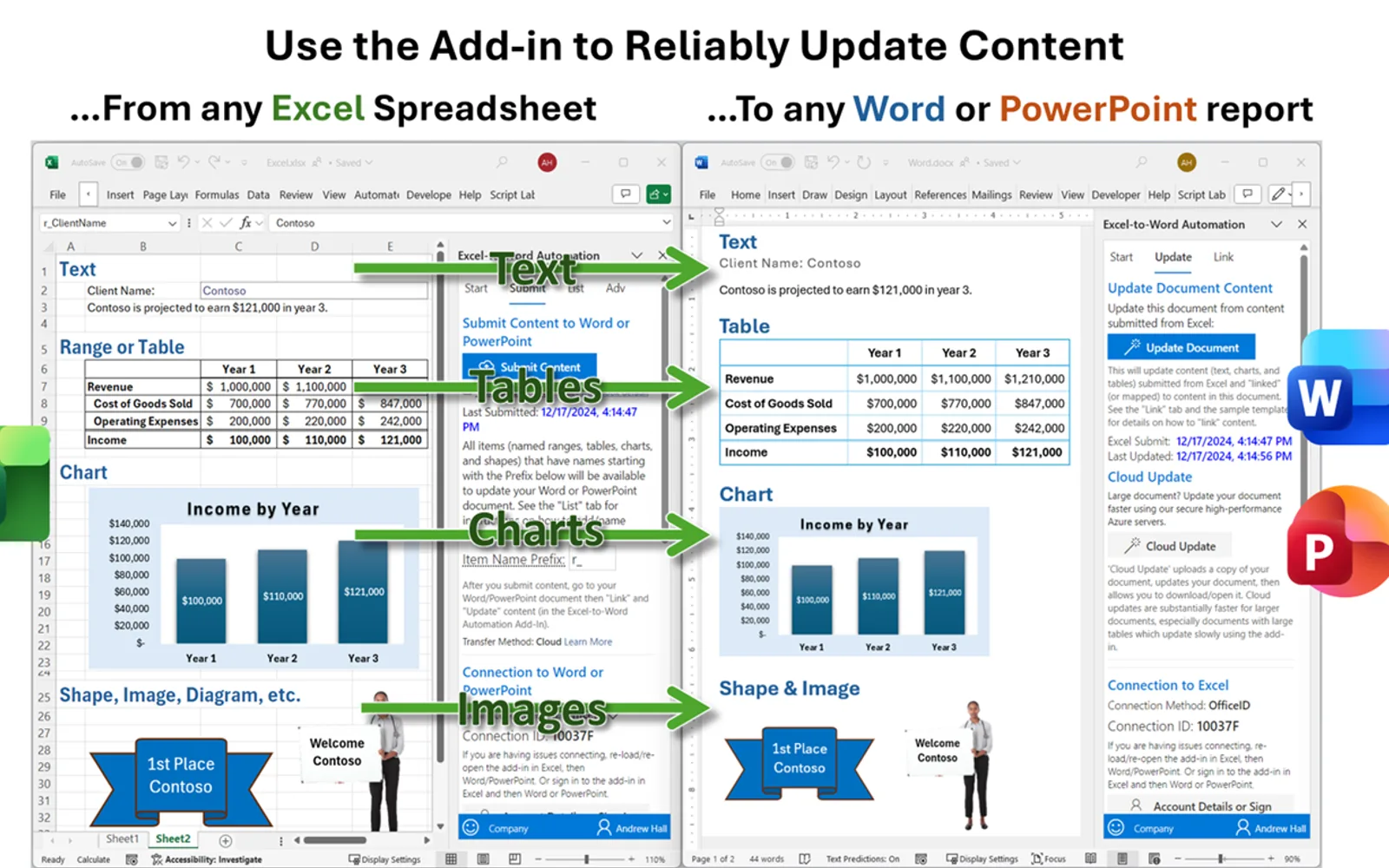
Creates links between named Excel content and locations in Word or PowerPoint files. Submitted workbook content is stored locally in the browser and can later be loaded into linked documents. The add-in supports conditional sections, formatting choices, reusable templates, multi-file updates, shared documents, and workbook-to-workbook transfers. It requires Microsoft Office 365 or Office 2019+ on Windows or Mac.
Connects named cells, ranges, tables, shapes, and charts with destinations in Word or PowerPoint.
Loads submitted Excel content into linked files when an update is run.
Uses Excel logic to determine which report content appears.
Supports personal templates and administrator-approved templates for creating or updating documents.
Offers source or destination styling, conditional formatting, HTML formatting, and image support.
Supports updates across several documents or workbooks, including partial files and copied files.
The listing names sales and marketing teams, reporting teams, technical documentation teams, individual users, large organizations, administrators, and developers.
This listing and Tented both use cloud deployment and have unknown pricing models; this listing shows an update date of Aug 2026, compared with Dec 2025 for Tented. Slide Generator: AI-Powered Presentation Creator and Email Signature Management for Office 365 also use cloud deployment and have unknown pricing models, with update dates of Feb 2025 and Feb 2026.
| Name | Pricing | Deployment | Updated |
|---|---|---|---|
| this plugin | Price not published | Cloud | |
| Tented | Price not published | Cloud | |
| Slide Generator: AI-Powered Presentation Creator | Price not published | Cloud | |
| Email Signature Management for Office 365 | Price not published | Cloud |
1,316 plugins in Microsoft 365 · Analytics
Price distribution: 46 free, 56 freemium, 439 paid, 775 price not published
Tented delivers real-time form submission alerts from published tents to Microsoft Teams channels or personal DMs.
Tented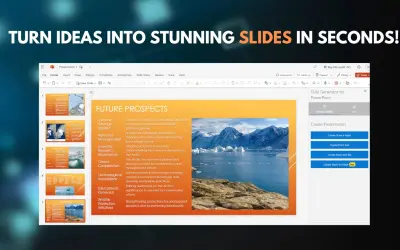
A Microsoft PowerPoint add-in (web and desktop) that turns ideas into complete presentations with GPT-driven content generation.
Online Ocigrup SL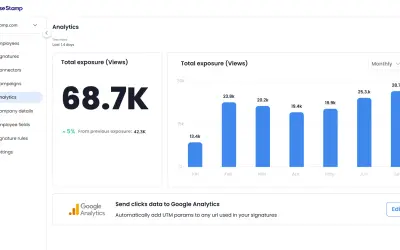
Automates signature deployment, governance, and banner campaigns across Microsoft 365 and Exchange from one dashboard.
WiseStamp Signatures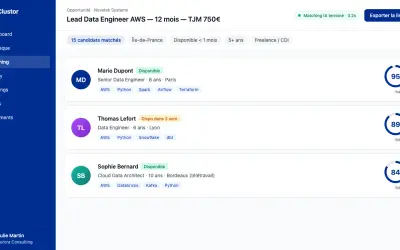
Clustor automates candidate matching, skills portfolio generation, and prospect sourcing for IT services and staffing firms.
Clustor«This powerful add-in merges Excel content into any Word or PowerPoint document using reliable links. Eliminate manual updates, reduce errors, and boost productivity. Automate proposals, reports, valuations, and more—no coding required. Key Benefits • Boost productivity - eliminate repeated copy/paste. • Use reliable …»