Project Portfolio Management for Jira
Plan Jira portfolios, track sprints, and review project and team activity with charts and dashboards.
ConvertonFreemium
Visualize Jira Epics on a sprint calendar and track issue progress across sprints.
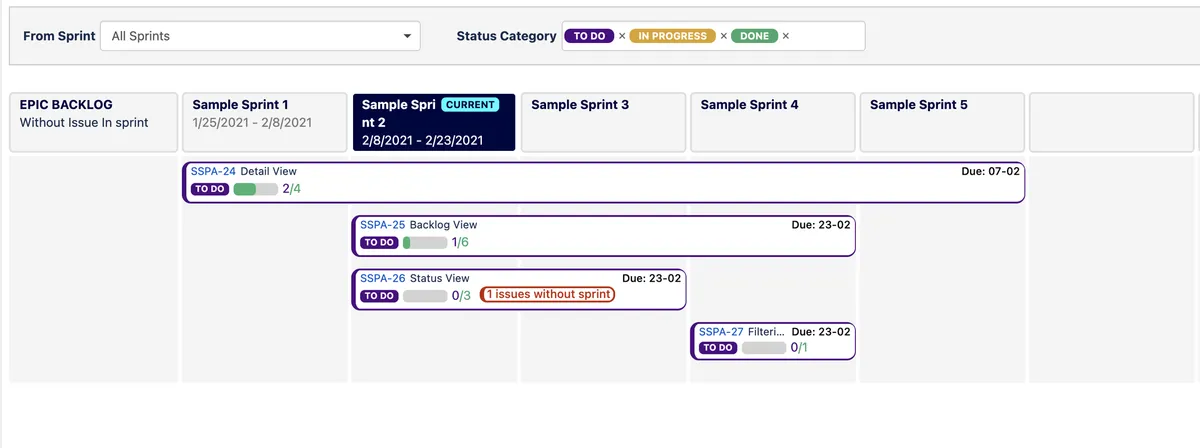
Displays board Epics in a Gantt-style sprint calendar view. Shows progress for each Epic based on completed issues and identifies issues remaining in the backlog. Epic drill-down displays related issues, involved sprints, and issues moved to later sprints. Filters can limit the view by Epic status and by the number of prior sprints shown.
Shows board Epics in a Gantt-style calendar organized by sprints.
Displays the number of completed issues for each Epic.
Shows an Epic's issues and the sprints in which they participate.
Identifies Epics and related issues that still have work in the backlog.
Filters the timeline by Epic status and the number of prior sprints.
Shows issues that were not completed in one sprint and continued into another.
Epic Timeline is paid and supports data-center, cloud, and server deployments. Project Portfolio Management for Jira is freemium and cloud-only.
| Name | Pricing | Deployment | Updated |
|---|---|---|---|
| this plugin | Paid | Cloud · Data Center · Server | |
| Project Portfolio Management for Jira | Freemium | Cloud |
1,328 plugins in Jira · Project Management
Price distribution: 444 free, 418 freemium, 466 paid
Plan Jira portfolios, track sprints, and review project and team activity with charts and dashboards.
Converton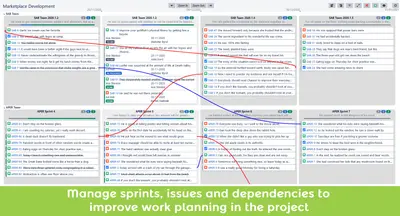
Manage large projects involving multiple teams across sprints in Jira.
Minty Minds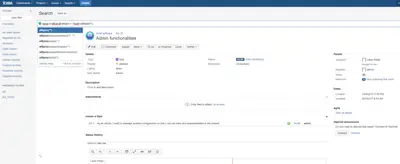
Search Agile epics, stories, issues, and subtasks in Jira with specialized JQL functions.
Lime Trees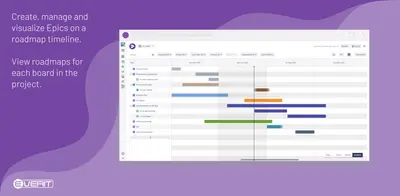
Build Jira board roadmaps with Epics, linked Issues, dependencies, milestones, sprints, and schedule changes.
EverIT by catworkx«See all the board Epics visualized in a work gantt chart calendar view (Sprints). You can view the roll-up of progress for each Epic (count of how many issues are completed). Drill down the Roadmap on a specific Epic to see its details, to focus on its issues with the issues view and see which issue participate on …»