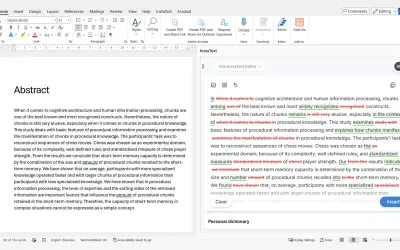
InstaText
InstaText, built for Microsoft Word, suggests improvements to clarity, sentence flow, and word choice in your text.
InstaText d.o.o.Price not published
Apply syntax highlighting to code fragments in Microsoft Word documents.
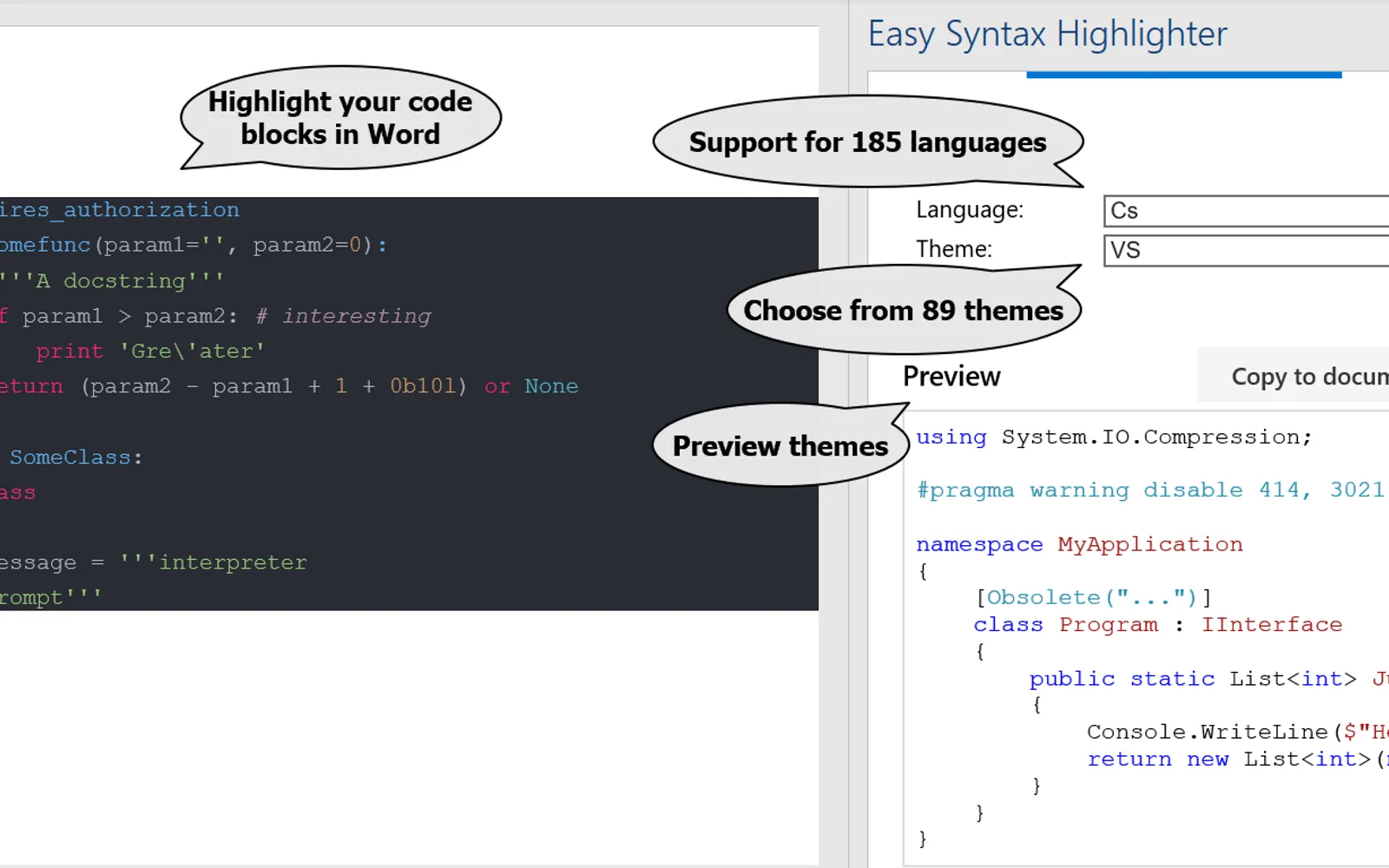
Applies syntax highlighting to selected code fragments in Microsoft Word documents. The “Highlight Selection” button starts highlighting for a selected code block. The add-in supports automatic language detection and code containing multiple languages. It includes 185 programming languages and 89 themes.
Applies syntax highlighting to selected code fragments in Microsoft Word documents.
Detects the code language automatically.
Supports syntax highlighting for 185 programming languages.
Offers 89 themes for syntax highlighting.
34 plugins in Word · Utilities
Price distribution: 3 paid, 31 price not published
InstaText, built for Microsoft Word, suggests improvements to clarity, sentence flow, and word choice in your text.
InstaText d.o.o.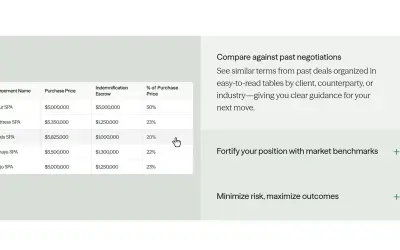
Draftwise executes contract drafting, review, and search workflows within Microsoft Word using an organization's legal knowledge.
DraftWise Inc
Autopilot integrates Zhipu AI and other AI models into Microsoft Excel, PowerPoint, and Word on Windows, Mac, Web, and iPad.
Smart Barn Technologies
Ghostwriter Author is a Microsoft Word add-in that applies Zhipu AI, Azure, and other AI models to writing and text tasks.
Smart Barn Technologies«Apply syntax highlighting to code fragments in your Microsoft Word documents. • 185 languages and 89 themes. • Automatic language detection. • Multi-language code highlighting. Easy to use. Just select the block of code in your document and press the "Highlight Selection" button. Choose from 89 different themes and …»