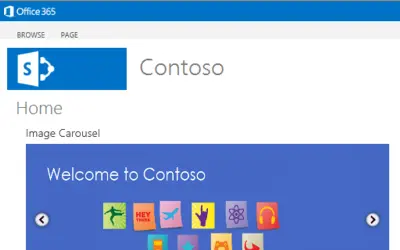
Image Carousel
Image Carousel is a SharePoint hosted app that slides multiple configurable images with adjustable size, order, and links.
Gaurav BadhanPrice not published
Add captioned image slideshows with expiration dates and five display modes to SharePoint 2013 websites.
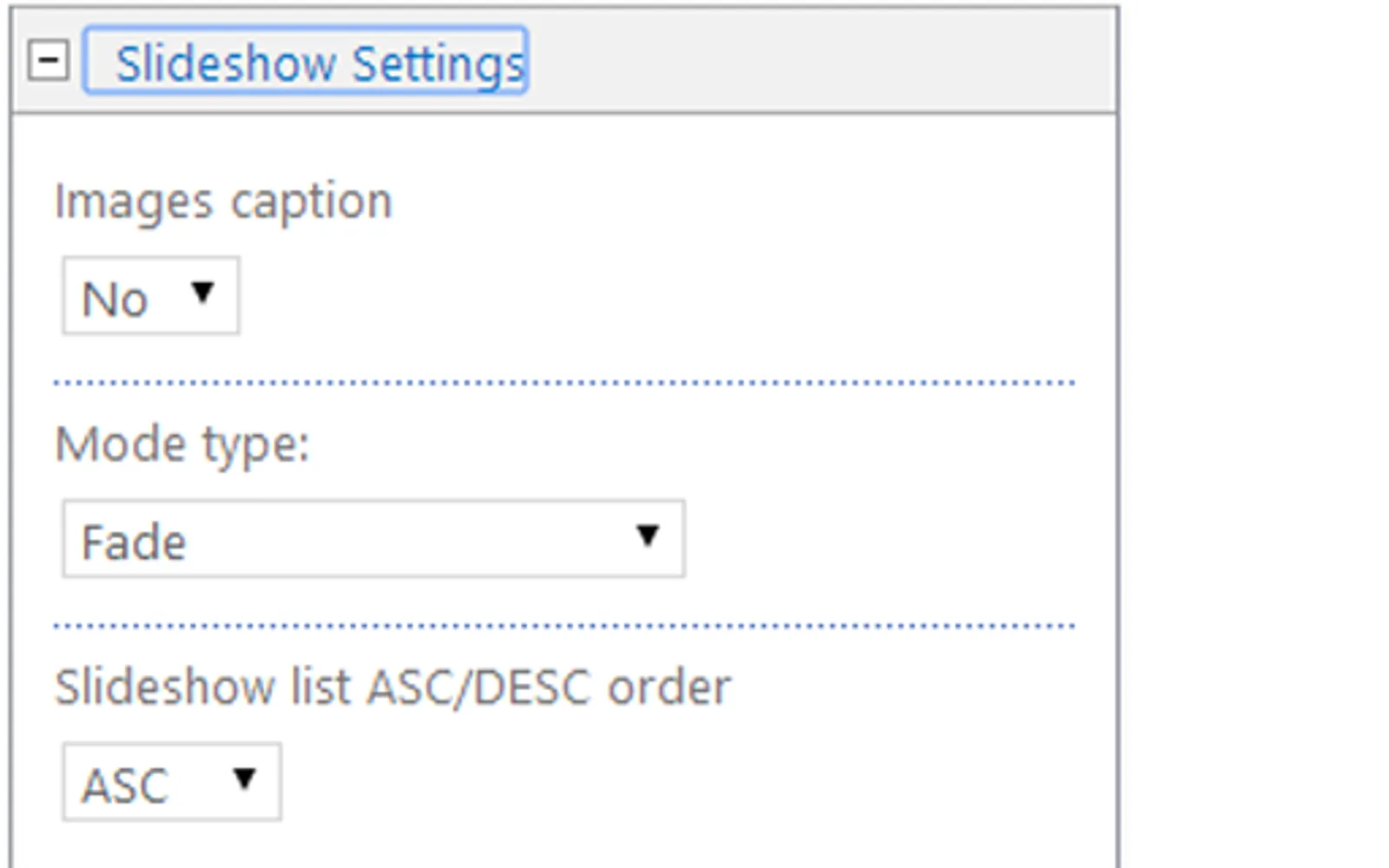
Adds image slideshows to SharePoint 2013 websites. Images can be uploaded, changed, deleted, activated, deactivated, archived, ordered, and given captions or expiration dates. The app supports five display modes, multiple slideshows on one page, and up to 10 images per slideshow.
Upload, change, delete, activate, deactivate, and archive slideshow images.
Add information to images and enable or disable captions for all images.
Set an expiration date after which a slide is not published.
Use fade, vertical, ticker, carousel, or vertical carousel mode.
Display uploaded images in ascending or descending order.
Run multiple slideshows on the same page.
Dynamic slideshow, Image Carousel, and Image Slideshow are listed for cloud deployment. Dynamic slideshow was updated on Jan 2020, while Image Carousel and Image Slideshow were updated in Apr 2022. Pricing is unknown for all three listings.
| Name | Pricing | Deployment | Updated |
|---|---|---|---|
| this plugin | Price not published | Cloud | |
| Image Carousel | Price not published | Cloud | |
| Image Slideshow | Price not published | Cloud |
23 plugins in SharePoint · Design & Engineering
Price distribution: 1 paid, 22 price not published
Image Carousel is a SharePoint hosted app that slides multiple configurable images with adjustable size, order, and links.
Gaurav Badhan
Image Slideshow displays SharePoint picture library images in a configurable FlexiSlider-based responsive slideshow app part.
SR1 Development Limited
Manages requests and approvals for companies on Microsoft platforms, with SharePoint web part and multi-language support.
SharepointEmpower Private Limited
Fully managed AI chatbot for SharePoint, powered by Claude, that answers from your documents with no API key required.
OBTechnologies«Dynamic slideshow SharePoint 2013 App is simple, very easy to use for your SharePoint 2013 web site. The product allows you to adding caption, activate/deactivate images and expiration date of any slide so after that date the slide will not be published. Features: 5 Views mode types: Fade mode, vertical mode, ticker …»