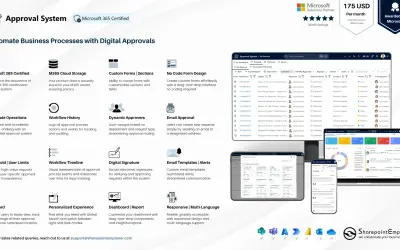
Approval System
Manages requests and approvals for companies on Microsoft platforms, with SharePoint web part and multi-language support.
SharepointEmpower Private LimitedPrice not published
View CAD, vector, 3D, raster, and archive files in SharePoint.
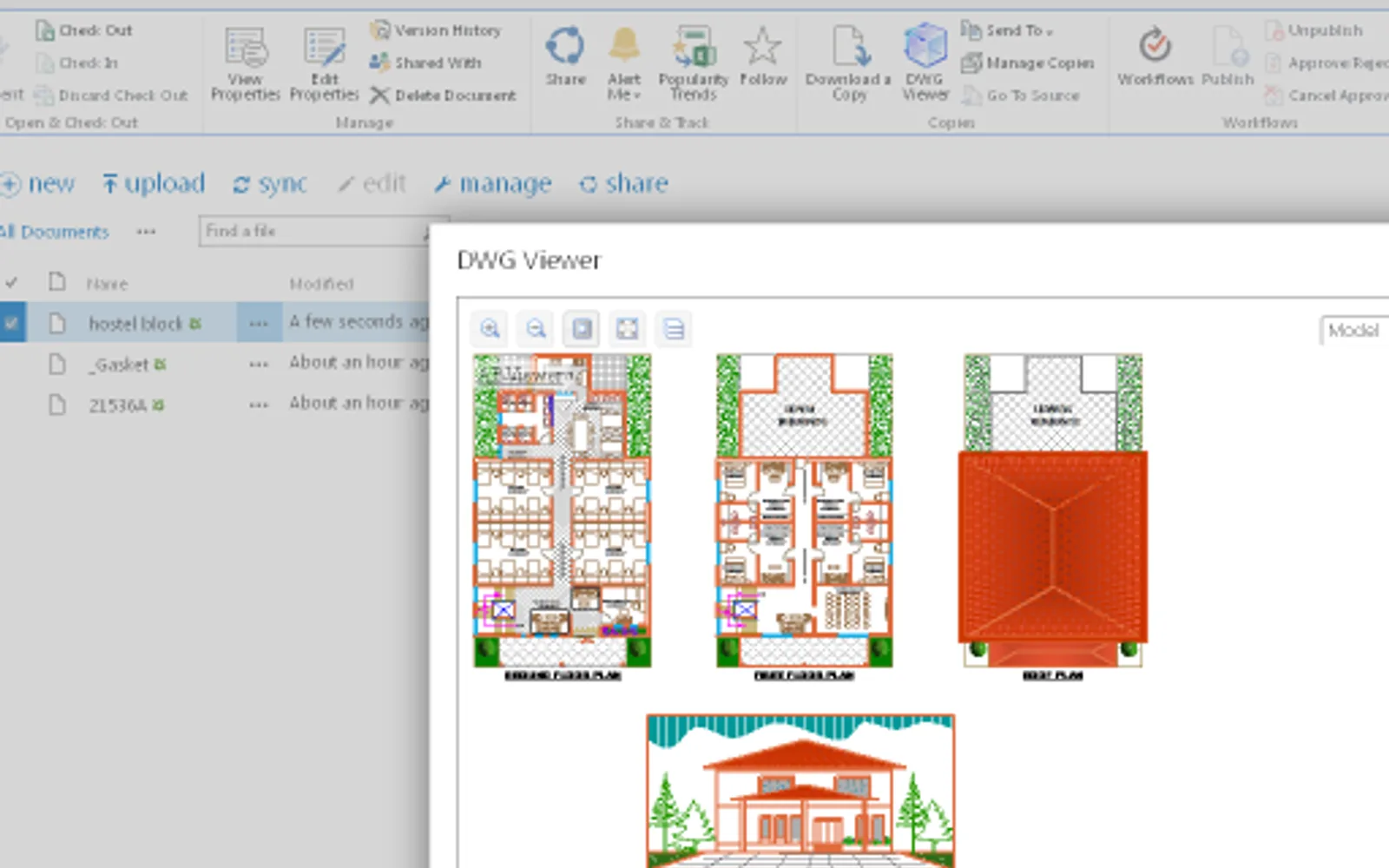
DWG Viewer supports viewing CAD files in SharePoint. Supported file groups include CAD, vector, 3D, raster, and archive formats. The listing also references Web CAD SDK for SharePoint in an intranet.
Supports AutoCAD DWG, DXF, DWF, HPGL, PLT, and CGM files.
Supports PDF, SVG, EMF, and WMF vector files.
Supports STEP, STP, IGES, IGS, BREP, STL, and SAT files.
Supports PNG, BMP, JPG, GIF, TIFF, TGA, and CAL files.
Supports 7z, RAR, CAB, ZIP, BZIP, and TAR archives.
23 plugins in SharePoint · Design & Engineering
Price distribution: 1 paid, 22 price not published
Manages requests and approvals for companies on Microsoft platforms, with SharePoint web part and multi-language support.
SharepointEmpower Private Limited
Fully managed AI chatbot for SharePoint, powered by Claude, that answers from your documents with no API key required.
OBTechnologies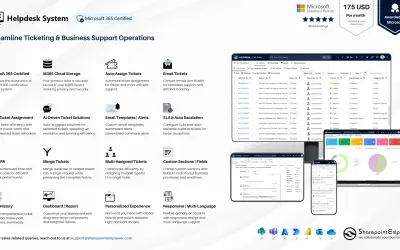
A cloud-based ticket management system for Microsoft platforms that centralizes support tasks and tracks resolution times.
SharepointEmpower Private Limited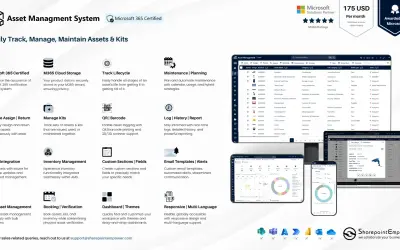
Tracks physical and digital assets across their lifecycle, including location, cost, and renewal data, for Microsoft platforms.
SharepointEmpower Private Limited«STEP, STP, IGES, IGS, BREP, STL, SAT (ACIS®) Raster formats: PNG, BMP, JPG, GIF, TIFF, TGA, CAL Archives: 7z, RAR, CAB, ZIP, BZIP, TAR Please use Web CAD SDK for Sharepoint in Intranet: http://cadsofttools.com/products/web-cad-sdk/»