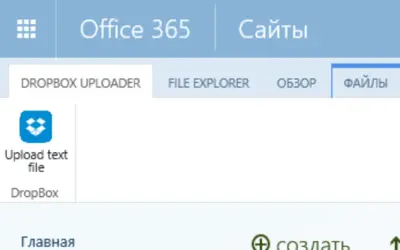
DropBox Uploader Lite
DropBox Uploader Lite loads .txt files from a DropBox account into a SharePoint Document Library via a web-based interface.
LimeOn GlobalPrice not published
Import Dropbox files into SharePoint document libraries, with file-size limits set by SharePoint configuration.
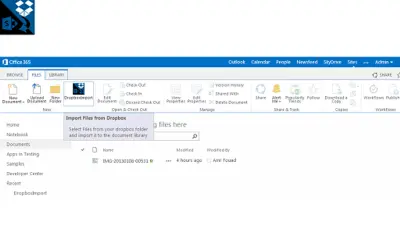
Imports Dropbox files into SharePoint document libraries. File-size limits follow the SharePoint configuration. Popups must be enabled, and Internet Explorer requires cross-domain data access.
Imports files from Dropbox into SharePoint document libraries.
Supports importing files into any SharePoint document library.
Applies file-size limits based on the SharePoint configuration.
Dropbox Import and DropBox Uploader Lite both use cloud deployment and have an unknown price type. Dropbox Import was updated on Apr 2022, while DropBox Uploader Lite was updated in Jan 2020.
| Name | Pricing | Deployment | Updated |
|---|---|---|---|
| this plugin | Price not published | Cloud | |
| DropBox Uploader Lite | Price not published | Cloud |
106 plugins in SharePoint · Data Management
Price distribution: 1 freemium, 21 paid, 84 price not published
DropBox Uploader Lite loads .txt files from a DropBox account into a SharePoint Document Library via a web-based interface.
LimeOn Global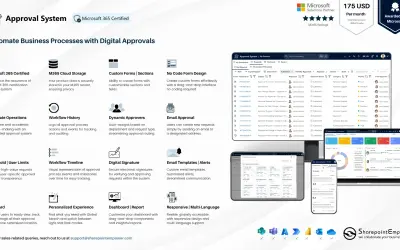
Manages requests and approvals for companies on Microsoft platforms, with SharePoint web part and multi-language support.
SharepointEmpower Private Limited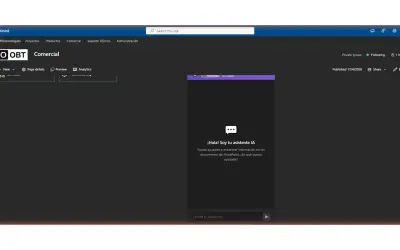
Fully managed AI chatbot for SharePoint, powered by Claude, that answers from your documents with no API key required.
OBTechnologies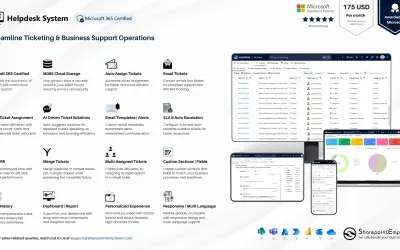
A cloud-based ticket management system for Microsoft platforms that centralizes support tasks and tracks resolution times.
SharepointEmpower Private Limited«This application enables you to import your dropbox files to any SharePoint document Library , Limitation on file size is based on your SharePoint configuration Please ensure that you enable popups and when using IE enable data across domains from IE options»