
Queues for Jira & JSM
Organizes Jira and JSM issues from multiple projects into shared queues with access controls and queue management.
DevinitiFreemium
Connects DingTalk with Jira for mobile issue management, project search, notifications, approvals, and QR-code login.
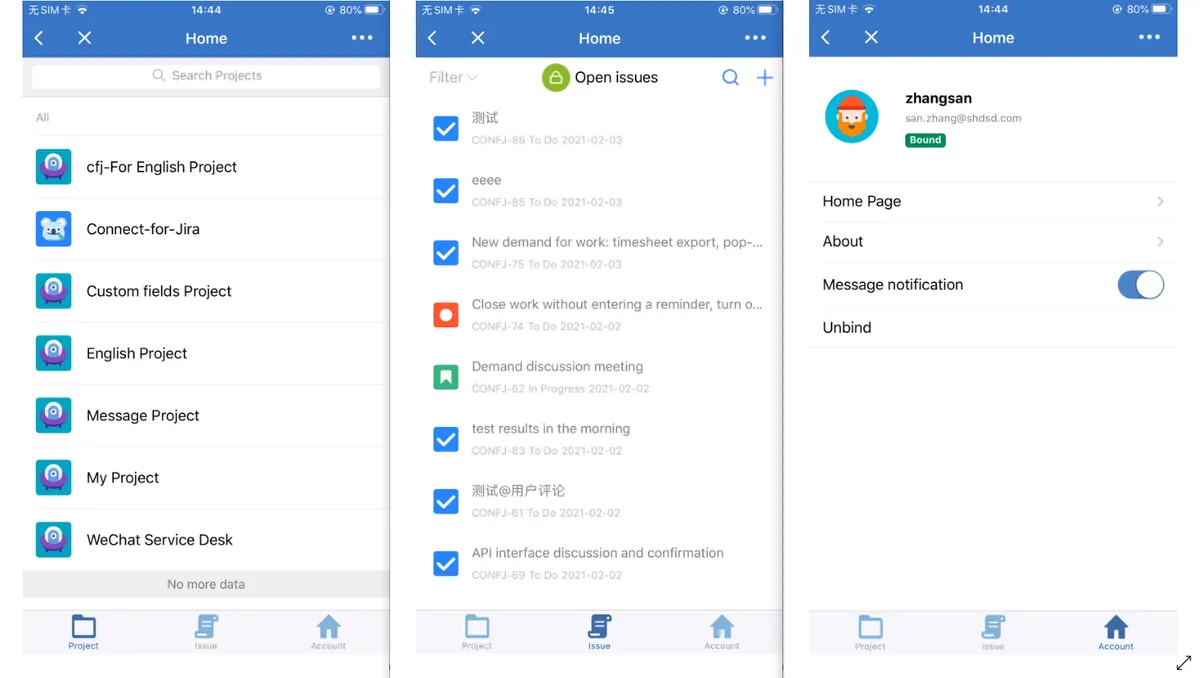
DingTalk for Jira connects DingTalk users with Jira users through configuration and account binding. Within the DingTalk app, users can create and edit issues, search projects, track issue statuses, retrieve issue content, and update selected Jira settings. The app sends notifications for messages, status approvals, status changes, and comments that mention users.
Users can create and edit Jira issues from the DingTalk app.
The DingTalk app supports searching Jira projects.
Users can track issue statuses such as completion, cancellation, and changes.
The app notifies designated users about messages, status approvals, status changes, and comments that mention users.
DingTalk users can scan a QR code in the app to log in to Jira.
Configuration settings associate DingTalk users with Jira users so bound users can access Jira without entering a username and password.
505 plugins in Jira · Project Management
Price distribution: 127 free, 198 freemium, 180 paid
Organizes Jira and JSM issues from multiple projects into shared queues with access controls and queue management.
Deviniti
Scheduled Jira exports create reports with custom fields, change history, and delivery by email, SFTP, download link, or API.
Advanced Insights
Embed shared Microsoft Power BI links in Jira issue tabs and dashboards with notes, images, PDFs, and other apps.
Apps+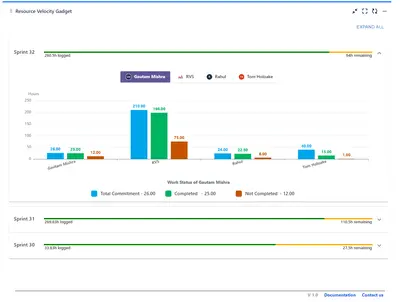
Track sprint progress and team velocity in Jira with dashboard gadgets, charts, and status views.
RVS Softek«This app makes office more convenient and efficient. You can do the following in DingTalk App: Create issue / edit issue. Project search. Issue status tracking (complete, cancel, change, etc.). Issue content retrieval. Change the user's profile picture. Change home page filter display. Message notification function …»