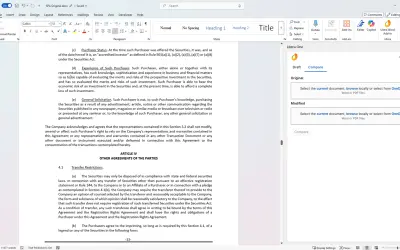
Litera One for Word
Litera One for Word automates legal drafting tasks using AI-powered insights within the Microsoft Word interface.
LiteraPrice not published
Load definitions into Word and look up terms while drafting or reviewing legal documents.
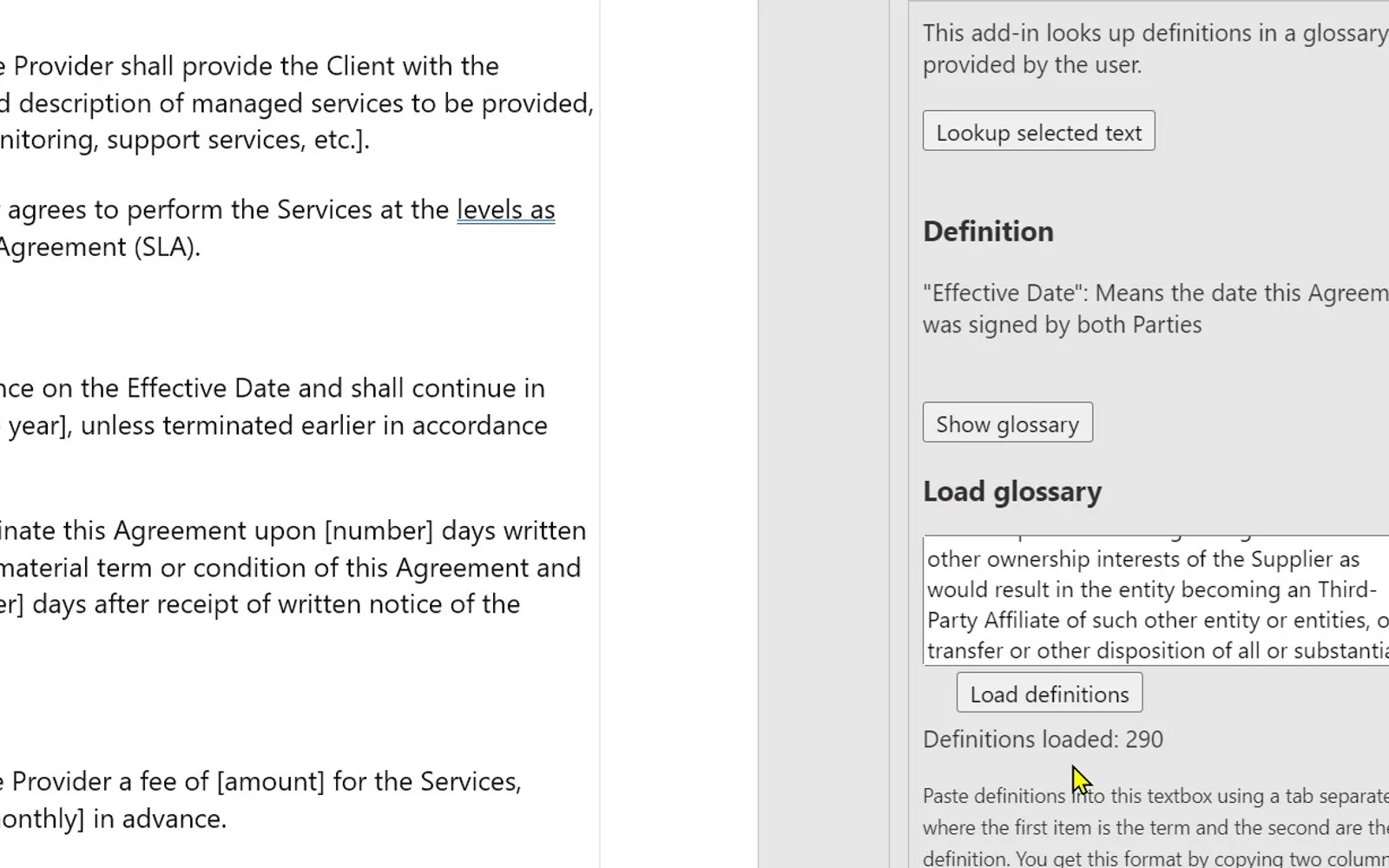
Defy loads definitions copied from a Word table or an Excel document. Terms can then be looked up manually in a document, or selected words and phrases can be looked up automatically. A separate pop-up searches all loaded definitions through the “Show glossary” function.
Loads definitions copied from a Word table or an Excel document.
Looks up terms in a document manually.
Looks up a selected word or phrase automatically.
Searches all definitions in a separate pop-up.
Defy and Litera One for Word both use cloud deployment and have an unknown pricing type. Defy was updated on Apr 2024, while Litera One for Word was updated in Apr 2026. Lexis® Create+, Claid, Magnar, and Contractflows also use cloud deployment and have an unknown pricing type; their update dates are Jun 2025, Jan 2026, Aug 2025, and Jan 2023, respectively.
| Name | Pricing | Deployment | Updated |
|---|---|---|---|
| this plugin | Price not published | Cloud | |
| Litera One for Word | Price not published | Cloud | |
| Lexis® Create+ | Price not published | Cloud | |
| Claid | Price not published | Cloud | |
| Magnar | Price not published | Cloud | |
| Contractflows | Price not published | Cloud |
85 plugins in Word · HR
Price distribution: 2 free, 2 freemium, 28 paid, 53 price not published
Litera One for Word automates legal drafting tasks using AI-powered insights within the Microsoft Word interface.
Litera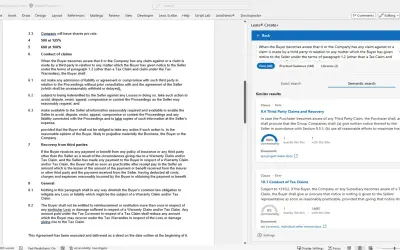
Lexis® Create+ drafts legal documents in Microsoft Word, combining LexisNexis® content, generative AI, and firm documents.
LexisNexis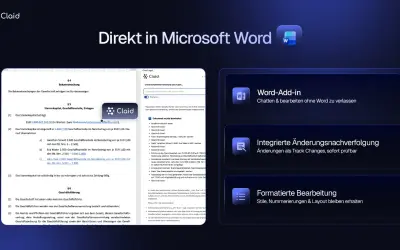
Claid Legal is a Word plugin for contract review, legal research, and email drafting that requires the Claid Professional plan.
Claid Technologies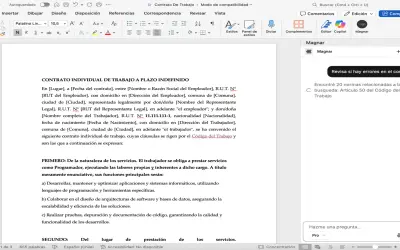
AI legal assistant for Microsoft Word helping lawyers in Chile draft and review contracts, lawsuits, and other legal texts.
Magnar«Defy is handy when drafting and reviewing legal documents containing definitions stored in a separate document. You can load your definitions into Defy by copying them from a Word table or an Excel document. After the definitions are loaded, you can look up terms in your document. You can do the lookup manually or set …»