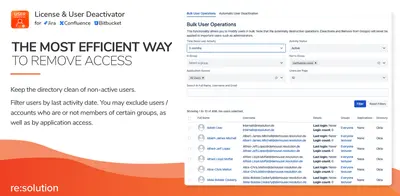
User Management and License Optimizer for Jira & Confluence
Manage inactive users, remove group access, and optimize licenses in Jira and Confluence.
resolution Reichert Network Solutions GmbHFreemium
Removes Jira users in bulk, imports user data by CSV or API, identifies inactive users, and shows removal status.
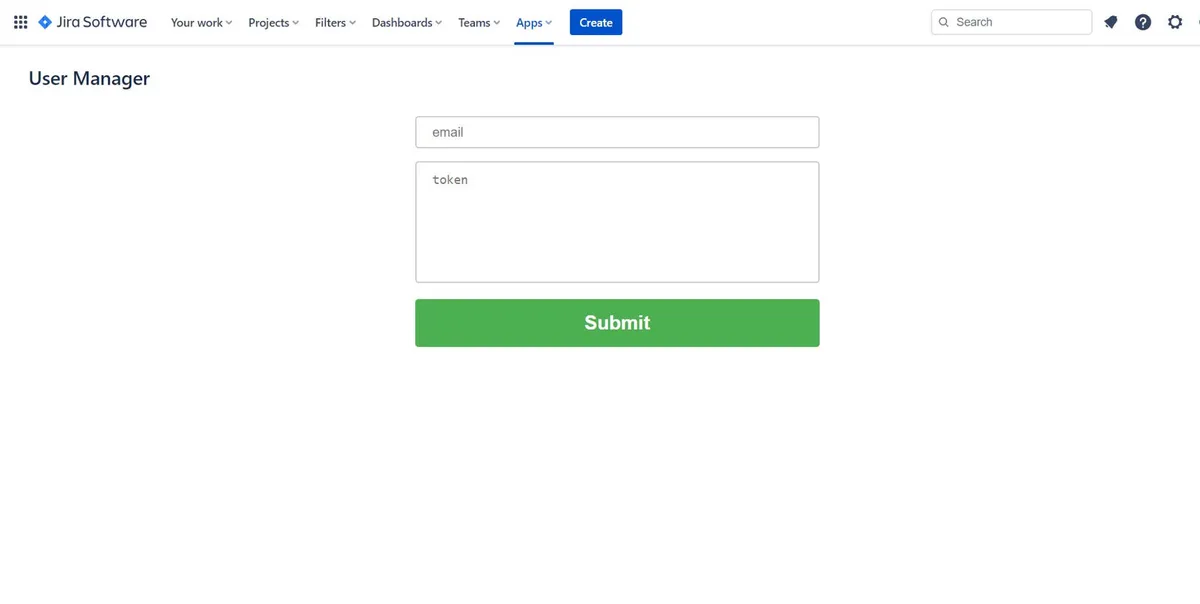
The add-in imports users through CSV or API and identifies users inactive beyond a specified period. In Jira or Jira Service Management, it supports bulk removal and displays user information and removal status, including successes and failures.
Imports user data through CSV files or an API.
Identifies users inactive beyond a specified period.
Supports product selection for Jira and Jira Service Management.
Removes users in bulk.
Displays user information and removal status, including successful and failed removals.
Fetches groups related to selected products after initial access setup.
1,002 plugins in Jira · Administrative tools
Price distribution: 271 free, 275 freemium, 456 paid
Manage inactive users, remove group access, and optimize licenses in Jira and Confluence.
resolution Reichert Network Solutions GmbH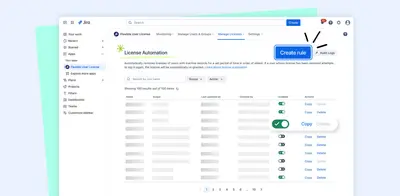
Manage Jira seats by automatically licensing and unlicensing inactive users, monitoring usage, and applying bulk user actions.
OSCi (Open Source Consulting)
Add OAuth/OpenID sign-on, user provisioning, and profile mapping to Jira across Data Center, Cloud, and Server.
miniOrangeHides the customer-addition control in Jira Service Management.
aety aps«User Removal Assistant v4.0.0 introduces advanced user management tools: Swift CSV imports for seamless data setup. Identify users inactive beyond a specified period for tailored insights Product selection (Jira/Jira Service Management) for tailored insights. Efficient bulk user removal for enhanced productivity.»