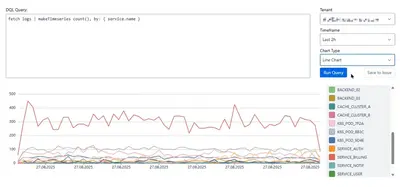
Dynatrace Insights for Jira
View Dynatrace data and charts inside Jira issues.
NexisightFree
Query, debug, and analyze Jira data with an SQL console inside the Jira interface.
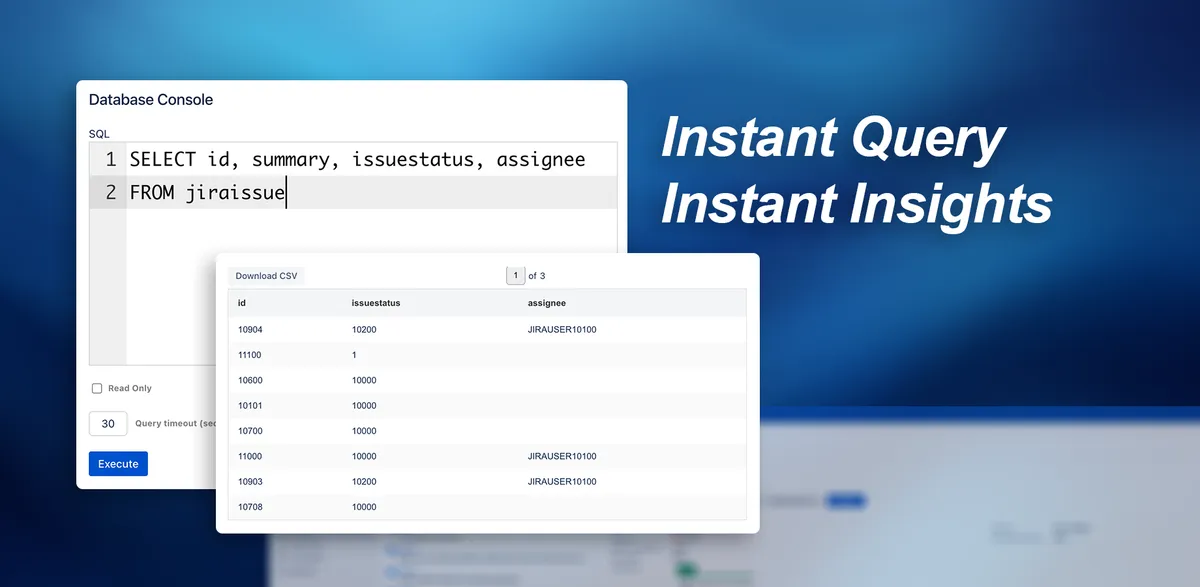
Provides an SQL console within Jira for querying, debugging, and analyzing data. The editor supports multiple lines, line numbers, and syntax highlighting. Queries can use configurable timeouts and read-only mode. Results appear in a table.
The editor supports multiline queries, line numbers, and syntax highlighting.
Query execution can use configured timeouts.
Read-only mode prevents UPDATE and DELETE commands.
Query output is displayed in an organized table.
Jira administrators and power users.
Database Console for Jira is free and deployed for data center, while Dynatrace Insights for Jira is free and deployed in the cloud. Database Console for Jira was updated in May 2026, compared with May 2026 for Dynatrace Insights for Jira, Sep 2026 for Issue History & Time in Status, and Sep 2026 for Historian - History Explorer for Jira.
| Name | Pricing | Deployment | Updated |
|---|---|---|---|
| this plugin | Free | Data Center | |
| Dynatrace Insights for Jira | Free | Cloud | |
| Issue History & Time in Status | Freemium | Cloud | |
| Historian - History Explorer for Jira | Freemium | Cloud |
630 plugins in Jira · Data and analytics
Price distribution: 189 free, 230 freemium, 211 paid
View Dynatrace data and charts inside Jira issues.
Nexisight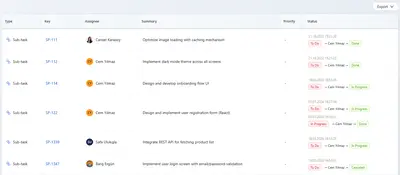
Track Jira issue changes, workflow durations, assignee time, and report exports.
Athena IT Solutions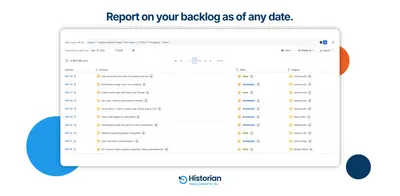
Explore Jira issue history, query past backlogs, compare field values, filter changes, and export audit reports.
OBSS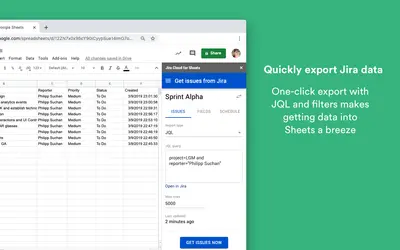
Import Jira issue data into Google Sheets using saved filters or JQL, then analyze and refresh spreadsheet reports.
Atlassian«Stop switching to external database clients. Our console gives Jira admins and power users direct, secure SQL access within the Jira UI, streamlining troubleshooting and data validation. Key Features: Efficient SQL Editor: A multi-line editor with line numbers and syntax highlighting makes writing complex queries …»