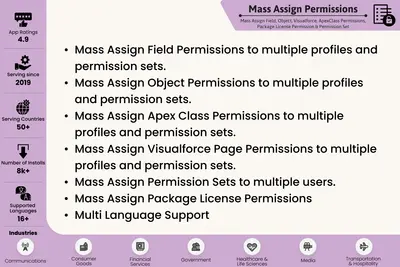
Satrang Mass Assign Permissions
Assign Salesforce permissions, licenses, and access settings in bulk across users, profiles, permission sets, and groups.
Satrang TechnologiesFree
Manage team-based access to private custom objects in Salesforce.
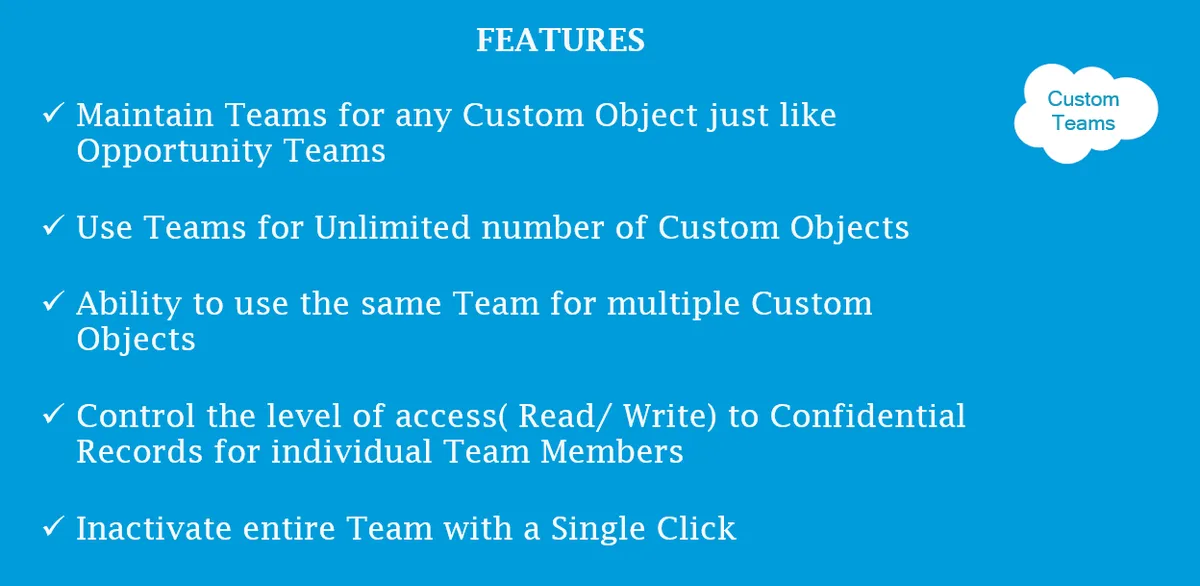
Custom Object Teams manages access to private custom objects through teams and team members in Salesforce. It supports creating teams, adding team members, and adding or editing user access levels. Access can be provided or revoked for single or multiple users, and teams can be inactivated.
Create teams and add team members for managing custom object access.
Add or edit a user's access level for private custom objects.
Inactivate teams.
Provide or revoke access for one or multiple users with a single click.
Custom Object Teams assigns access to private custom objects through teams and team members. Satrang Mass Assign Permissions assigns permissions in bulk across users, profiles, and permission sets. The Permissioner uses permission sets together with profiles, while Ultimate User Manager focuses on monitoring user activity, analyzing permissions, and identifying potential risks.
| Name | Pricing | Deployment | Updated |
|---|---|---|---|
| this plugin | Free | Cloud | |
| Satrang Mass Assign Permissions | Free | Cloud | |
| The Permissioner | Free | Cloud | |
| Ultimate User Manager | Paid | Cloud |
464 plugins in Salesforce Platform · Admin and developer tools
Price distribution: 274 free, 25 freemium, 165 paid
Assign Salesforce permissions, licenses, and access settings in bulk across users, profiles, permission sets, and groups.
Satrang Technologies
Manage Salesforce user access, permissions, login activity, roles, and schema relationships in one interface.
Application Perfection Ltd
Assigns and revokes Salesforce permission sets for multiple users from one interface.
Arkus, Inc.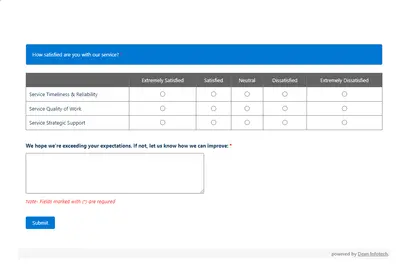
Automates customer satisfaction surveys and stores responses in Salesforce.
Dean Infotech Pvt Ltd«Custom Teams is a simple yet powerful tool to maintain access to Private Custom Objects with Team Members. Provide and revoke access to a single or group of users to a Private Custom Object. You can 1. Create Teams and Team Members 2. Add or Edit User access level to Private Custom Objects 3. Inactivate Teams 4 …»