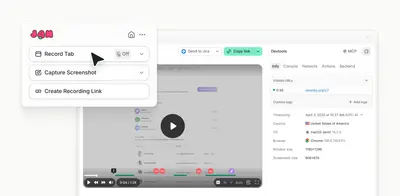
Jam - Share screen recordings with dev context
Send screen-based bug reports and technical context from Jam to Jira.
JamFree
Post browser test results, screenshots, and recordings to Jira tasks or bugs.
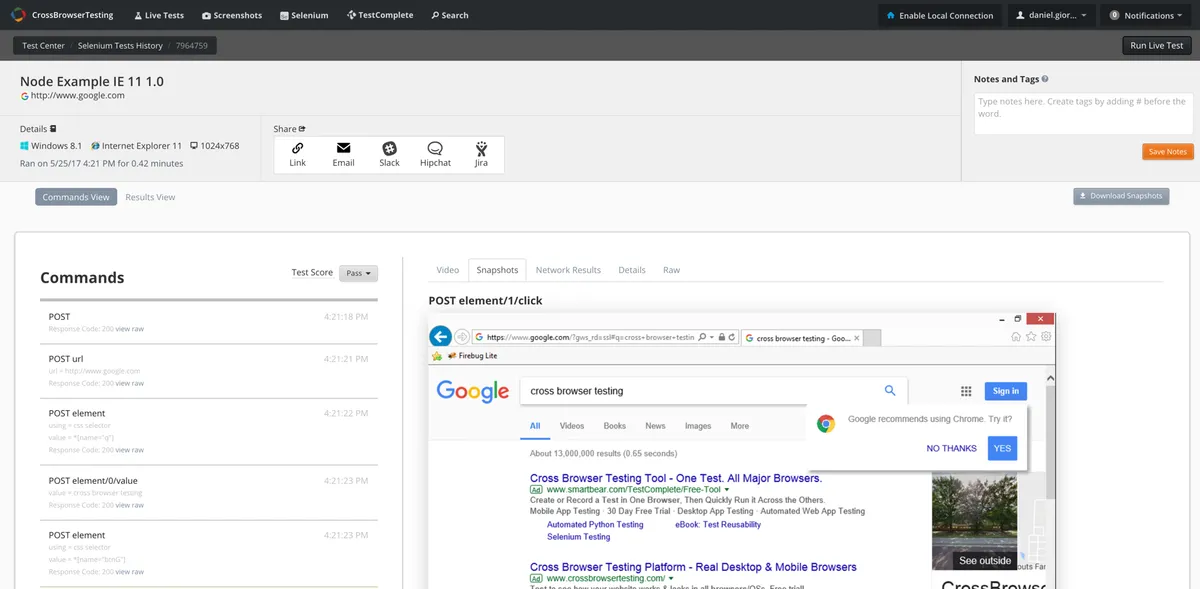
CrossBrowserTesting for Jira sends test results, screenshots, and video recordings from CrossBrowserTesting to Jira tasks or bugs. Manual, visual, and automated test results can create new Jira tickets or update existing ones. Test data appears in the Jira description or comments area. CrossBrowserTesting accounts are added through the add-on configuration page.
Manual, visual, or automated test results can be submitted as new Jira tickets.
Test results and comments can be sent to existing Jira tickets.
Screenshots, video recordings, and test results can be posted to Jira.
Test results appear in the Jira description or comments area.
Developers, testers, and project managers.
534 plugins in Jira · Software development
Price distribution: 254 free, 117 freemium, 163 paid
Send screen-based bug reports and technical context from Jam to Jira.
Jam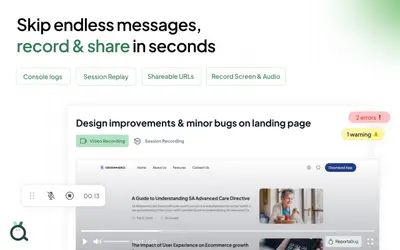
Capture visual bug reports and send them to Jira as issues or tickets.
ReportaBug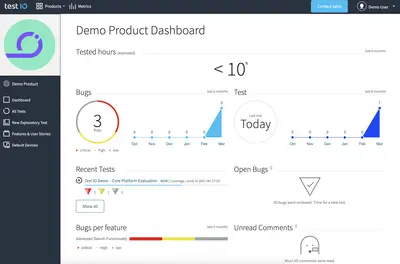
Connects Jira with Test IO for exploratory tests, tester-submitted bugs, and fix verification.
test IO
Capture website feedback, screenshots, and recordings as Jira issues without leaving the website.
Feedbucket«Share bugs for faster fixes while testing on 1500+ real browsers and mobile devices on CrossBrowserTesting's browser testing platform. CrossBrowserTesting for Jira allows you to post test results, screenshots, video recordings, and more right to your Jira task or bug. Collaborate with developers, testers, and project …»