Flexpricer® CPQ, Subscription Management, Quotes, Quoting, Quote to Cash Pricing
Configure products, calculate prices, and manage quotes and subscriptions in Salesforce Revenue Cloud (CPQ).
CRM.Team™Freemium
Deploys Revenue Cloud (CPQ) configurations between Salesforce orgs with dependency suggestions and compatibility checks.
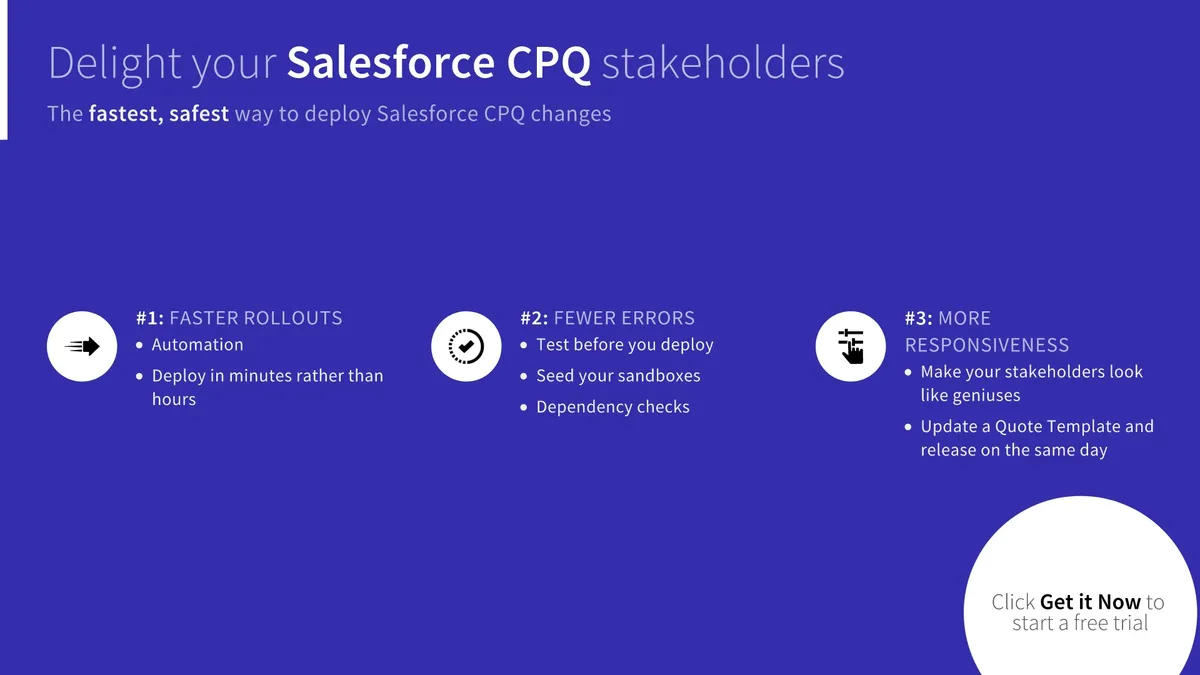
Blue Canvas compares CPQ configuration data between Salesforce orgs and displays differences, including picklist values and custom fields in child objects. It supports Advanced Approvals objects and suggests related dependencies when a Product Rule is selected. The tool checks metadata, field-level security, and package versions between source and target orgs. Salesforce login connects orgs, with support for Developer Sandboxes, data seeding, and downstream environment refreshes.
Compares configuration data between two orgs and displays differences, including picklist values and child-object custom fields.
Supports migration of Advanced Approvals objects such as Approval Chains, Approval Variables, and Approval Rules.
Identifies related Price Rules, Summary Variables, Custom Actions, and other dependencies for a selected Product Rule.
Checks metadata, field-level security, and package versions across source and target orgs.
Connects Salesforce orgs through Salesforce login and supports data seeding and refreshes for downstream environments.
The tool is intended for CPQ stakeholders, sales teams, and CPQ experts.
CPQ Deployment Tool supports Revenue Cloud configuration deployments, including Product Rule dependencies, Advanced Approvals objects, picklist values, and compatibility checks. iSyncSF | Native Salesforce Data Migration and Sandbox Seeding supports Salesforce data migration, sandbox seeding, org synchronization, file and attachment migration, and test data management.
| Name | Pricing | Deployment | Updated |
|---|---|---|---|
| this plugin | Paid | Cloud | Not published |
| Approvals | Price not published | Cloud | |
| iSyncSF | Native Salesforce Data Migration and Sandbox Seeding | Not in catalog | ||
4 plugins in Revenue Cloud (CPQ) · Admin and developer tools
Price distribution: 4 paid
Configure products, calculate prices, and manage quotes and subscriptions in Salesforce Revenue Cloud (CPQ).
CRM.Team™
Connects Salesforce CRM, CPQ and Revenue Cloud with m3ter for shared account, pricing and billing data.
m3ter UK Limited
Generate editable Salesforce agreements using customer, product, pricing, and opportunity data.
Docusign, Inc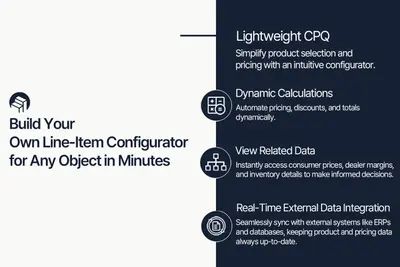
Configure Salesforce Revenue Cloud (CPQ) line items with dynamic pricing, product options, and related or external data.
Windmillsoft«Blue Canvas enables simple CPQ deployments between Salesforce orgs, without the setup and headache. You benefit from custom-built Features for CPQ use-cases: - Extensive support of your CPQ Data: review differences in configuration data between any two Orgs and visualize the modifications at a glance. Picklist Value …»