Copy To Clipboard for Jira
Copy issue and project information to the clipboard within Jira.
MetatonicFreemium
Copy selected Jira issue data to the clipboard from issue views or issue lists using a configured template.
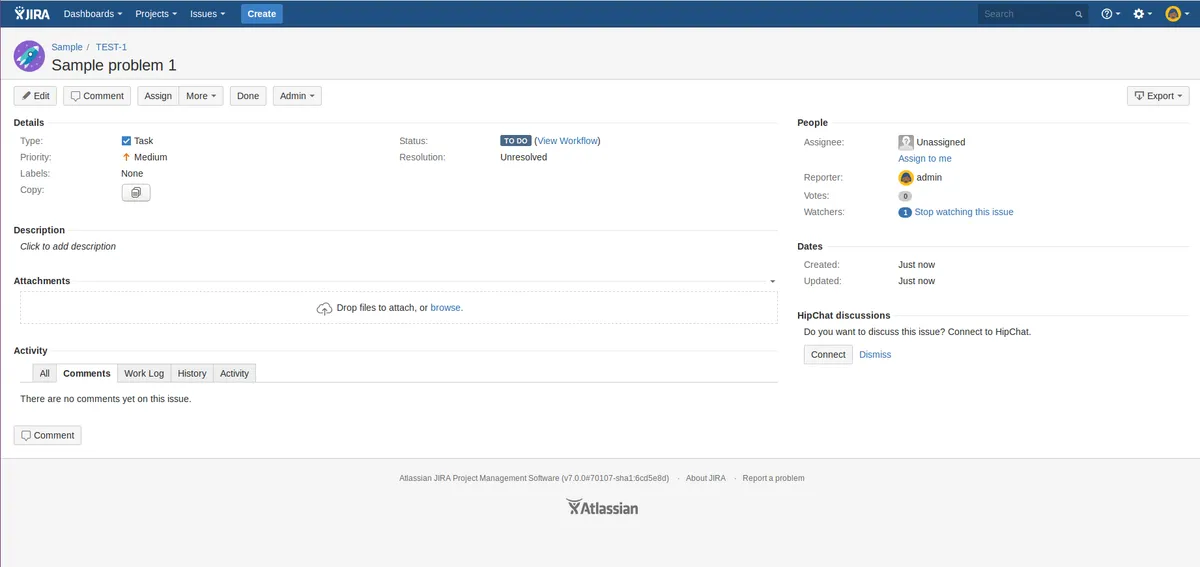
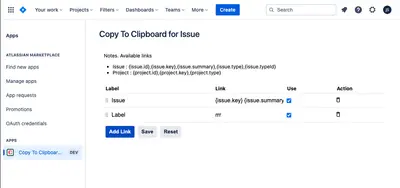
Adds a field with a button for copying Jira issue data to the clipboard. The copied content can be selected and formatted through the field configuration. The field works on individual issue views and lists of issues.
A button on an issue view copies configured issue data to the clipboard.
A button on a list of issues copies configured issue data to the clipboard.
Field configuration specifies which issue data is copied and its format.
Copy To Clipboard for Jira is freemium, cloud-only, and updated in Jan 2024, while this listing is free, supports data-center and server deployments, and was updated in Feb 2024. UML Diagrams with Mermaid and Graphviz for Jira Data Center is paid, supports data-center and server deployments, and was updated in Nov 2024; this listing is free and was updated in Feb 2024. Assistant for Trello is free and cloud-only, was updated in Jul 2026.
| Name | Pricing | Deployment | Updated |
|---|---|---|---|
| this plugin | Free | Data Center · Server | |
| Copy To Clipboard for Jira | Freemium | Cloud | |
| UML Diagrams with Mermaid and Graphviz for Jira Data Center | Paid | Data Center · Server | |
| Assistant for Trello | Free | Cloud |
505 plugins in Jira · Content and communication
Price distribution: 127 free, 198 freemium, 180 paid
Copy issue and project information to the clipboard within Jira.
Metatonic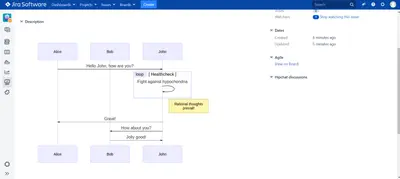
Render Mermaid UML and Graphviz diagrams from text inside Jira Data Center and Jira Server.
Fulstech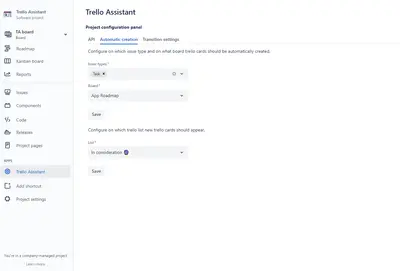
Create and transition Trello cards from Jira issues, map Jira statuses to Trello lists, and inspect linked card details.
Transition Technologies PSC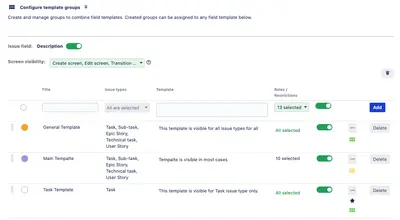
Create and insert reusable templates in Jira text fields and issue comments with one click.
Globo Solutions«This plug-in contains field which renders as button clicking on which issue data copying to clipboard by some defined template. The data which has to be copied can be configured at field configuration. This field works for issue view and list of issues as well. Copy from view issue: Click button from view issue to …»