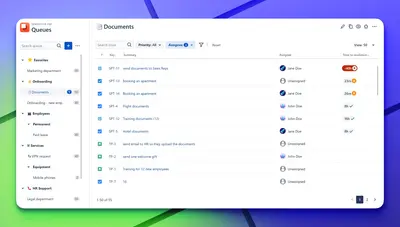
Queues for Jira & JSM
Organizes Jira and JSM issues from multiple projects into shared queues with access controls and queue management.
DevinitiFreemium
Copies a Jira issue key and summary, or its URL, to the clipboard from an issue panel.
Adds a Copy panel to Jira issues, which can be expanded once and remains open until closed. The panel displays the issue key with its title or summary and provides a separate option for copying the issue URL. When the title or summary changes, the app copies the updated text.
Copies a Jira issue key and its title or summary together to the clipboard.
Provides an option to copy the issue URL to the clipboard.
Recognizes an updated issue title or summary when the copy link is selected.
534 plugins in Jira · Software development
Price distribution: 254 free, 117 freemium, 163 paid
Organizes Jira and JSM issues from multiple projects into shared queues with access controls and queue management.
Deviniti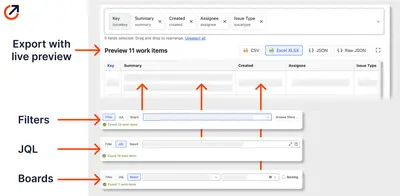
Scheduled Jira exports create reports with custom fields, change history, and delivery by email, SFTP, download link, or API.
Advanced Insights
Embed shared Microsoft Power BI links in Jira issue tabs and dashboards with notes, images, PDFs, and other apps.
Apps+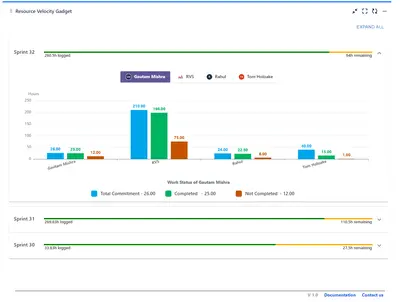
Track sprint progress and team velocity in Jira with dashboard gadgets, charts, and status views.
RVS Softek«After installing the app, you only need to expand the new "Copy" panel on the right hand side of the issue just once. The next time you open any issue, the panel will remain open unless you close it. The panel contains the issue's key and title/summary of the task in one line. You can click on this line to …»