AtlassianAG
Issue dates overview
Monitor issue creation and due dates across Jira projects or sprints.
AGIL4YOUFree
Copy Jira issues to another project and generate fields for the selected issue type.
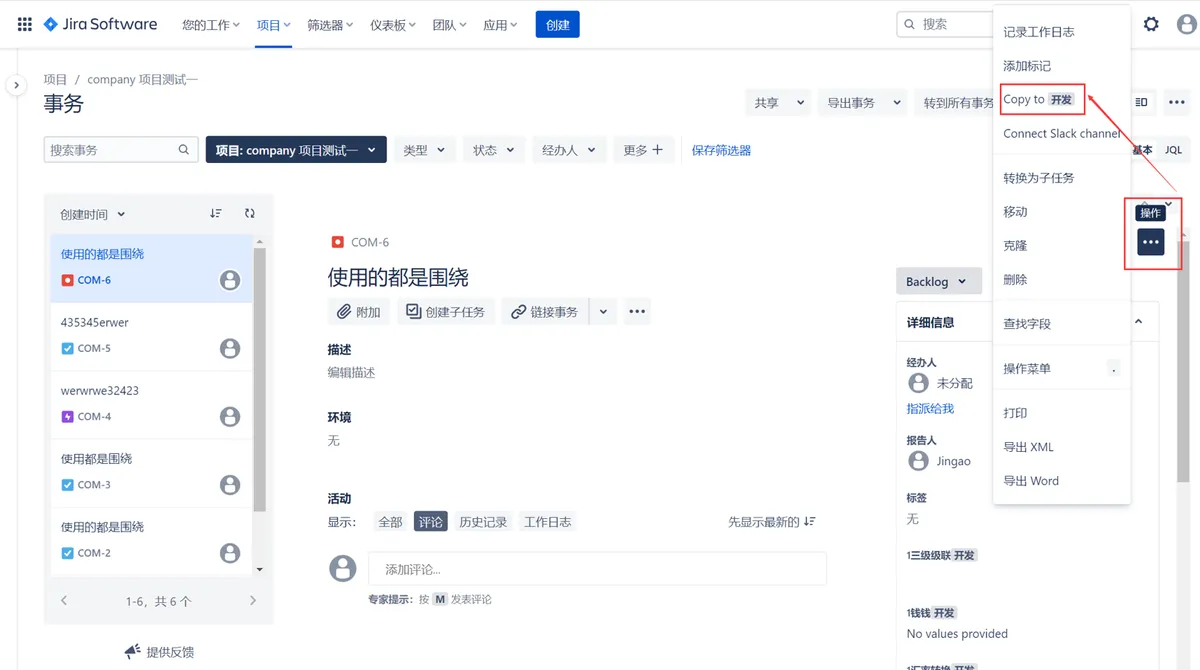
Copies an issue across Jira projects. From the issue action tab, select “Copy to,” choose a target project and issue type, then generate the required fields. Field values can be selected or entered before submission. The app supports English.
Copies issues from one Jira project to another.
Provides a dialog for selecting the target project and issue type.
Generates required fields based on the selected target project and issue type.
Allows corresponding field values to be selected or entered before submission.
1,328 plugins in Jira · Project Management
Price distribution: 444 free, 418 freemium, 466 paid
Monitor issue creation and due dates across Jira projects or sprints.
AGIL4YOU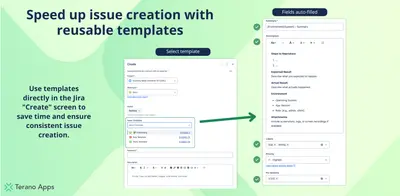
Create reusable Jira issue templates with default fields, dynamic variables, and one-click Epic-to-Subtask hierarchies.
Terano Apps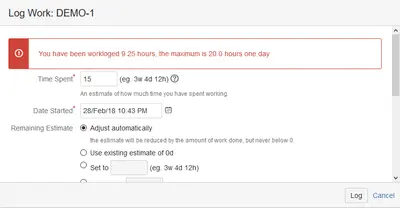
Restricts worklog entries in Jira by issue type, daily duration, and start date.
hktx.cn (汇科天下)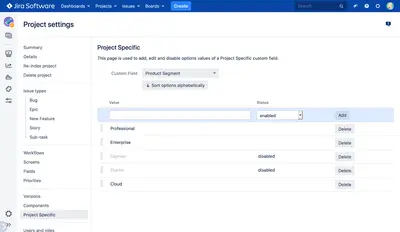
Adds Jira single- and multi-select custom fields whose options project admins can manage.
Holger Schimanski«Click on the issue action tab, click "Copy to", select the target project and issueType in the page dialog, and then generate required fields based on the target project and issueType. Select/fill in the corresponding field values and submit. App suport English .»