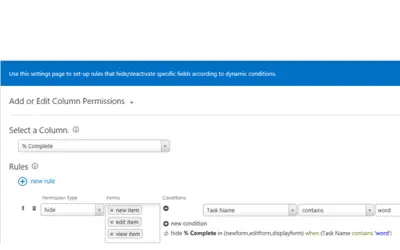
KWizCom Dynamic Column Permissions
A SharePoint add-in that controls which list form and view columns users see, keeping sensitive content from unauthorized users.
KWizComPrice not published
Control SharePoint Online list column visibility, editing, views, and selected list actions by user or group.
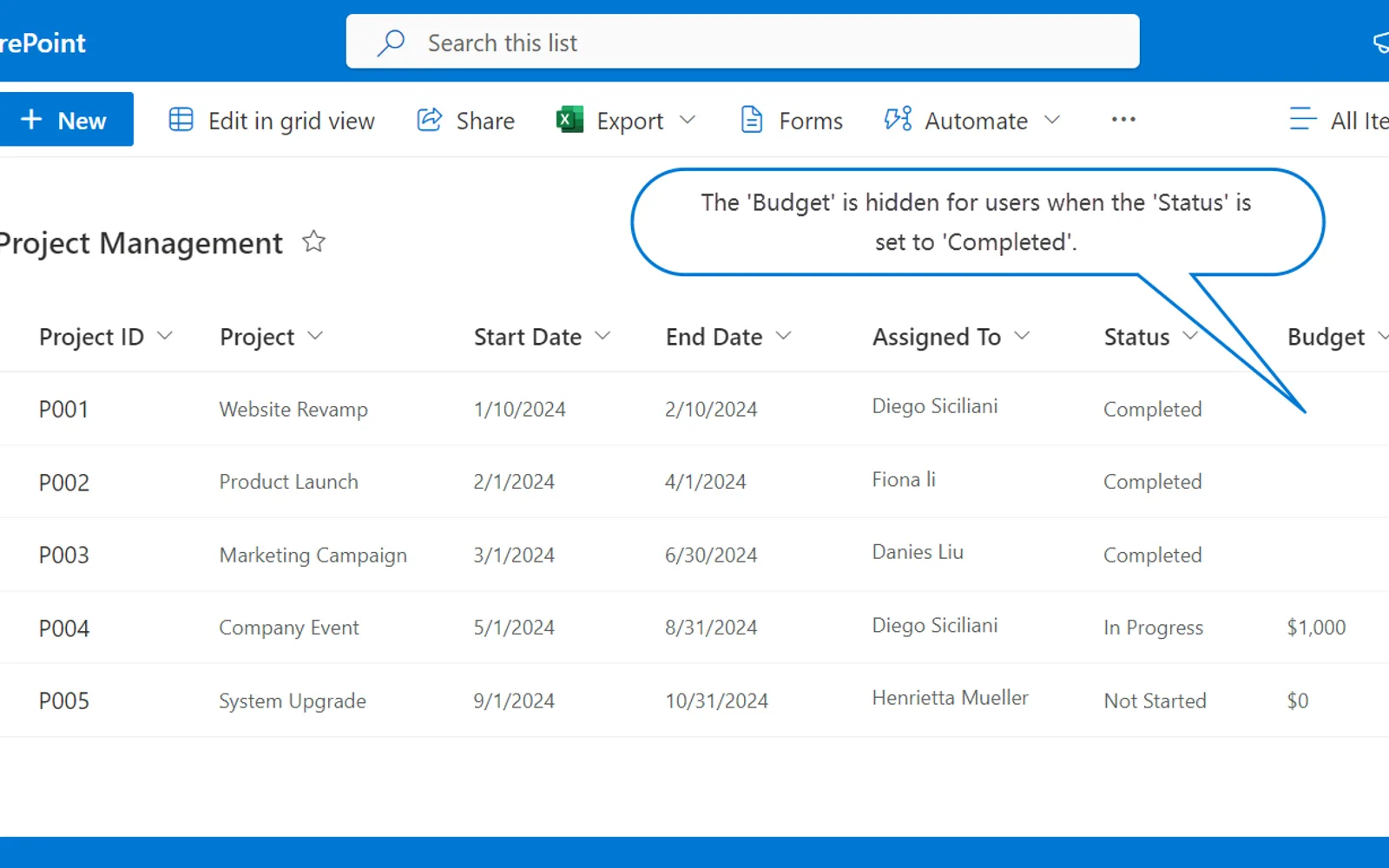
Column View Permission applies visibility and editing restrictions to fields in SharePoint Online lists. Access rules can depend on values in other fields. The app can conceal selected views, stop users from adding new views, and disable actions including grid editing, export, filtering, gallery view, view formatting, and field changes. It works only with the modern SharePoint Online experience.
Sets selected list fields to hidden or read-only for chosen users or groups.
Bases field restrictions on values held in other fields.
Removes selected views from user access and disables creation of additional views.
Disables grid editing, export, filtering, gallery view, view formatting, and adding or removing fields.
Uses SPFx and SharePoint extension types to provide access to the permission settings.
Column View Permission and KWizCom Dynamic Column Permissions are both cloud-deployed listings with unknown pricing; their listed update dates are Apr 2026 and Jan 2020. Column View Permission and KWizCom Forms also share cloud deployment and unknown pricing, with listed update dates of Apr 2026 and Apr 2022. Against Approvals Hub, the two listings share cloud deployment and unknown pricing, while their listed update dates are Apr 2026 and Aug 2026.
| Name | Pricing | Deployment | Updated |
|---|---|---|---|
| this plugin | Price not published | Cloud | |
| KWizCom Dynamic Column Permissions | Price not published | Cloud | |
| KWizCom Forms | Price not published | Cloud | |
| Approvals Hub | Price not published | Cloud |
106 plugins in SharePoint · Data Management
Price distribution: 1 freemium, 21 paid, 84 price not published
A SharePoint add-in that controls which list form and view columns users see, keeping sensitive content from unauthorized users.
KWizCom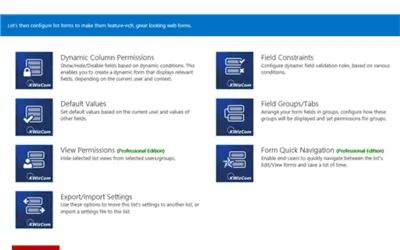
KWizCom Forms converts existing SharePoint list forms into dynamic web forms with conditional logic and field groups.
KWizCom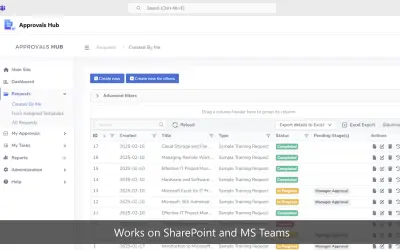
Approvals Hub provides configurable approval management with templates, routing, and audit logging for Microsoft 365.
Ivero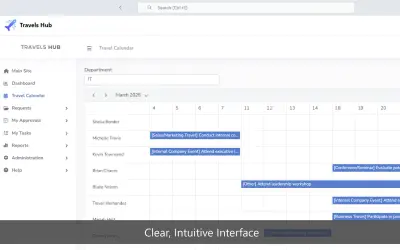
Travels Hub manages travel requests, approvals, and budgets within SharePoint and Microsoft Teams for Microsoft 365 tenants.
Ivero«BoostSolutions’ Column View Permission allows you to set columns as hidden or read-only for specified users or groups in SharePoint Online lists, restricting them from accessing or modifying certain columns while creating or editing an item, or in list views. You can set individual column level permissions based on …»