
Payment Journal Import
Imports payments and applications into Dynamics 365 Business Central from Excel, with user-selected fields and validation.
Lighthouse Experts GroupPaid
Transfers defined Excel fields into Word or PowerPoint for insertion and updates.
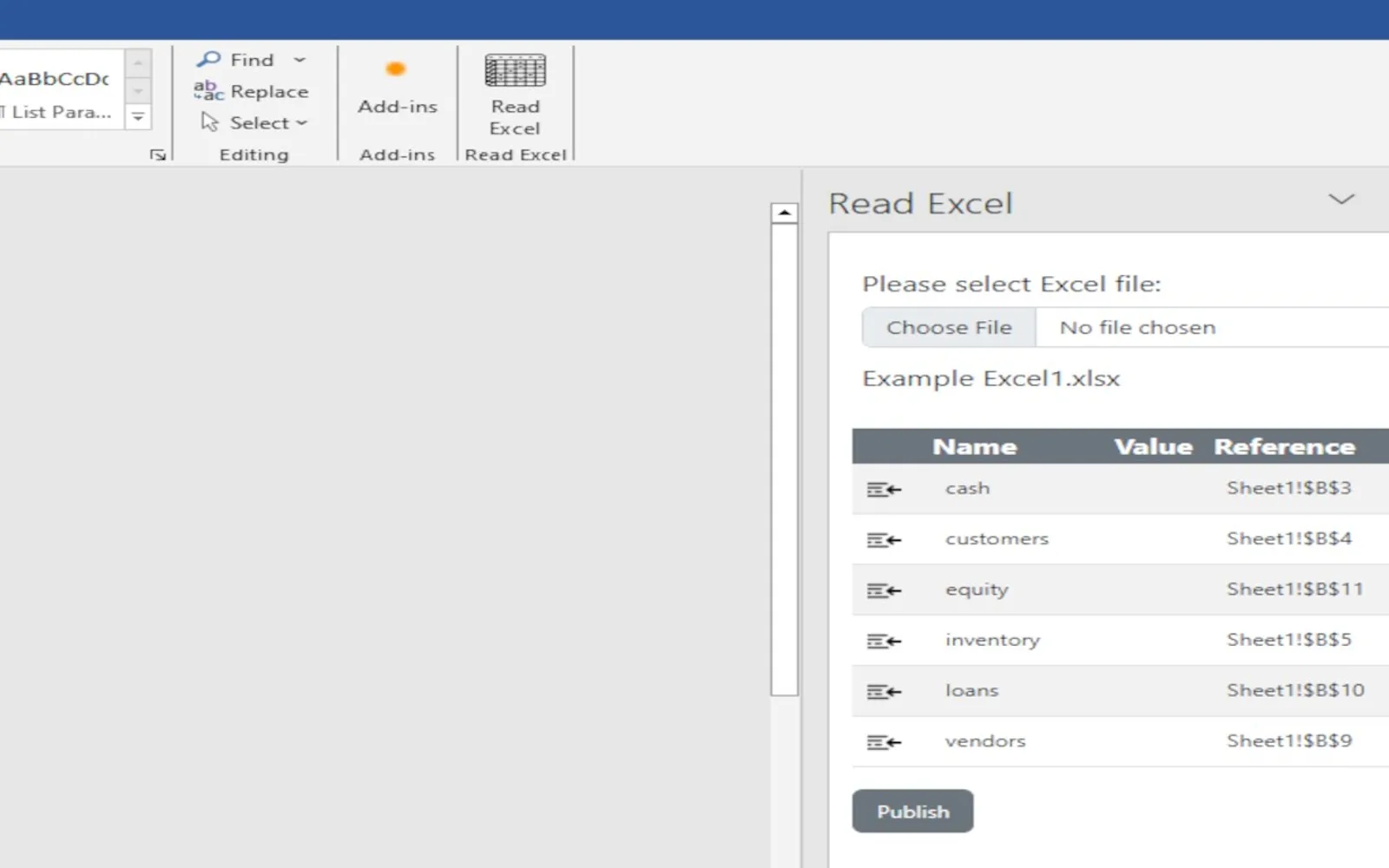
Choose fields in Excel and assign names to them. The Word or PowerPoint add-in can then bring those fields into the selected product and refresh them through its import control.
Allows fields in Excel to be chosen for use in Word or PowerPoint.
Assigns selected Excel fields within the name manager.
Brings defined fields into Word and refreshes them through the import control.
Brings defined fields into PowerPoint and refreshes them through the import control.
CellReader is listed with an unknown price type, while Purchase Invoice Import, Sales Invoice Import, Payment Journal Import, and Variable G/L Import are listed as paid. CellReader and the listed alternatives use cloud deployment. CellReader was updated on Jan 2024, while the alternatives show updates in Jan 2026 or Jul 2026.
| Name | Pricing | Deployment | Updated |
|---|---|---|---|
| this plugin | Price not published | Cloud | |
| Purchase Invoice Import | Not in catalog | ||
| Sales Invoice Import | Not in catalog | ||
| Payment Journal Import | Paid | Cloud | |
| Variable G/L Import | Paid | Cloud | |
106 plugins in Word · Finance
Price distribution: 1 free, 1 freemium, 24 paid, 80 price not published
Imports payments and applications into Dynamics 365 Business Central from Excel, with user-selected fields and validation.
Lighthouse Experts Group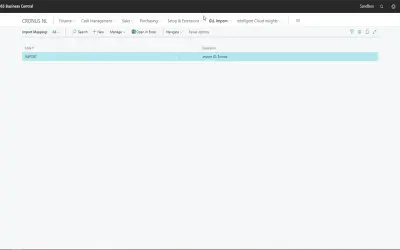
Variable G/L Import maps Excel columns to general journal fields for Microsoft Dynamics 365 Business Central editions.
Micro Apps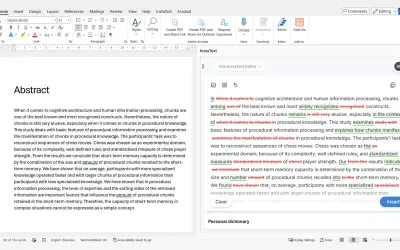
InstaText, built for Microsoft Word, suggests improvements to clarity, sentence flow, and word choice in your text.
InstaText d.o.o.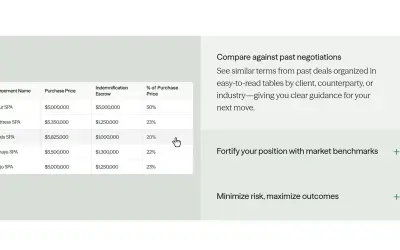
Draftwise executes contract drafting, review, and search workflows within Microsoft Word using an organization's legal knowledge.
DraftWise Inc«The user can select fields in Excel and define them in the name manager. Then, using the Word or PowerPoint Add-in, he can insert and update the fields dynamically using the import button.»