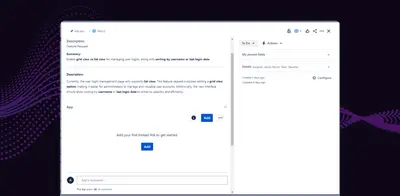
Appvibe Canva Integration
Create, edit, preview, and attach Canva designs within Jira projects.
AppvibeFree
Generate custom designs, slide decks, and web or social graphics within Jira using Canva’s AI agent.
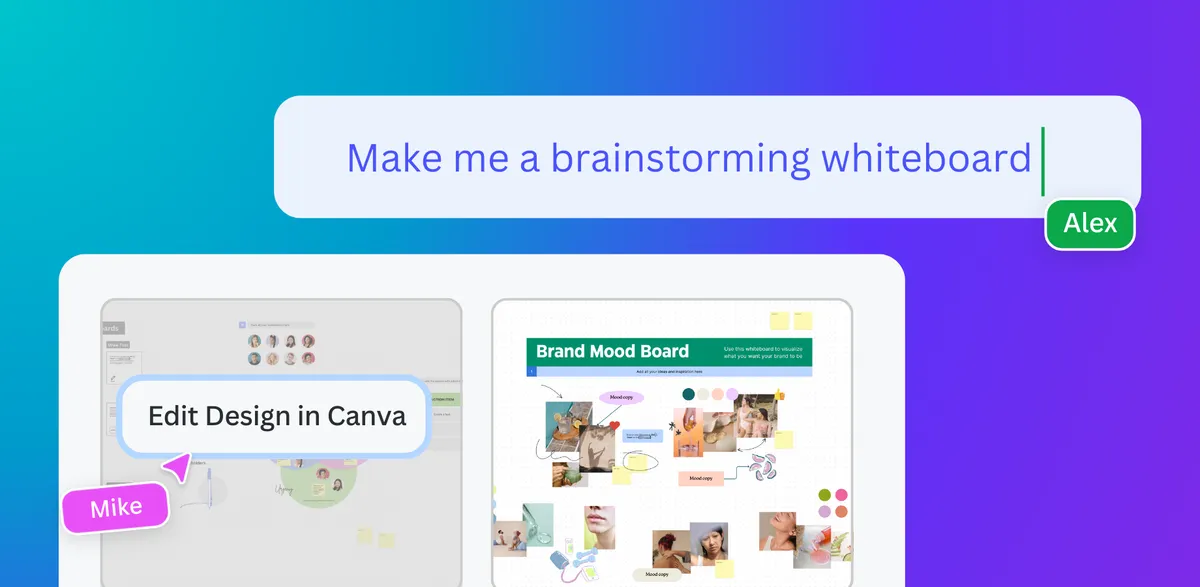
Canva for Jira brings Canva design features into the Atlassian workflow. Its AI agent generates customizable designs, presentation templates, and images for social media posts or website banners. Designs can be created for activities such as whiteboard sessions, OKR meetings, and visual roadmaps without leaving the Atlassian workspace.
The Canva Agent generates customizable designs from requests made within the Atlassian workflow.
The app creates customized slide decks and presentation templates with AI.
The Canva Agent generates designs for whiteboard sessions.
The AI agent creates images for social media posts and website banners.
The app is for Atlassian users.
Canva for Jira is free and cloud-deployed, matching Appvibe Canva Integration and Appvibe Adobe Illustrator Integration on both attributes. Canva for Jira was updated in Oct 2024, while both listed alternatives were updated in Nov 2024.
| Name | Pricing | Deployment | Updated |
|---|---|---|---|
| this plugin | Free | Cloud | |
| Appvibe Canva Integration | Free | Cloud | |
| Appvibe Adobe Illustrator Integration | Free | Cloud |
118 plugins in Jira · Design and diagramming
Price distribution: 36 free, 49 freemium, 33 paid
Create, edit, preview, and attach Canva designs within Jira projects.
Appvibe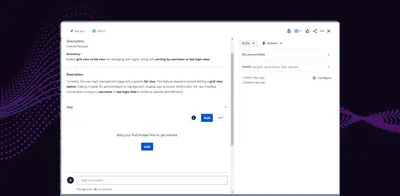
Connects Adobe Illustrator with Jira for file syncing, design comments, previews, and version tracking.
Appvibe
Organizes Jira and JSM issues from multiple projects into shared queues with access controls and queue management.
Deviniti
Scheduled Jira exports create reports with custom fields, change history, and delivery by email, SFTP, download link, or API.
Advanced Insights«The Canva Agent brings Canva’s design capabilities into your Atlassian workflow. With Canva’s Magic Design functionality, you can instantly create quality visuals without needing advanced design skills. Whether you’re preparing for a whiteboard session, an OKR meeting, or a visual roadmap to guide your next project …»