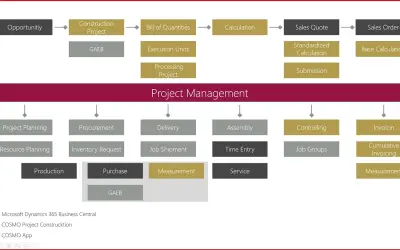
COSMO Project Construction
Construction ERP app for Dynamics 365 Business Central with tools for calculation, scheduling, and measurement documentation.
COSMO CONSULTPaid
Automates CAPEX approvals with configurable approval counts and participant notifications.
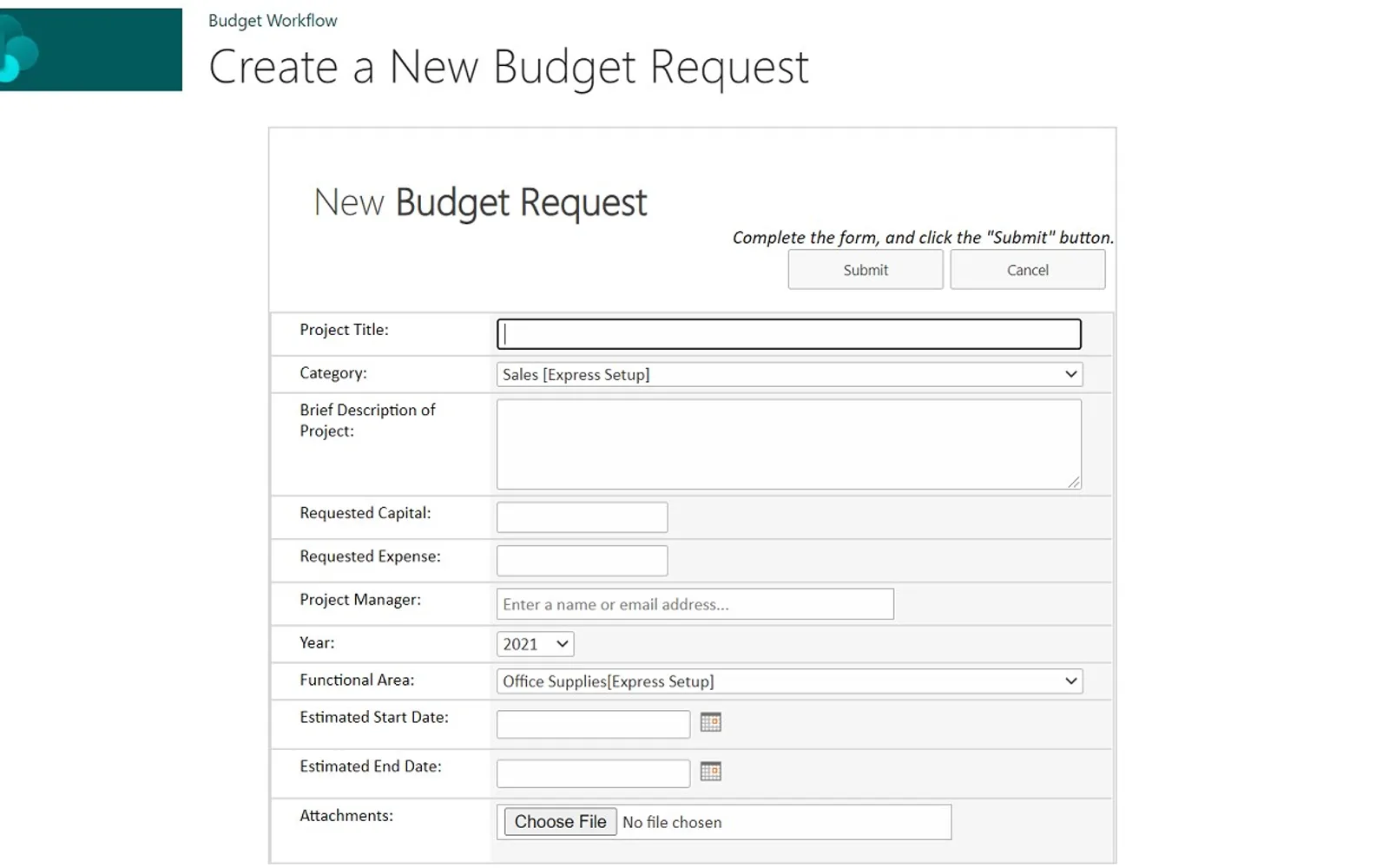
The add-in manages CAPEX approval requests through a workflow. Participants receive email notifications when action is required. Approval counts can be set with Budget Thresholds, while approvers may request more information during the process. A purchase order number can be specified when approval is complete.
Users can create requests for capital expenditure approvals.
Participants receive email when they have an assigned workflow task.
Budget Thresholds set the number of required approvers for a request.
Financial Areas represent General Ledger accounts and departmental or management responsibility areas.
The workflow can specify a purchase order number after the approval process.
Approvers can request further information while a request is being processed.
The add-in is intended for stakeholders, subject matter experts, managers, and other workflow participants.
488 plugins in Finance
Price distribution: 19 free, 7 freemium, 315 paid, 147 price not published
Construction ERP app for Dynamics 365 Business Central with tools for calculation, scheduling, and measurement documentation.
COSMO CONSULT
GovCon365 provides project accounting, cost allocation, and federal reporting for Microsoft Dynamics 365 Business Central.
XTIVIA
Essentials adds finance, sales, purchase, warehouse, and production functions to Microsoft Dynamics 365 Business Central.
Horsa Way
Connects Dynamics 365 Business Central to Pagero's open network for compliant invoice exchange with business partners worldwide.
Pagero AB«With the Budget Workflow add-in, you can automate your CAPEX approvals, involving your stakeholders, subject matter experts, and managers. It's a Budgeting solution for any organization that requires multiple approvals. • Users create "Budget Requests" • Emails are sent to the workflow participants when they have a …»