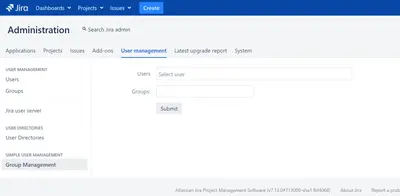
Simple User Management
Assigns Jira users to groups for administrator-managed user management.
Eli SolutionsPaid
Export Jira configuration without issue data, with options to exclude users and active objects.
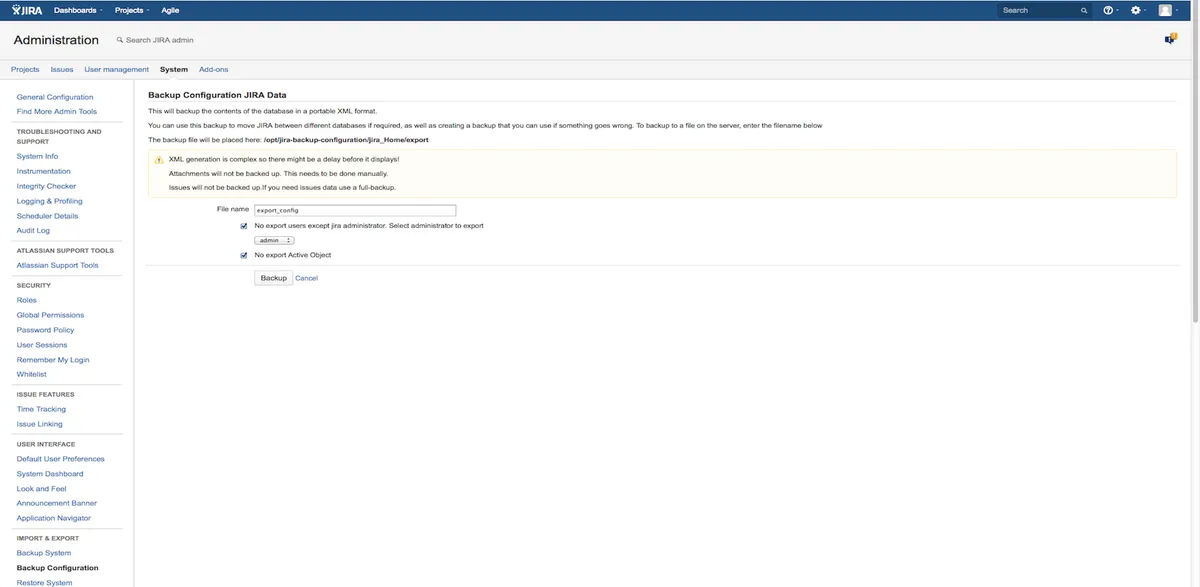
Backup Configuration exports Jira configuration while excluding issue data by default. The export is started from Jira's Import & Export Administration section, where users and active objects can also be excluded. The resulting archive can be stored with other backups and imported through Jira's standard Restore System feature.
Exports Jira configuration without issue data.
Allows users to be excluded from the export.
Allows active objects data to be excluded from the export.
Uses Jira's Restore System feature to import the configuration archive.
1,002 plugins in Jira · Administrative tools
Price distribution: 271 free, 275 freemium, 456 paid
Assigns Jira users to groups for administrator-managed user management.
Eli Solutions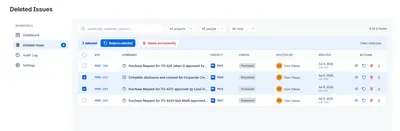
Recover removed Jira issues, comments, and worklogs, with monitoring for selected projects.
Athena IT Solutions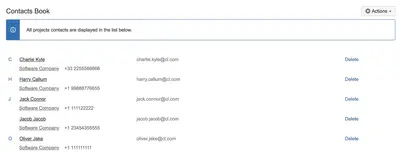
Add related contacts to Jira issues and manage project contact records.
ThinkSoft
Backs up, restores, and migrates JSM Assets in Jira across Cloud and Data Center.
Twinit«You can export all your Jira configuration excluding any Issues. For example, you might want to replicate your Jira instance without any sensitive Issue data. Simply navigate to the Import & Export Administration section and click on Backup Configuration. The process for exporting is the same as the default full …»