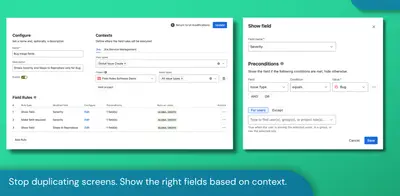
Field Rules - UI Modifications for Jira
Configure conditional fields and dynamic forms in Jira and Jira Service Management without scripting.
ForgappifyFreemium
Configure Jira fields with visual rules, conditions, branches, and actions without writing scripts.
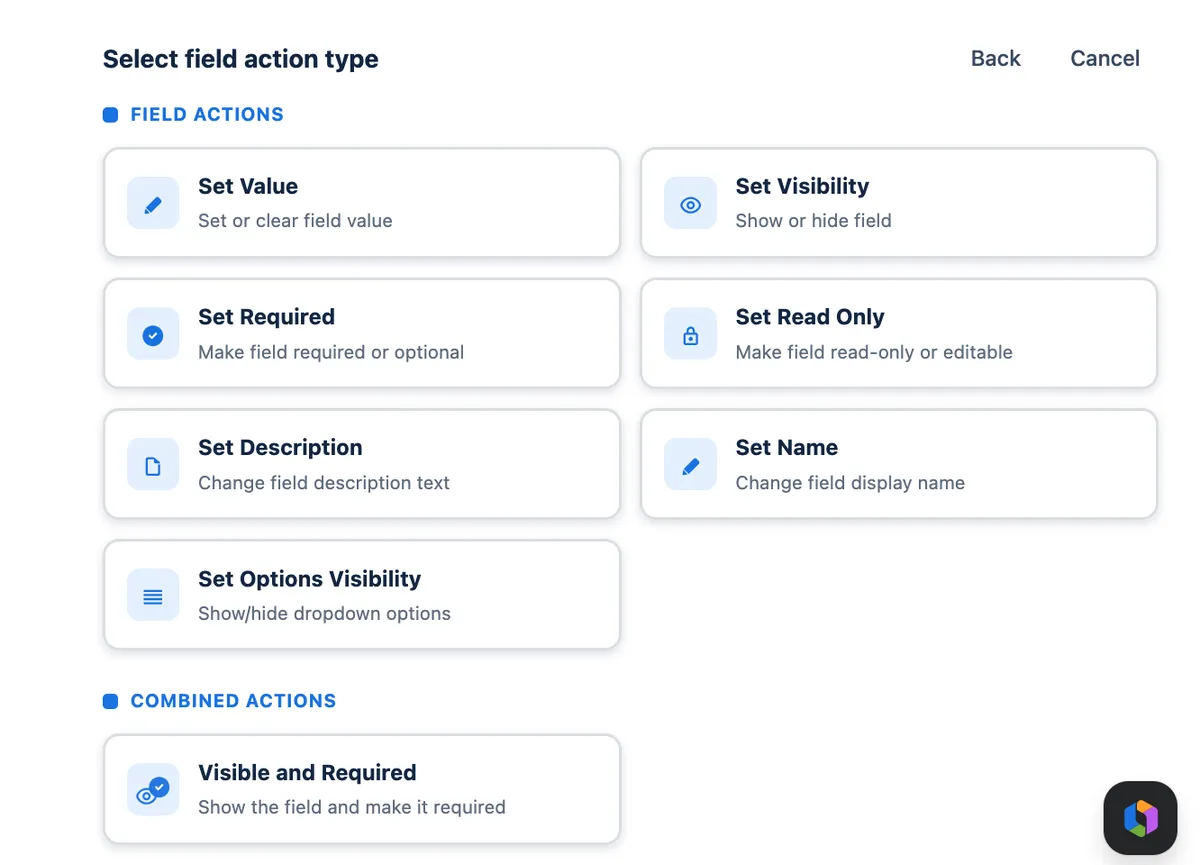
Auto Behaviour uses a visual flow editor to create Jira field-behavior rules. Administrators can combine triggers, conditions, IF/ELSE branches, variables, smart values, lookup tables, JQL, expressions, and actions. Rules can modify field values, descriptions, required status, visibility, read-only status, and available options according to project context, issue state, and user input. The app runs on Atlassian Forge and stores its behavior configuration and runtime logic without external data storage.
Create Jira behavior rules in a graph-based editor without writing scripts.
Set field values, descriptions, required status, visibility, read-only status, and option visibility.
Combine triggers, conditions, and IF/ELSE branches in behavior rules.
Use variables, smart values, lookup tables, JQL, and expressions when building rules.
Run behavior configuration and runtime logic on Atlassian Forge without external data storage.
Jira administrators.
Auto Behaviour and Field Rules - UI Modifications for Jira are freemium cloud listings, while Apportunity: Workflow Extensions is free and cloud-only. Dynamic Forms for Jira is paid and supports cloud, server, and data-center deployment; Auto Behaviour is freemium and cloud-only.
| Name | Pricing | Deployment | Updated |
|---|---|---|---|
| this plugin | Freemium | Cloud | |
| Field Rules - UI Modifications for Jira | Freemium | Cloud | |
| Apportunity: Workflow Extensions | Free | Cloud | |
| Dynamic Forms for Jira | Paid | Cloud · Data Center · Server |
1,002 plugins in Jira · Administrative tools
Price distribution: 271 free, 275 freemium, 456 paid
Configure conditional fields and dynamic forms in Jira and Jira Service Management without scripting.
Forgappify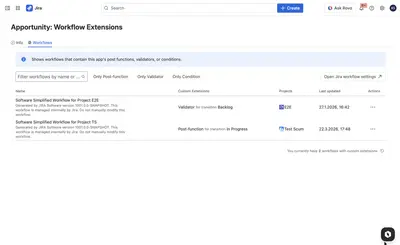
Extend Jira Cloud workflows with expression-based transition rules, checks, and automated follow-up actions.
Apportunity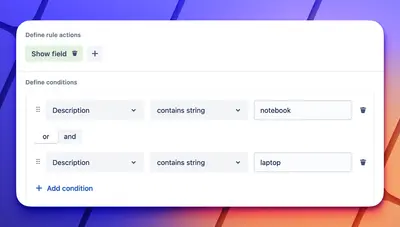
Configure Jira forms to show fields and options, set values, and control editing based on conditions.
Deviniti
Configure Jira fields, values, and choices based on projects, issue types, users, and changes in other fields.
WERARE«Auto Behaviour is configured through a visual flow editor similar to Jira Automation, where each configuration becomes a rule in a rule-based logic engine that dynamically controls fields (value, description, required, visible, read-only, option visibility) on Jira screens, similar to ScriptRunner Behaviours. Instead …»