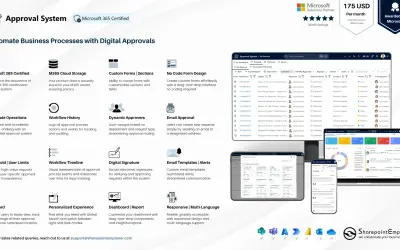
Approval System
Manages requests and approvals for companies on Microsoft platforms, with SharePoint web part and multi-language support.
SharepointEmpower Private LimitedPrice not published
View SharePoint 2013 REST _api responses as JSON, including headers, linked URLs, and browser navigation.
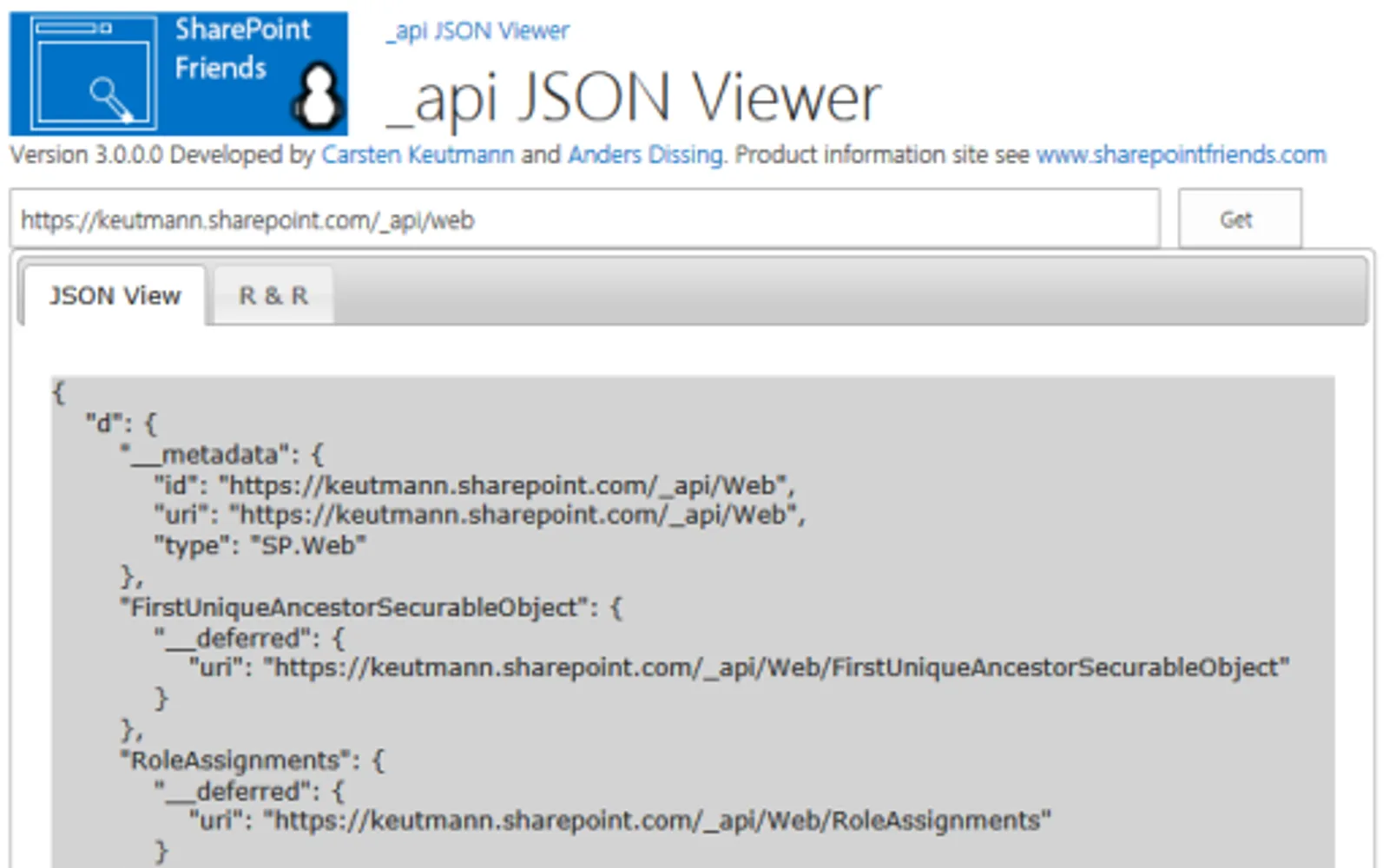
Displays SharePoint 2013 REST _api data in JSON format. It can show JSON data across a site collection and its apps, together with request and response header information. URLs in the output are linked, and browser history navigation is supported with a backspace hotkey. The app is for viewing only and does not change data.
Shows SharePoint REST _api data in JSON format.
Displays request and response header information.
Links URLs included in the output text.
Displays JSON data across the site collection and its apps.
Supports browser history navigation and a backspace hotkey.
6 plugins in SharePoint · Developer Tools
Price distribution: 6 price not published
Manages requests and approvals for companies on Microsoft platforms, with SharePoint web part and multi-language support.
SharepointEmpower Private Limited
Fully managed AI chatbot for SharePoint, powered by Claude, that answers from your documents with no API key required.
OBTechnologies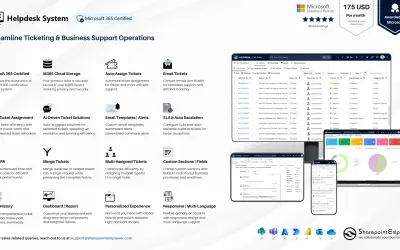
A cloud-based ticket management system for Microsoft platforms that centralizes support tasks and tracks resolution times.
SharepointEmpower Private Limited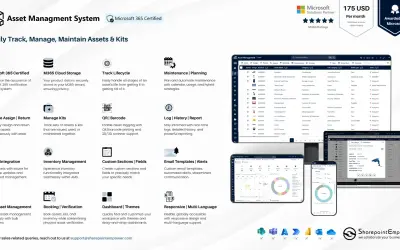
Tracks physical and digital assets across their lifecycle, including location, cost, and renewal data, for Microsoft platforms.
SharepointEmpower Private Limited«One of the first things you wish for when working with SharePoint 2013 REST api, is a way to display the raw data, so you know what you have to work with. The _api JSON Viewer app is the tool that does exactly that, with a very user-friendly display and simple functionality. It even allows you to view JSON data across …»