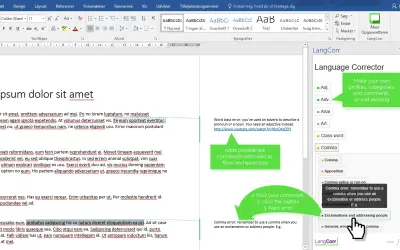
Language Corrector
Microsoft Office Word 365 add-on that acts as a comment bank for inserting reusable feedback comments on student papers.
LangCorrPrice not published
Adds comments to Word documents for editing, grading, marking, and other feedback tasks.
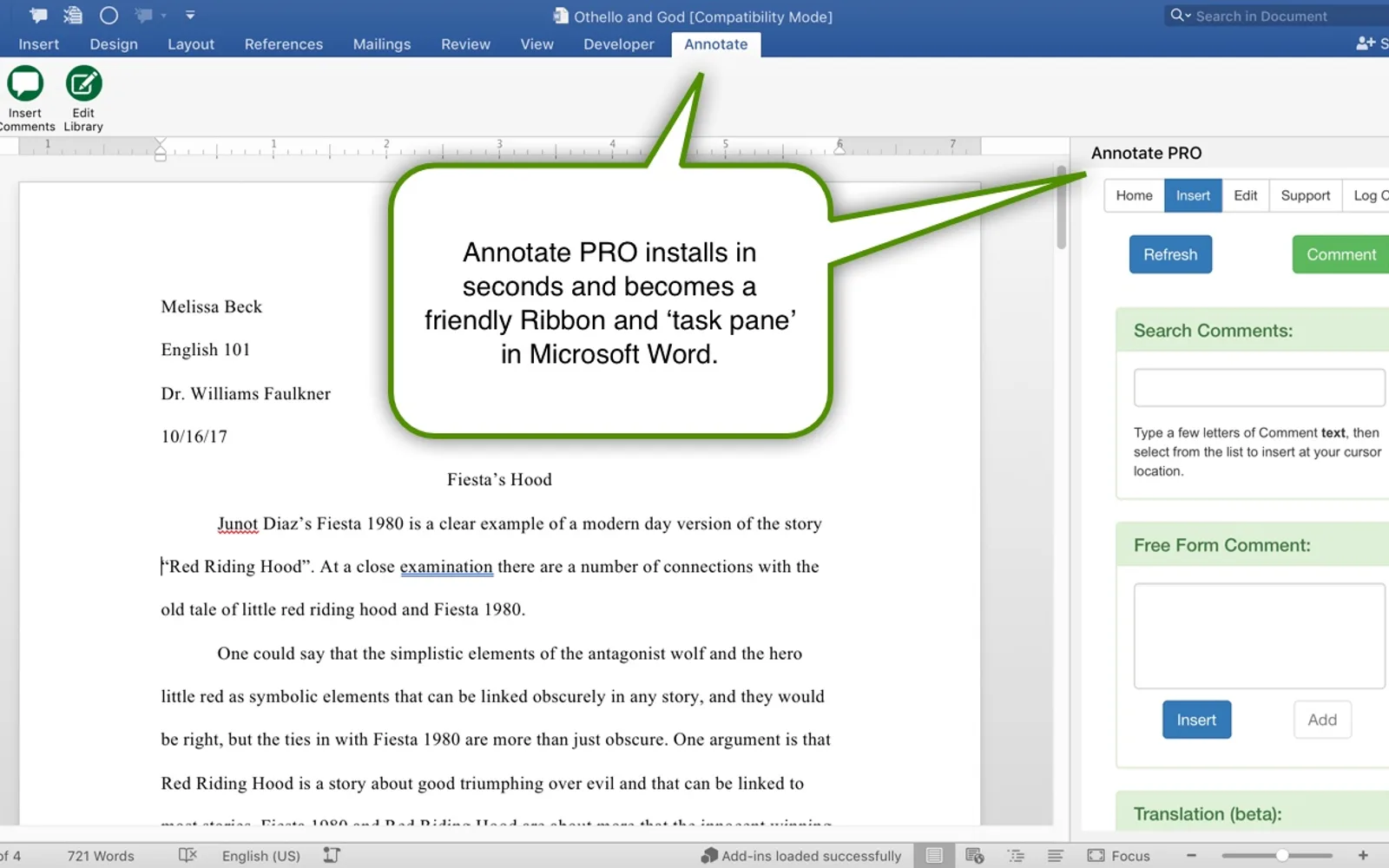
Annotate PRO adds comments to Word documents as comment bubbles or inline text. The free version includes 10 comments that can be edited. In-app purchases provide College Edition and Legal Writing Edition comment libraries, and users can create their own libraries. Comment libraries are stored in the cloud and available with Word 2016.
Provides libraries of comments for editing, grading, marking, and other feedback tasks.
Adds comments to documents as comment bubbles or inline text.
Includes 10 comments that can be edited to suit specific needs.
Allows users to create their own comment libraries.
Stores comment libraries in the cloud for access with Word 2016.
Institutions and organizations that license the add-in for all their users.
95 plugins in Word · Productivity
Price distribution: 1 freemium, 5 paid, 89 price not published
Microsoft Office Word 365 add-on that acts as a comment bank for inserting reusable feedback comments on student papers.
LangCorr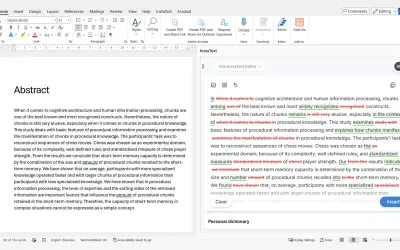
InstaText, built for Microsoft Word, suggests improvements to clarity, sentence flow, and word choice in your text.
InstaText d.o.o.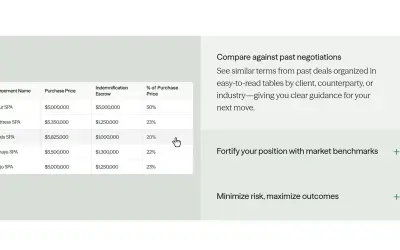
Draftwise executes contract drafting, review, and search workflows within Microsoft Word using an organization's legal knowledge.
DraftWise Inc
Autopilot integrates Zhipu AI and other AI models into Microsoft Excel, PowerPoint, and Word on Windows, Mac, Web, and iPad.
Smart Barn Technologies«Annotate PRO provides you with libraries of Comments you can easily add to documents to save time editing, grading, marking - whatever feedback tasks you might have. Comments can appear as comment bubbles or inline text. Annotate PRO is free and comes with 10 Comments you can edit to suit your needs. In-app purchases …»