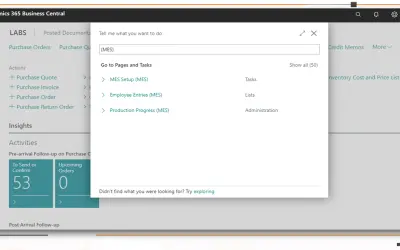
MES Manufacturing execution system
Records produced quantities and times used at workstations, with barcode entry, in Microsoft Dynamics 365 Business Central.
EOS SolutionsPaid
Validate customer VAT numbers in Business Central and populate company name and address fields from VIES data.
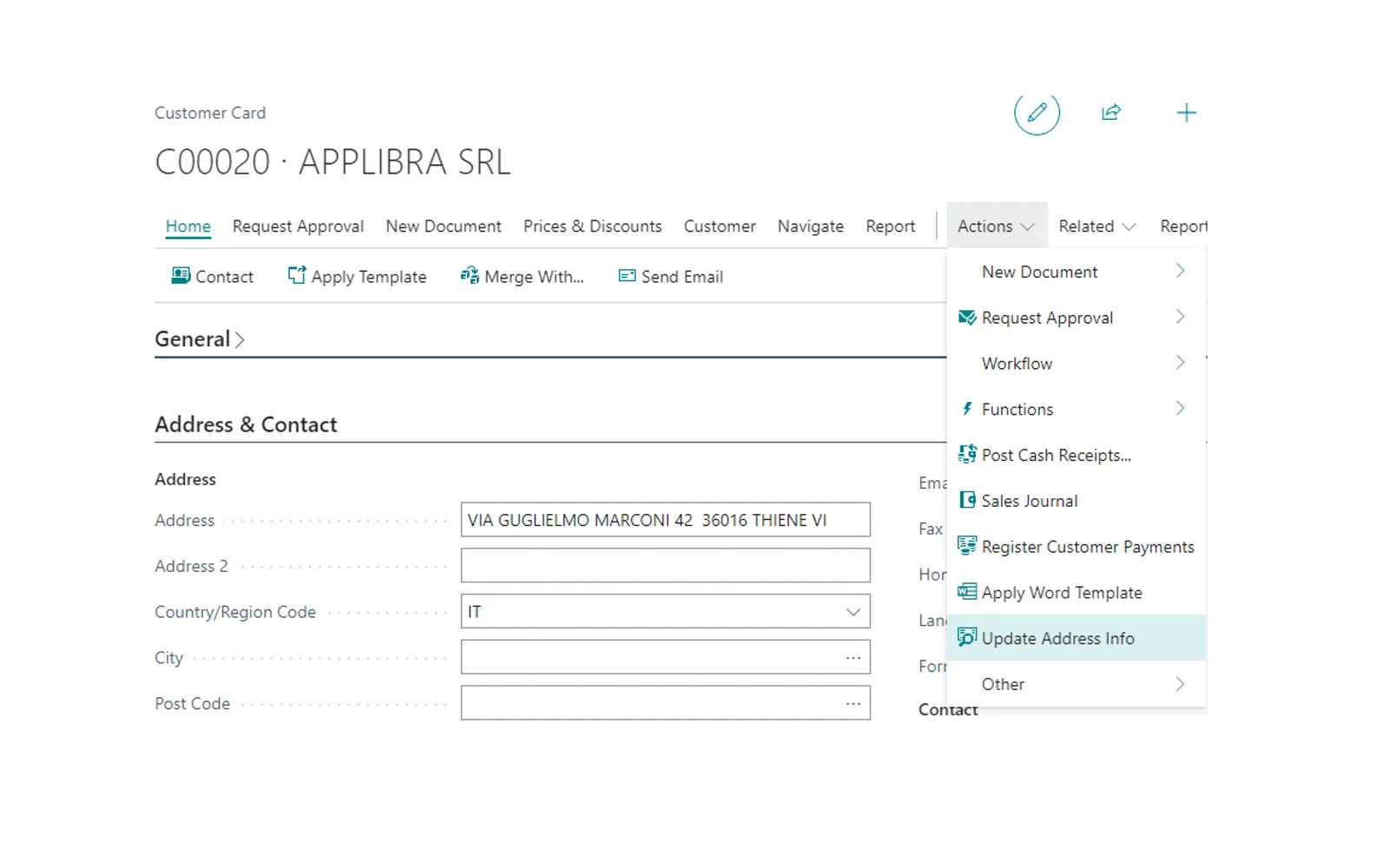
Checks the validity status of selected customers’ VAT numbers through the VIES system. Retrieves company information linked to a VAT number and places the business name and address into their separate fields in Business Central. Checks VAT information before releasing sales orders and warehouse records, blocking the operation when the information is not valid.
Checks the validity status of selected customers’ VAT numbers through the VIES system.
Retrieves business name and address information linked to a VAT number and places it into separate fields.
Checks VAT information before releasing sales orders and warehouse records, blocking operations when the information is not valid.
125 plugins in Dynamics 365 Business Central · Sales
Price distribution: 9 free, 4 freemium, 92 paid, 20 price not published
Records produced quantities and times used at workstations, with barcode entry, in Microsoft Dynamics 365 Business Central.
EOS Solutions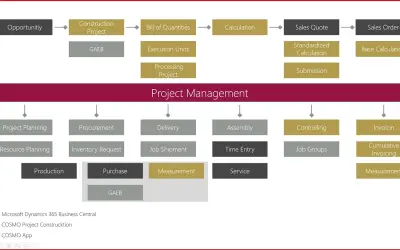
Construction ERP app for Dynamics 365 Business Central with tools for calculation, scheduling, and measurement documentation.
COSMO CONSULT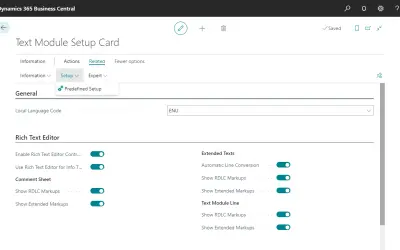
COSMO Text Module provides extended text management with a WYSIWYG editor for Microsoft Dynamics 365 Business Central.
COSMO CONSULT
COSMO Document Set applies a master layout to standardize reports and documents in Microsoft Dynamics 365 Business Central.
COSMO CONSULT«AL VAT Control Wasting your time checking the validity of your customers' vat numbers one by one? Do you often struggle entering the business name and address of a company with Business Central standard? The wait is over! With AL Vat control you will be able to check the validity status of all of your customers' VAT …»