MES Manufacturing execution system
Records produced quantities and times used at workstations, with barcode entry, in Microsoft Dynamics 365 Business Central.
EOS SolutionsPaid
Schedules and monitors recurring processes in Microsoft Dynamics 365 Business Central.
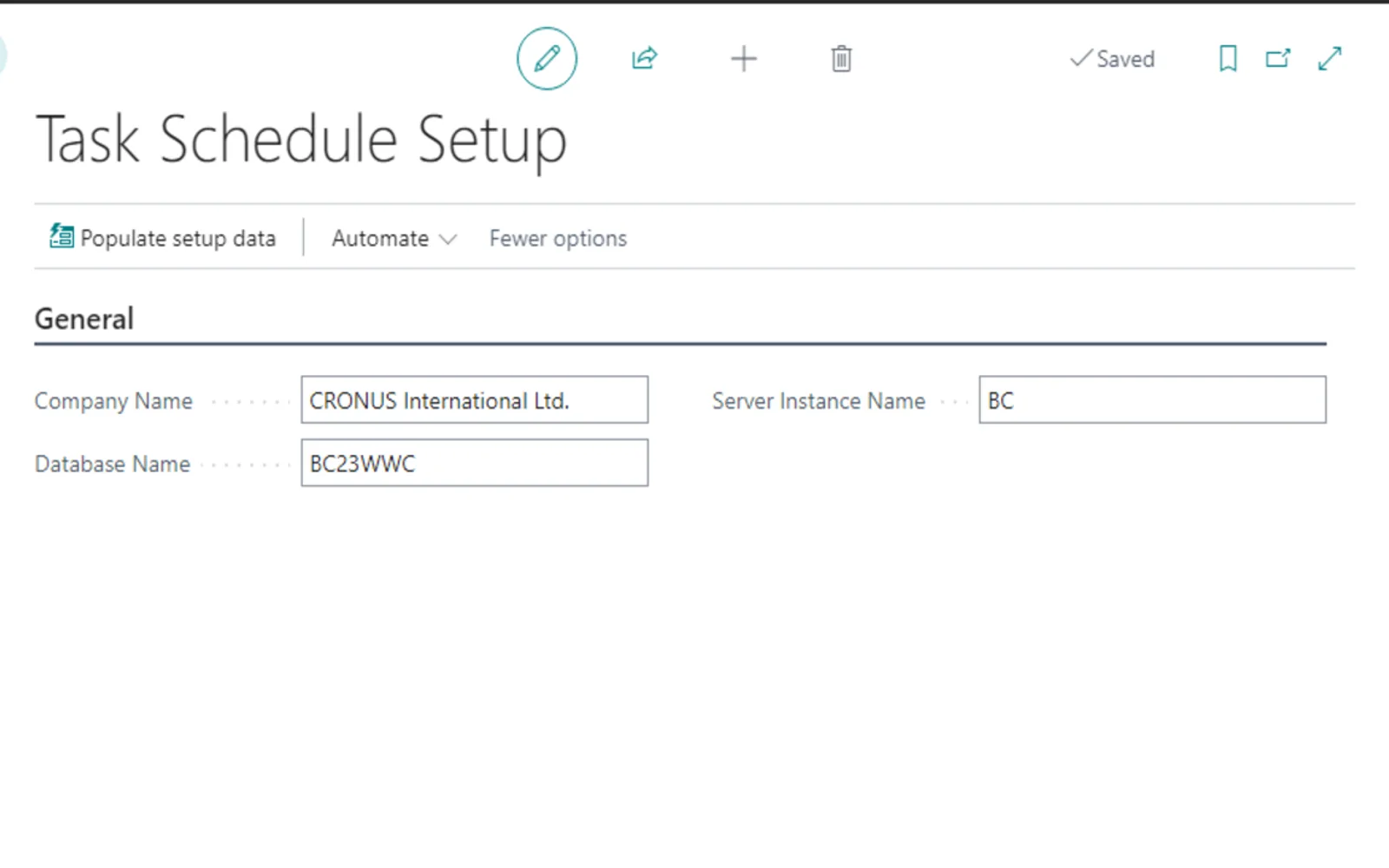
AL Task Scheduler runs processes at specified frequencies and restart times in Microsoft Dynamics 365 Business Central. It provides a view of currently running activities and tasks. Users can create, monitor, update, postpone, turn off, and advance tasks. When a codeunit fails.
Assigns individual restart frequencies to tasks, including intervals in the milliseconds range.
Restarts and runs processes automatically according to their configured frequencies.
Displays activities and tasks that are currently running.
Supports creating, updating, postponing, turning off, and advancing tasks.
103 plugins in Dynamics 365 Business Central · Productivity
Price distribution: 5 free, 3 freemium, 66 paid, 29 price not published
Records produced quantities and times used at workstations, with barcode entry, in Microsoft Dynamics 365 Business Central.
EOS Solutions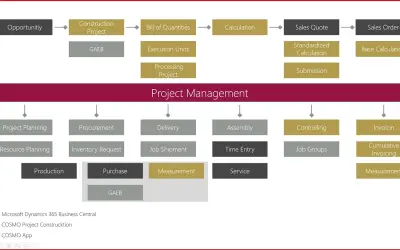
Construction ERP app for Dynamics 365 Business Central with tools for calculation, scheduling, and measurement documentation.
COSMO CONSULT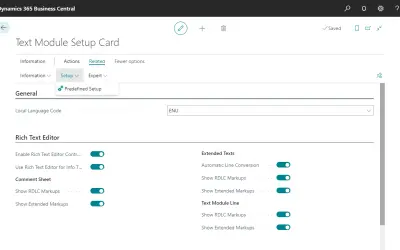
COSMO Text Module provides extended text management with a WYSIWYG editor for Microsoft Dynamics 365 Business Central.
COSMO CONSULT
COSMO Document Set applies a master layout to standardize reports and documents in Microsoft Dynamics 365 Business Central.
COSMO CONSULT«AL Task Scheduler Do you need an app that automatically runs processes with different frequencies? Do you ever wonder about the activity planning and if tasks are running smoothly? AL Task Scheduler carries out processes with different frequencies, letting you determine how often and when a specific process needs to …»