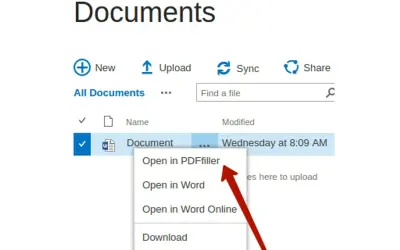
PDFfiller - fill your documents
A SharePoint add-in that opens stored Word or PDF documents as fillable files in the PDFfiller editor for editing and signing.
PDFfillerPrice not published
Edit PDFs linked to SharePoint records and save revised files back to those records.
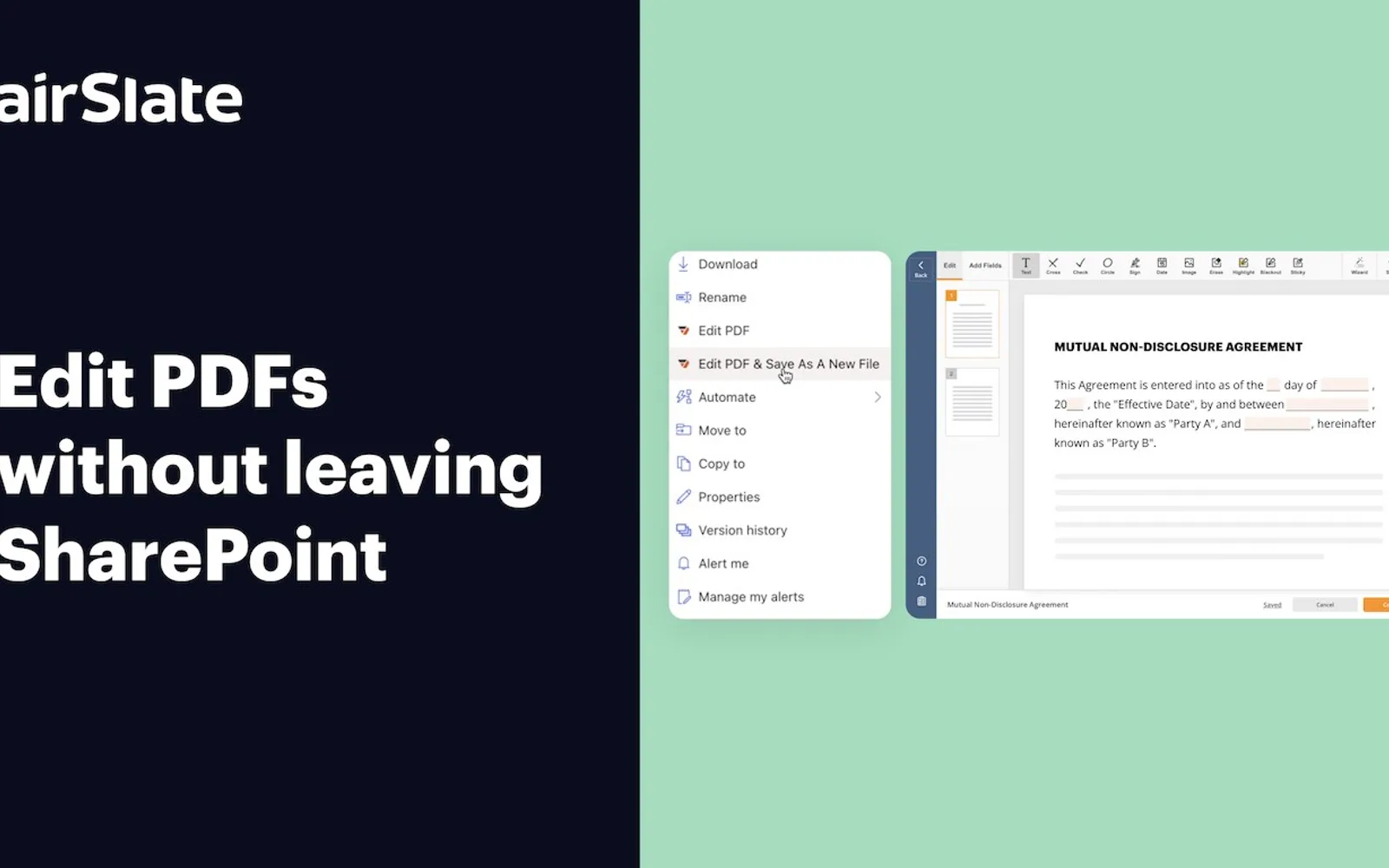
Opens PDF files associated with SharePoint records for editing and stores the revised versions with those records. Functions include changing text, adding form-entry fields, combining files, removing or reordering pages, and applying watermarks. The package also provides SharePoint list commands for opening files in the editor or replacing the related file.
Changes text content in PDF files opened from SharePoint.
Adds fields for data entry and completes those fields in PDF documents.
Joins multiple files into a PDF document.
Removes pages or changes their sequence within a PDF.
Places watermarks on PDF documents.
airSlate PDF Editor and PDFfiller - fill your documents both use cloud deployment and have unknown pricing models. The listing for airSlate PDF Editor was updated on May 29, 2024, while PDFfiller - fill your documents was updated in April 2022.
| Name | Pricing | Deployment | Updated |
|---|---|---|---|
| this plugin | Price not published | Cloud | |
| PDFfiller - fill your documents | Price not published | Cloud |
62 plugins in SharePoint · Legal & Compliance
Price distribution: 2 free, 3 freemium, 22 paid, 35 price not published
A SharePoint add-in that opens stored Word or PDF documents as fillable files in the PDFfiller editor for editing and signing.
PDFfiller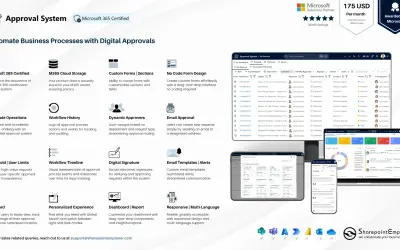
Manages requests and approvals for companies on Microsoft platforms, with SharePoint web part and multi-language support.
SharepointEmpower Private Limited
Fully managed AI chatbot for SharePoint, powered by Claude, that answers from your documents with no API key required.
OBTechnologies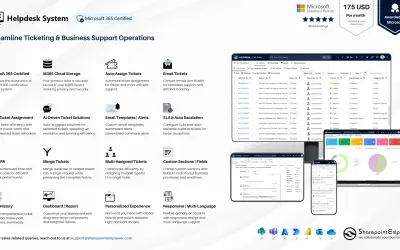
A cloud-based ticket management system for Microsoft platforms that centralizes support tasks and tracks resolution times.
SharepointEmpower Private Limited«Edit PDF documents and save them to your SharePoint records Edit PDFs attached to a record and save them as updated versions in that record ‒ all without leaving SharePoint ‒ ensuring your documents are always up-to-date. Change text, add fillable fields, merge multiple files, delete & rearrange pages, and more.»