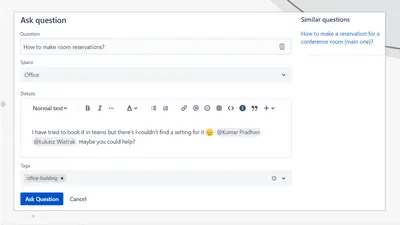
Community Questions for Confluence
Adds a searchable Q&A forum to Confluence with voting, tags, permissions, and notifications.
FirnityFreemium
Edit Confluence content in Hemingway Editor to highlight difficult sentences and suggest readability improvements.
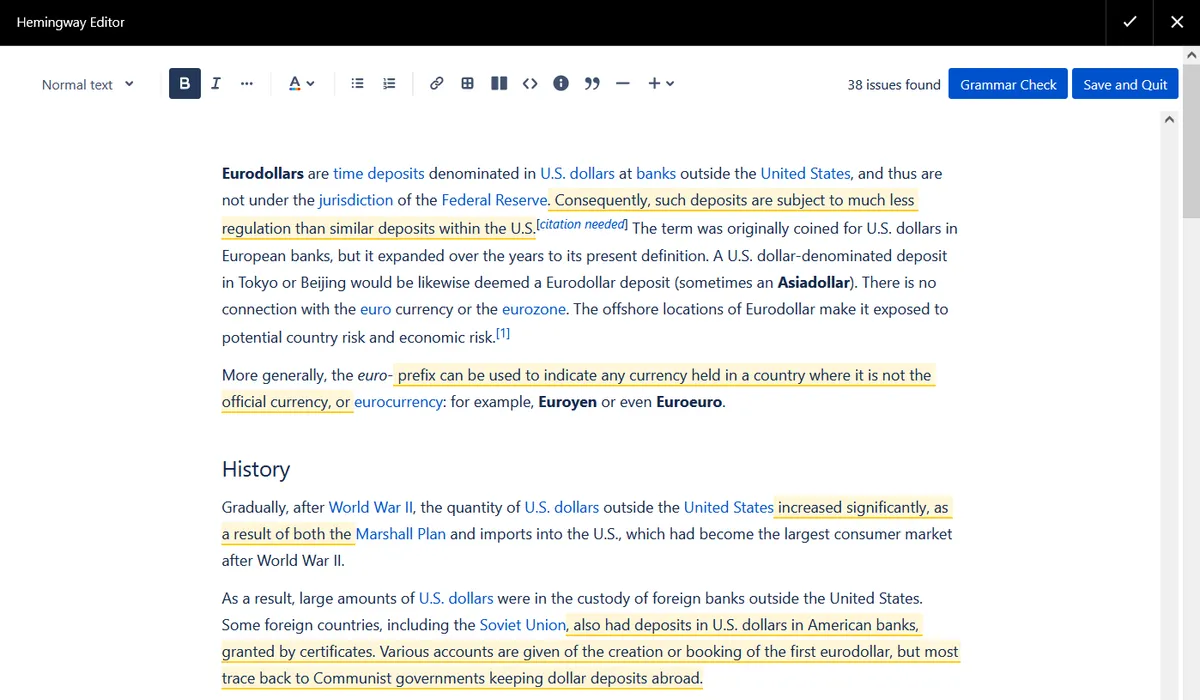
Hemingway Editor opens from the Confluence page menu. It highlights sentences that are difficult to understand and provides suggestions about the text elements affecting readability. Text is checked inside the browser without being sent to outside servers. After editing, Save and Quit stores the changes in Confluence.
Highlights sentences that are difficult to understand.
Provides suggestions about text elements that make highlighted passages difficult to read.
Checks text inside the browser without sending it to outside servers.
Opens from the Confluence page menu and saves edited text back to Confluence.
990 plugins in Confluence · Content and communication
Price distribution: 228 free, 378 freemium, 384 paid
Adds a searchable Q&A forum to Confluence with voting, tags, permissions, and notifications.
Firnity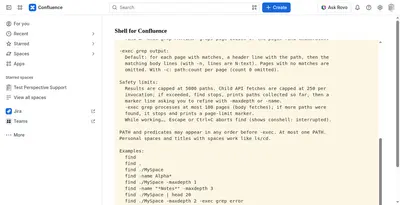
Manage Confluence pages through a command-line-style console for navigation, search, viewing, copying, and moving.
Kenputer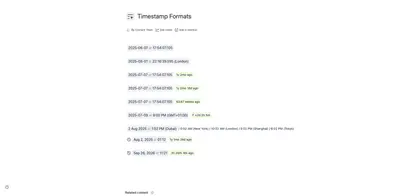
Adds natural-language timestamps, timezone conversions, countdowns, and ISO copying to Confluence pages.
Crenwiz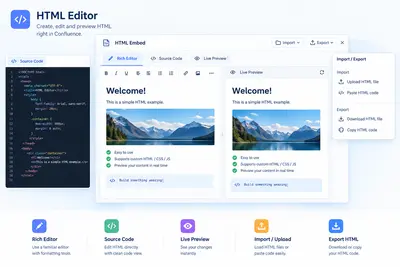
Embed HTML, iframe content, and Confluence Query Language searches in Confluence pages.
Come2Solution«Do you provide money back guarantee? Yes. If you are unhappy with the Hemingway Editor or find a bug, we will refund you your money. How does Hemingway Editor compares to Grammarly? With Hemingway Editor no data leaves your organization. Hemingway Editor checks your text inside your browser.»