MES Manufacturing execution system
Records produced quantities and times used at workstations, with barcode entry, in Microsoft Dynamics 365 Business Central.
EOS SolutionsPaid
Customize the Role Center Headline in Microsoft Dynamics 365 Business Central with scheduled messages and optional website links.
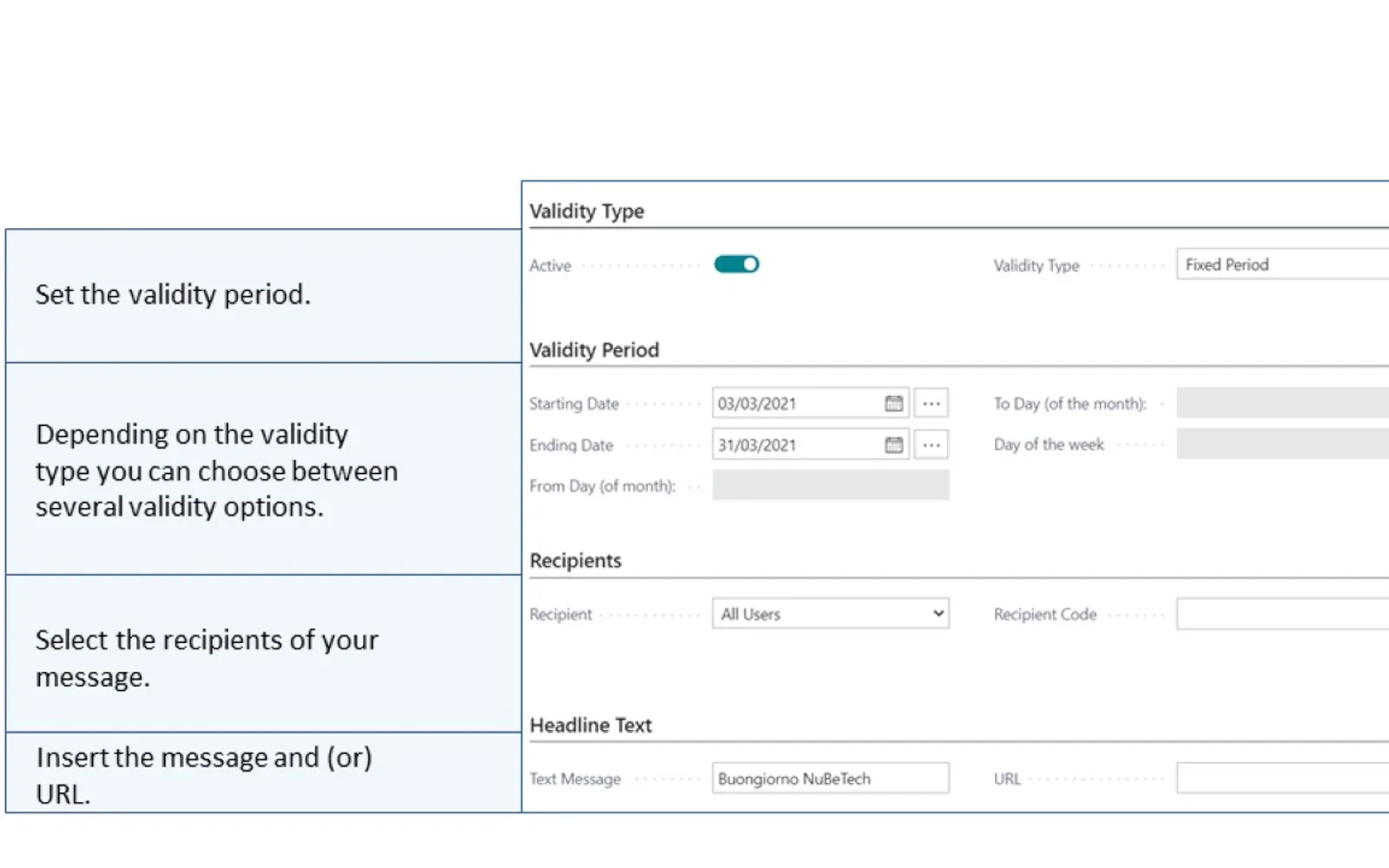
Creates messages for display in the Role Center Headline in Microsoft Dynamics 365 Business Central. Messages can have fixed, weekly, monthly, yearly, first-day, or last-day validity periods. Recipients can include all users, one user, or a user group. Messages can contain text and an optional website URL.
Messages can use fixed, weekly, monthly, yearly, first-day, or last-day validity periods.
Messages can be shown to all users, one selected user, or users in a selected user group.
Configured messages are shown in the Microsoft Dynamics 365 Business Central Role Center Headline.
Messages can include a link to another website.
111 plugins in Dynamics 365 Business Central · Data Management
Price distribution: 1 free, 1 freemium, 109 paid
Records produced quantities and times used at workstations, with barcode entry, in Microsoft Dynamics 365 Business Central.
EOS Solutions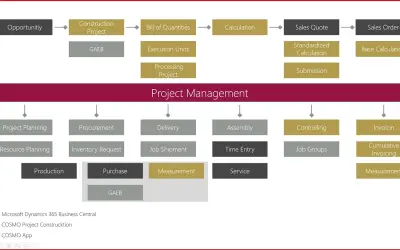
Construction ERP app for Dynamics 365 Business Central with tools for calculation, scheduling, and measurement documentation.
COSMO CONSULT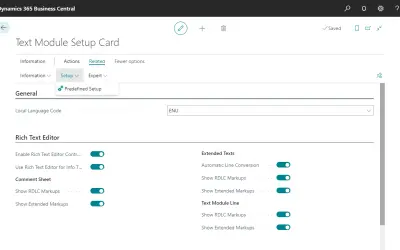
COSMO Text Module provides extended text management with a WYSIWYG editor for Microsoft Dynamics 365 Business Central.
COSMO CONSULT
COSMO Document Set applies a master layout to standardize reports and documents in Microsoft Dynamics 365 Business Central.
COSMO CONSULT«The FREE WhatsUp application for Microsoft Dynamics 365 Business Central allowing you to customize the Role Center Headline. Do you want to send programmed messages in the Role Center Headline to the users logged in your Microsoft Dynamics 365 Business Central? NuBeTech Whatsup is a FREE add-on for Microsoft Dynamics …»