PP Timer
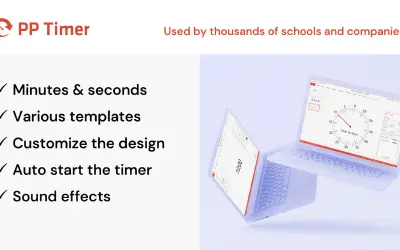
PP Timer places a countdown timer inside PowerPoint slides and starts it with a single mouse click during presentations.
AddinlyPrice not published
Adds customizable countdown and count-up timers to PowerPoint slides for presentations, lessons, and meetings.
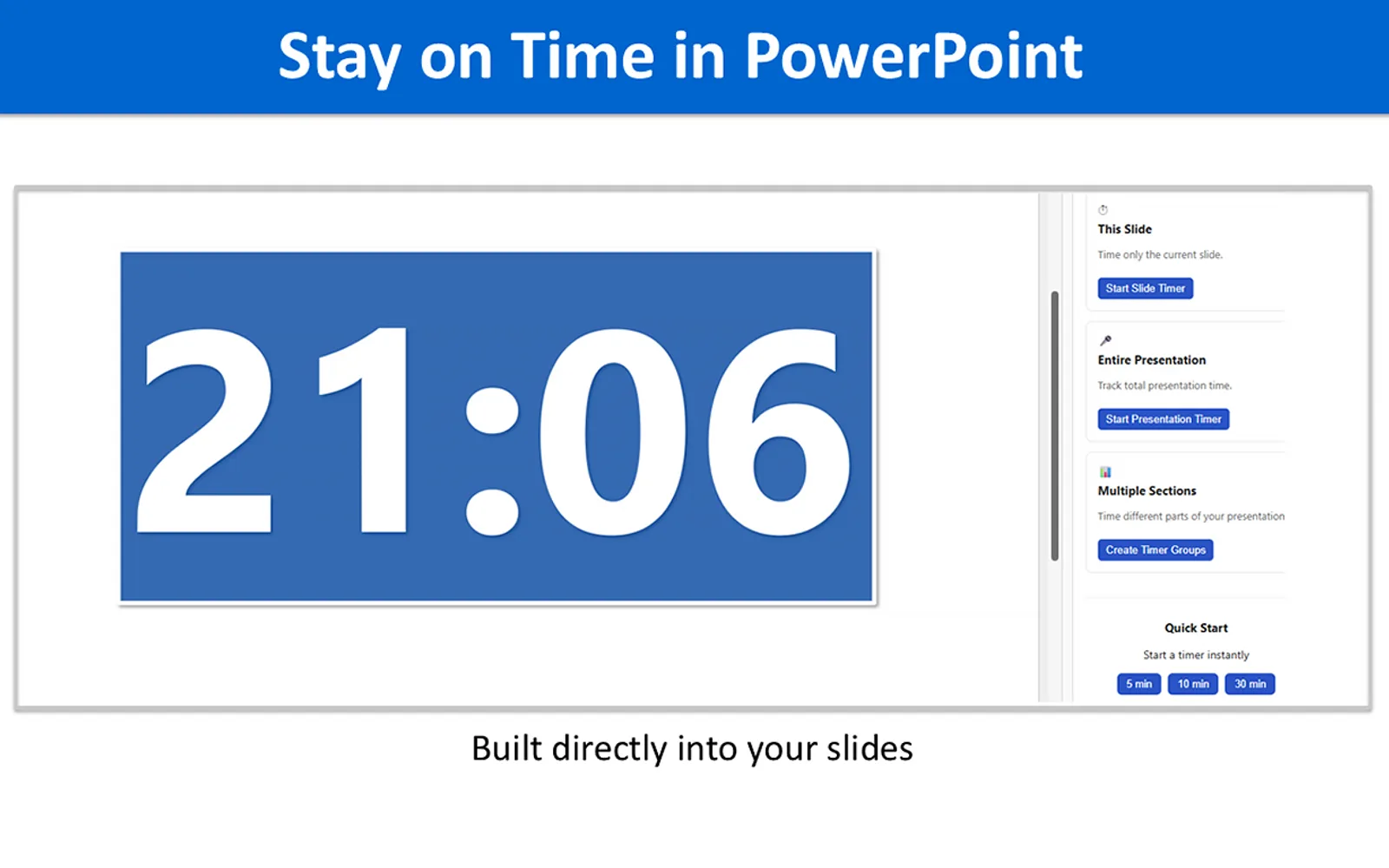
UbiTimer places a timer on PowerPoint slides and supports countdown or count-up modes. It offers Radial and Digital styles, quick-start presets, and settings for size, color, font, and position. A presentation-wide timer can stay synchronized across slides, and the timer works in Slide Show and Edit Mode. Timer styling can also be applied to all slides at once.
Runs either countdown or count-up timers on PowerPoint slides.
Provides Radial and Digital timer displays.
Allows changes to timer size, color, font, and position.
Offers an optional timer that stays synchronized across slides.
Applies timer styling to all slides with one click.
Includes presets for common presentation times.
Displays the timer in both Slide Show and Edit Mode.
Listed audiences include teachers, students, trainers, and professionals.
UbiTimer and PP Timer both use cloud deployment and have an unknown pricing model. ClickLearnHelp uses cloud deployment with a paid pricing model, while UbiTimer's pricing model is unknown. UbiTimer was updated on Mar 2026, compared with PP Timer in May 2026, ClickLearnHelp in Nov 2024, PP Poll in Jun 2026, and Drawp for School in Jun 2025.
| Name | Pricing | Deployment | Updated |
|---|---|---|---|
| this plugin | Price not published | Cloud | |
| PP Timer | Price not published | Cloud | |
| ClickLearnHelp | Paid | Cloud | |
| PP Poll | Price not published | Cloud | |
| Drawp for School | Price not published | Cloud |
45 plugins in PowerPoint · Productivity
Price distribution: 4 paid, 41 price not published
PP Timer places a countdown timer inside PowerPoint slides and starts it with a single mouse click during presentations.
Addinly
Gives Dynamics 365 Business Central users access to ClickLearn learning content in eight formats, including videos.
ClickLearnRun polls in PowerPoint: participants vote by QR code or short link, and results display directly on your slides.
Addinly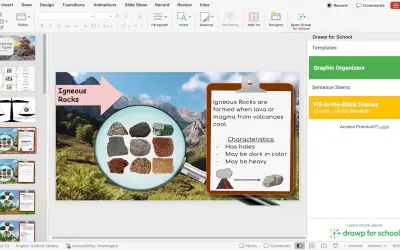
Drawp for School adds multilingual graphic organizers and ELD scaffolding tools to PowerPoint for educators building lesson plans.
Moondrop Entertainment, LLC | Drawp for School«UbiTimer — Presentation Timer for PowerPoint UbiTimer adds a clear, customizable timer directly to your PowerPoint slides so you can keep presentations, lessons, and meetings perfectly on schedule. Use a countdown or count-up timer without leaving PowerPoint or switching to external tools. Ideal for teachers …»