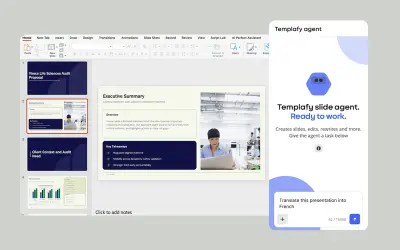
Templafy | AI Presentations and Slides
AI agent for PowerPoint that generates governed, on-brand slides from prompts using approved templates and business rules.
TemplafyPrice not published
Add a countdown timer or stopwatch to PowerPoint slides for use during slideshow mode.
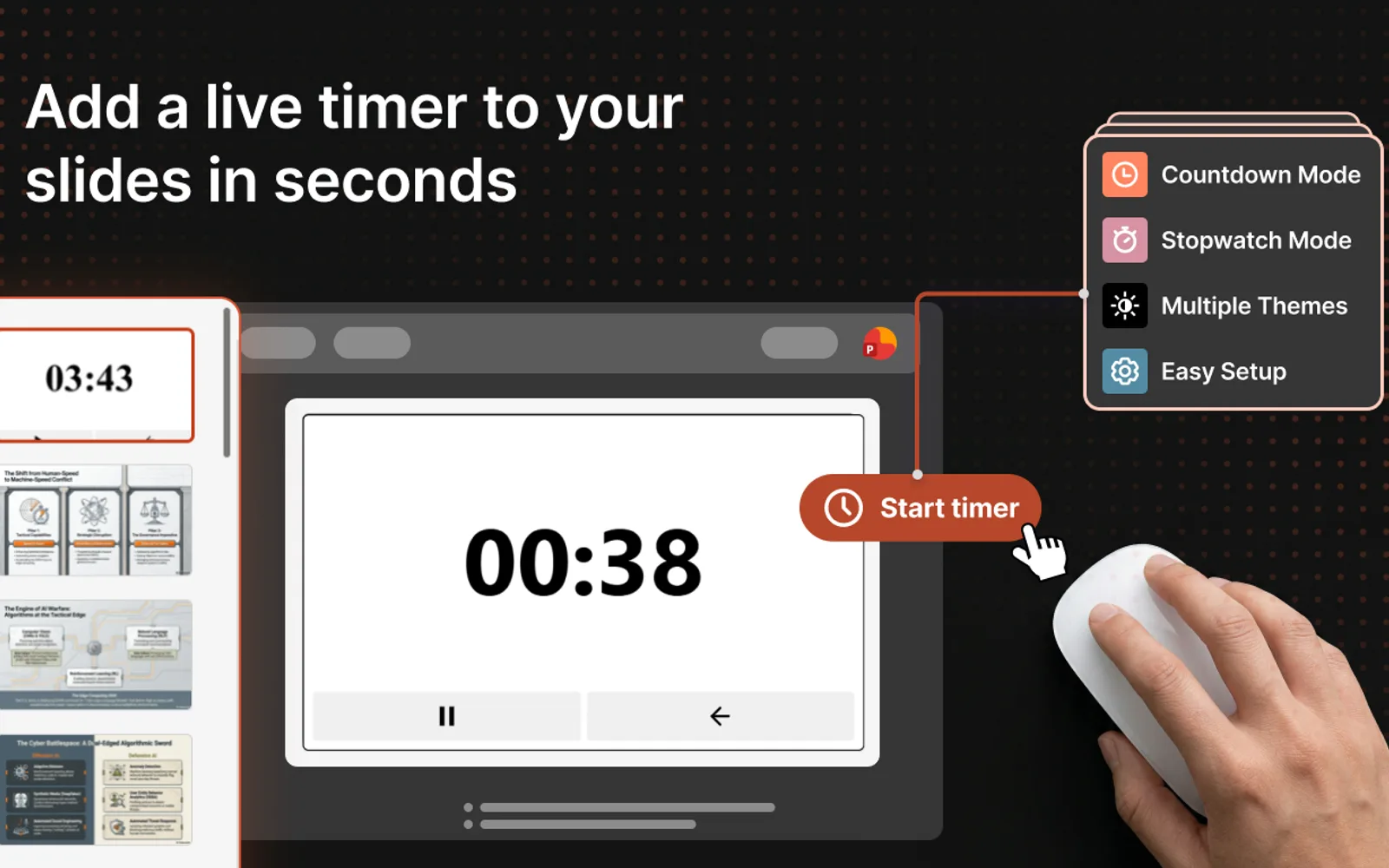
Timer for PowerPoint adds a countdown timer or stopwatch directly to PowerPoint slides. Countdown settings use hours, minutes, and seconds, while stopwatch mode counts elapsed time from 00:00. The display remains visible during slideshow mode, and multiple instances on the same presentation stay synchronized. Users can pause, resume, or reset the timer and optionally play a beep when the countdown reaches zero.
Sets a countdown in hours, minutes, and seconds on a slide.
Counts elapsed time upward from 00:00 during a presentation.
Provides 12 color themes for the timer display.
Labels countdown ranges and shows the current section name above the timer.
Can play a beep when the countdown reaches zero.
Keeps multiple add-in instances on the same presentation synchronized.
Keeps the countdown timer and stopwatch visible and interactive during PowerPoint slideshow mode.
Allows the display to be resized by dragging its corners.
45 plugins in PowerPoint · Productivity
Price distribution: 4 paid, 41 price not published
AI agent for PowerPoint that generates governed, on-brand slides from prompts using approved templates and business rules.
Templafy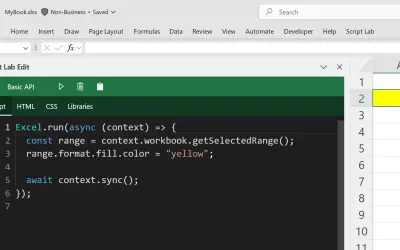
Script Lab Unity lets users create, edit, and run Office JavaScript API code snippets inside Excel, Outlook, PowerPoint, and Word.
Microsoft Corporation
WhoTeach provides an AI-powered digital learning platform with LMS, virtual classroom, and content generation tools.
Social Things S.r.l.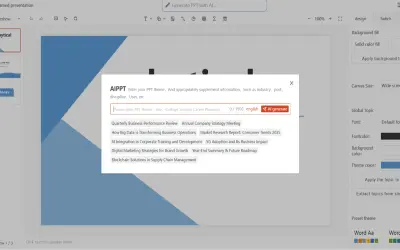
Bytical generates editable Microsoft PowerPoint decks from topics, outlines, or documents for sales teams and other presenters.
Bytical Solutions Private Limited«Add a countdown timer or stopwatch directly on your PowerPoint slides. Set hours, minutes, and seconds, choose from 12 color themes, and start your presentation. The timer stays visible during slideshow mode and syncs across multiple instances of the same presentation. Key Features • Countdown timer: Set a countdown …»