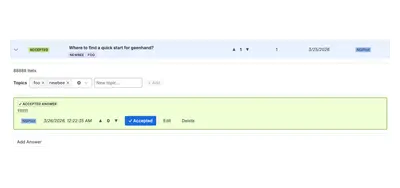
Modern Questions for Confluence
Adds Q&A, voting, accepted responses, filtering, and access controls within Confluence Cloud.
NGPILOTPaid
Archives Slack channels and threads as searchable pages in Confluence.
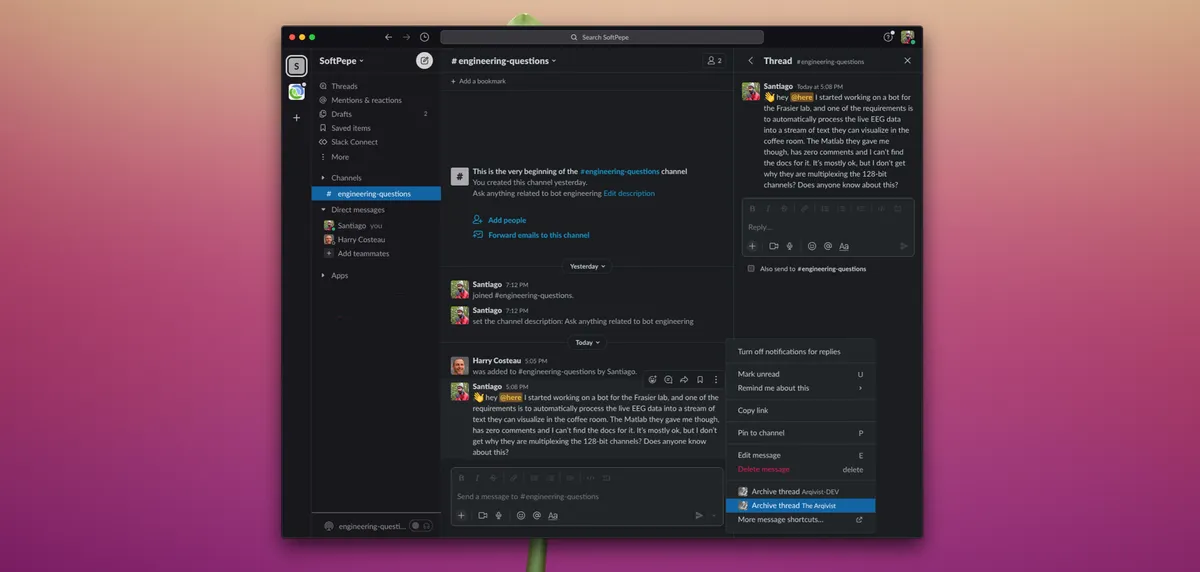
The Arqivist archives an entire Slack channel or a thread in Confluence. The `/arqive` command starts channel archiving, while a message shortcut archives threads. Archived pages include messages with their timestamps and authors, and individual messages can be linked from the thread.
Archives the current Slack channel through the `/arqive` command.
Archives Slack threads through a message shortcut.
Includes message timestamps and authors in the archived content.
Creates a Confluence page from the archived Slack conversation.
Provides links to individual messages within an archived thread.
The Arqivist uses a freemium pricing model and cloud deployment. Modern Questions for Confluence is paid and cloud-deployed. Talk - Advanced Inline Comments is paid and available for data-center and server deployments.
| Name | Pricing | Deployment | Updated |
|---|---|---|---|
| this plugin | Freemium | Cloud | |
| Modern Questions for Confluence | Paid | Cloud | |
| Talk - Advanced Inline Comments | Paid | Data Center · Server |
990 plugins in Confluence · Content and communication
Price distribution: 228 free, 378 freemium, 384 paid
Adds Q&A, voting, accepted responses, filtering, and access controls within Confluence Cloud.
NGPILOT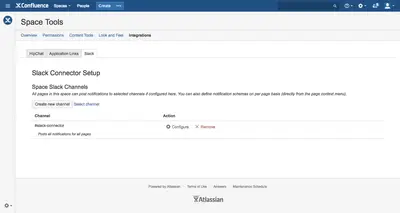
Connects Confluence Cloud with Slack for content update and comment notifications in selected channels.
WISOFT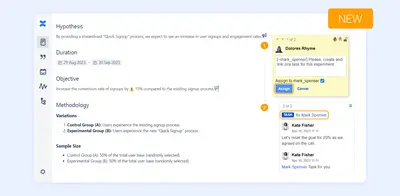
Add and organize inline discussions, page suggestions, tasks, and reports within Confluence.
Stiltsoft Europe OÜ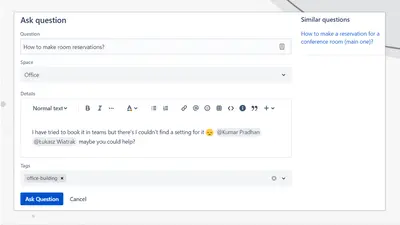
Adds a searchable Q&A forum to Confluence with voting, tags, permissions, and notifications.
Firnity«As requested by some customers, The Arqivist can now archive whole channels. This is ideal for scenarios such as post-mortem documentation of major incidents, for which a single-use slack channel is created. The `/arqive` slash command takes no arguments and will initiate the archival of the current channel. For …»