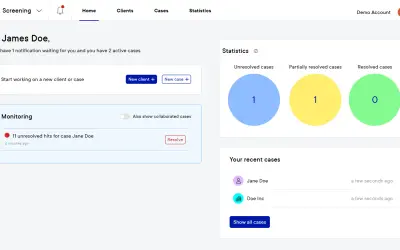
AI-powered compliance support platform
Pascal provides AI-powered KYC and AML screening and monitoring for organizations managing compliance assessments.
Vartion B.V.Paid
Map, navigate, edit, and review contract documents in TermLynx.
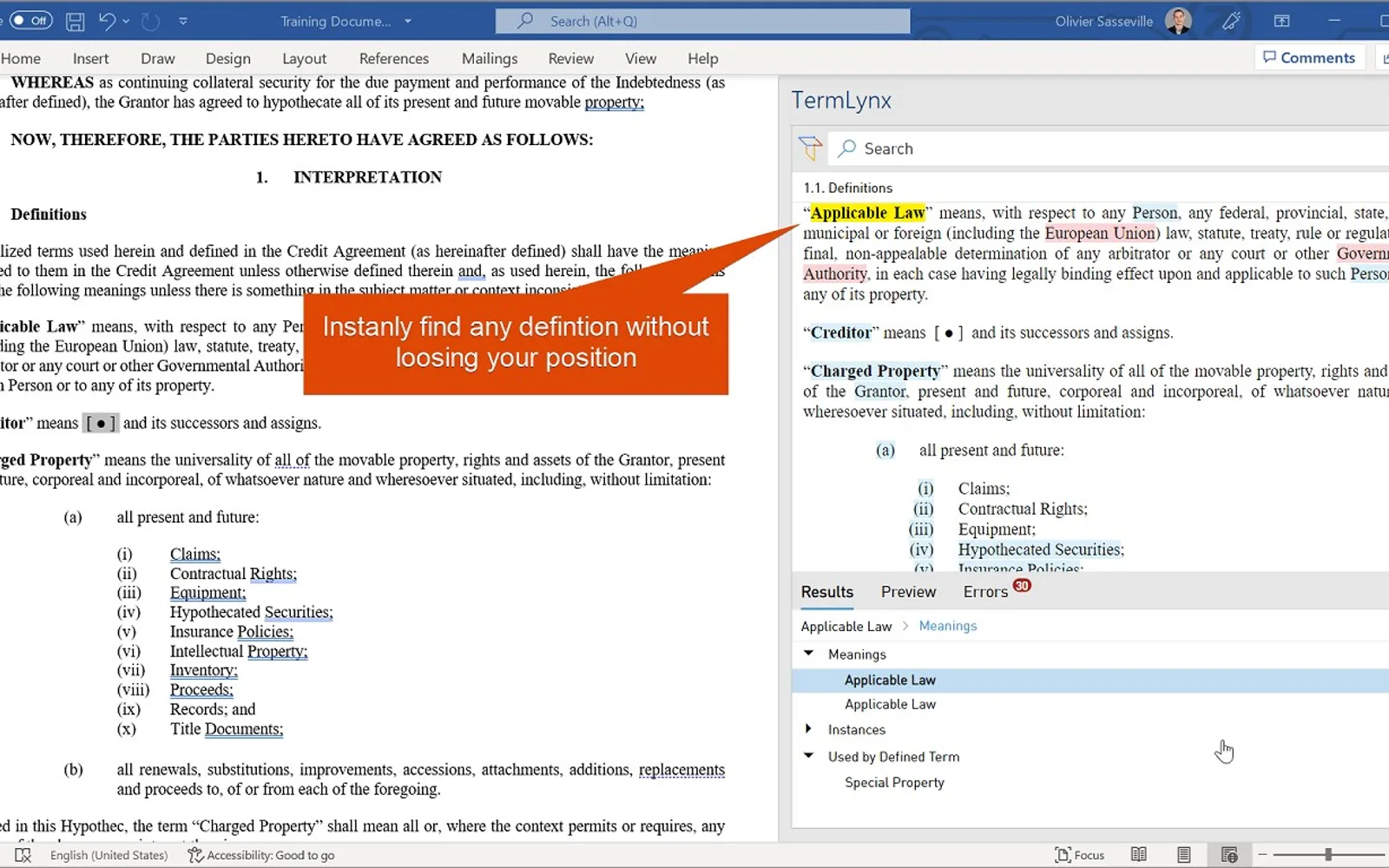
TermLynx displays, locates, and edits contract content without requiring movement through the document. It detects errors, benchmarks them against public agreements, and prioritizes them by risk. Relationship mapping shows how articles, sections, schedules, and defined terms fit together. The add-in supports navigation and editing while drafting.
Detects errors, compares them with public agreements, and prioritizes them by risk.
Maps the relationships among articles, sections, schedules, and defined terms in a contract.
Provides editing within lengthy documents without scrolling through the document.
Allows information to be explored without moving through the document.
Refreshes while a document is being drafted.
TermLynx names lawyers and legal assistants as its intended users.
497 plugins in Legal & Compliance
Price distribution: 16 free, 20 freemium, 233 paid, 228 price not published
Pascal provides AI-powered KYC and AML screening and monitoring for organizations managing compliance assessments.
Vartion B.V.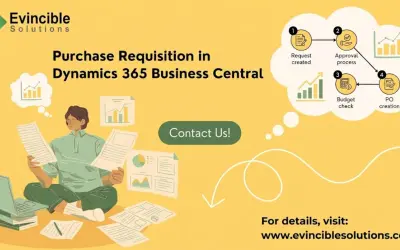
Standardizes purchase requisitions and multi-level approvals for finance, procurement, and operations in Business Central.
Evincible Solutions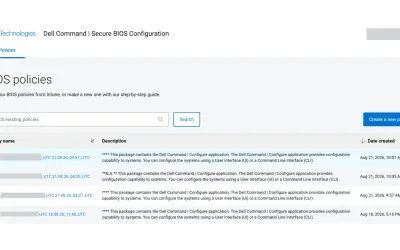
Cloud-based tool that replaces BIOS passwords with certificate-based configuration management for Dell commercial devices.
Dell TechnologiesCLM365 - Contract Management add-in for Microsoft Teams and SharePoint that keeps contract data in Microsoft 365.
Apps 365 and HR 365«Summary Instantly display, locate and edit without endless scrolling or losing your place in the document. We cut through the noise to make lawyers and legal assistants more efficient and productive. To use TermLynx, you will need a subscription. Upon account creation, you will be granted a trial. Error Benchmarking …»