Flow Data Table Free Edition
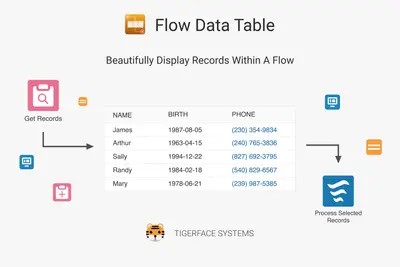
Display up to 100 records in read-only tables on Salesforce Flow Builder screens.
Tigerface Systems, LLCFree
Display, search, sort, paginate, and select records within Salesforce flows.
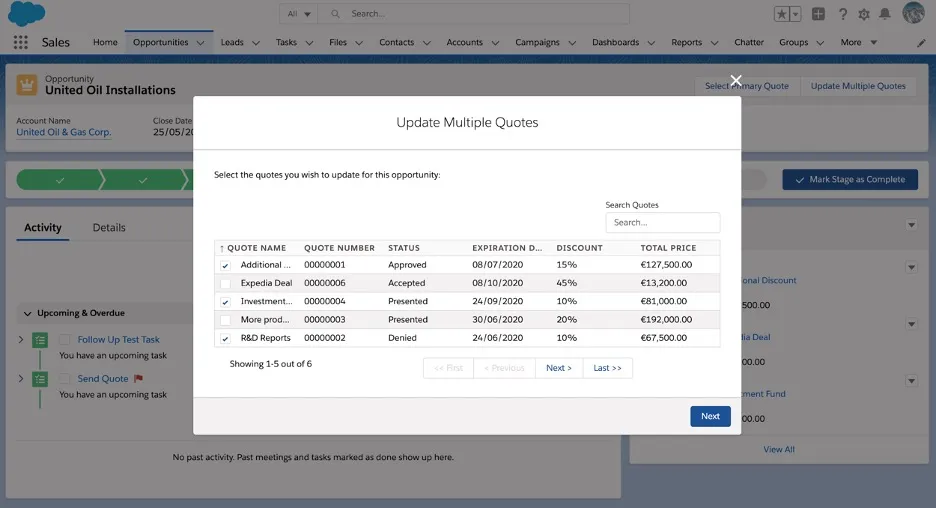
Admins can add a table to Salesforce flows to display multiple records. Flow users can search, sort, and paginate the records, then select one or more items for processing within the flow. The vendor also describes creating flows without code.
Displays multiple records within a Salesforce flow.
Allows flow users to search within the displayed records.
Allows flow users to sort and paginate the table contents.
Allows users to select one or multiple records for processing within the flow.
Salesforce administrators building flows.
Table Component for Flows displays multiple records in a flow and supports searching, sorting, pagination, and selecting records for processing. Flow Data Table Free Edition is also a cloud table component for Flow Builder, but its listing directs readers to the Ultimate Edition for sort, select, and edit features. Softsquare - Lightning DataTable Dev provides table searching, sorting, and pagination, but requires developers to prepare JSON data as input.
| Name | Pricing | Deployment | Updated |
|---|---|---|---|
| this plugin | Free | Cloud | |
| Flow Data Table Free Edition | Free | Cloud | |
| Softsquare - Lightning DataTable Dev | Free | Cloud |
332 plugins in Salesforce Platform · Admin and developer tools
Price distribution: 154 free, 33 freemium, 145 paid
Display up to 100 records in read-only tables on Salesforce Flow Builder screens.
Tigerface Systems, LLC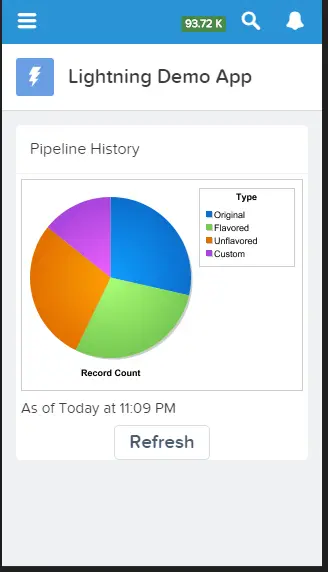
Display report charts in Salesforce Platform apps and let app users refresh the displayed data.
Salesforce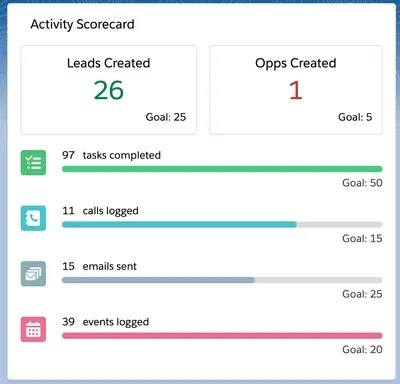
Track individual and company metrics with customizable Salesforce Platform scorecards based on Salesforce Reports.
Salesforce Labs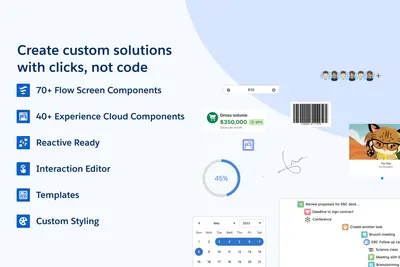
Adds 70+ configurable screen components to Salesforce Flow Builder without custom LWC development.
Avonni«Our table component for flows lets admin build flows displaying multiple records. Users can sort, paginate and search within the table of items. The admin can also let the user to select one or multiple records from the flow and then process the selected items within the flow. Show multiple records in your flows …»