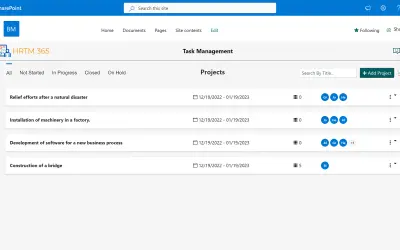
HR Task Management 365
HR Task Management 365 is a SharePoint SPFx web part for assigning, managing, and tracking tasks in a shared space.
BEYOND KEY SYSTEMSPrice not published
Create timelines and Gantt charts in Excel with local data storage and a 7-day free trial.
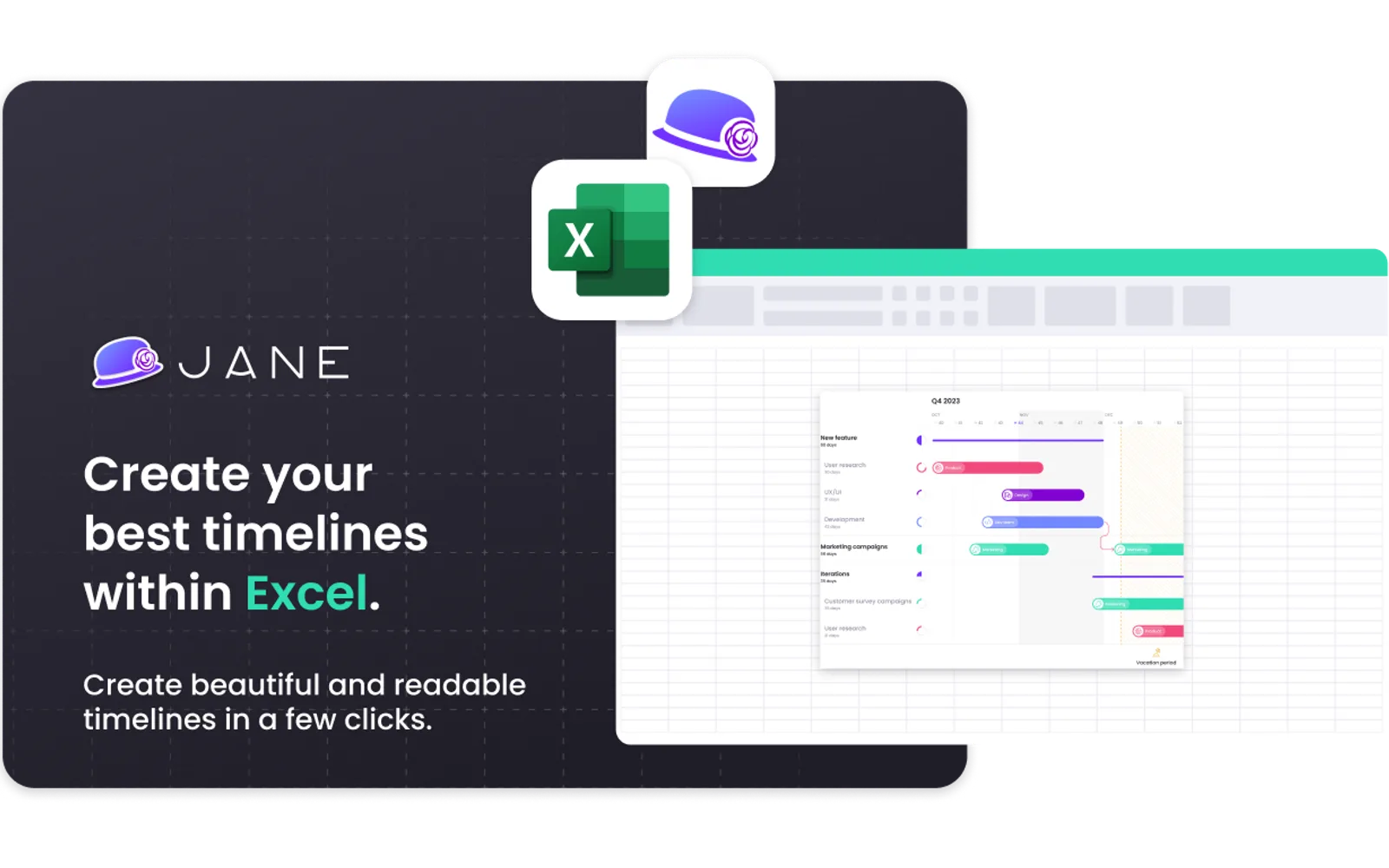
Creates timelines and Gantt charts in Excel. Data remains local in Excel. The listing includes a 7-day free trial, an annual per-user license, and a browser demo with save and export excluded.
Creates timelines in Excel.
Creates Gantt charts in Excel.
Keeps data local in Excel.
Provides a web demo with save and export excluded.
SuperJane for Excel and all listed alternatives use cloud deployment and have unknown pricing models. HR Task Management 365 shows a Jun 2024 update, while Gantt Project Planner and Project Plan – Gantt chart visualization show Jul 2026 updates. Project Plan and Project Plan (Helper) show Jan 2026 updates; SuperJane for Excel was updated on Jun 2024.
| Name | Pricing | Deployment | Updated |
|---|---|---|---|
| this plugin | Price not published | Cloud | |
| HR Task Management 365 | Price not published | Cloud | |
| Gantt Project Planner | Price not published | Cloud | |
| Project Plan – Gantt chart visualization | Price not published | Cloud | |
| Project Plan | Paid | Cloud | |
| Project Plan (Helper) | Price not published | Cloud |
16 plugins in Excel · Project Management
Price distribution: 1 free, 2 paid, 13 price not published
HR Task Management 365 is a SharePoint SPFx web part for assigning, managing, and tracking tasks in a shared space.
BEYOND KEY SYSTEMS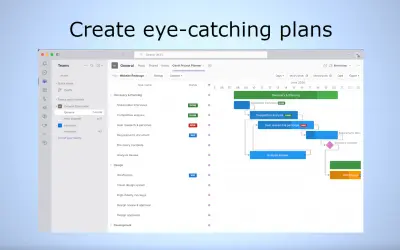
Plan and track projects visually with interactive Gantt charts inside Microsoft Teams without leaving the application.
App Genesis LLC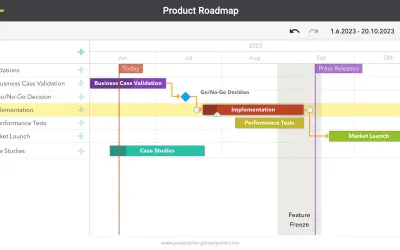
Project Plan (Helper) creates Gantt charts and syncs project plans across Microsoft Teams, PowerPoint, Excel, and Confluence.
cherryware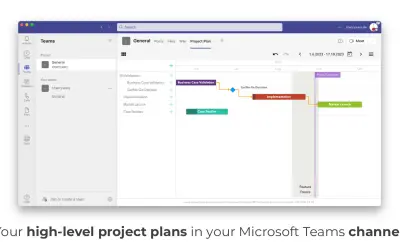
Create and sync high-level Gantt chart project plans across Microsoft Teams, PowerPoint, Excel, Confluence, and SharePoint.
cherryware«Save time when creating amazing charts on Excel KEY BENEFITS • ⚡ Save up to 70% of your time when creating timelines or Gantt charts • 👌 Super intuitive: anyone can use it without training • 🧑💼 Professional-looking results automatically done • 🛡️ Secure: all data remains local in Excel We offer a 7-day free …»