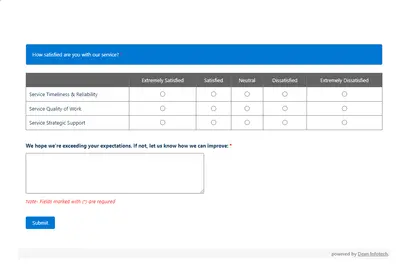
Automated CSAT Survey
Automates customer satisfaction surveys and stores responses in Salesforce.
Dean Infotech Pvt LtdFree
Displays selected list views from multiple Salesforce Platform objects with record-count thresholds, color changes, and user-specific settings.
Status Card places a combined view of selected object list views on the Salesforce Platform home screen or utility bar. Users can define record-count ranges that trigger panel color changes. The card can show counts for examples such as opportunities for a month, leads for a day, or cases without a response. Each user can retain separate configuration settings.
Shows selected list views from multiple objects in one card.
Places the card on the Salesforce Platform home screen.
Places the card in the utility bar.
Sets value ranges based on the number of records.
Changes the panel color according to the configured record-count range.
Retains configuration information separately for each user.
245 plugins in Salesforce Platform · Productivity
Price distribution: 101 free, 26 freemium, 118 paid
Automates customer satisfaction surveys and stores responses in Salesforce.
Dean Infotech Pvt Ltd
Send, sign, track, and store agreements from Salesforce records with DocuSign eSignature.
Docusign, Inc
Manage contracts in Salesforce with templates, negotiation tools, approvals, workflows, repository search, and analytics.
Docusign, Inc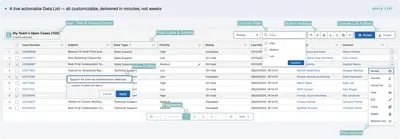
Automates data processing, rules, UI lists, action buttons, and cross-org synchronization in Salesforce Platform.
PUSHTOPIC«By placing a Status Card on the home screen or utility bar, you can create a list view listing across objects. ・Users can immediately notice the information that they need to respond to. -Easy to access the frequent list views ・You can set a range of values based on the number of records and notice by the color change …»