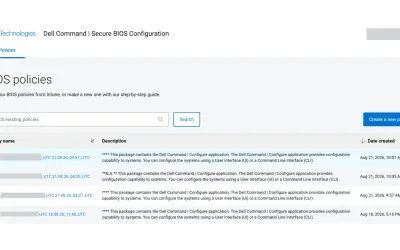
Dell Command | Secure BIOS Configuration
Cloud-based tool that replaces BIOS passwords with certificate-based configuration management for Dell commercial devices.
Dell TechnologiesPaid
Manage application security scan notifications and results inside Microsoft Teams.
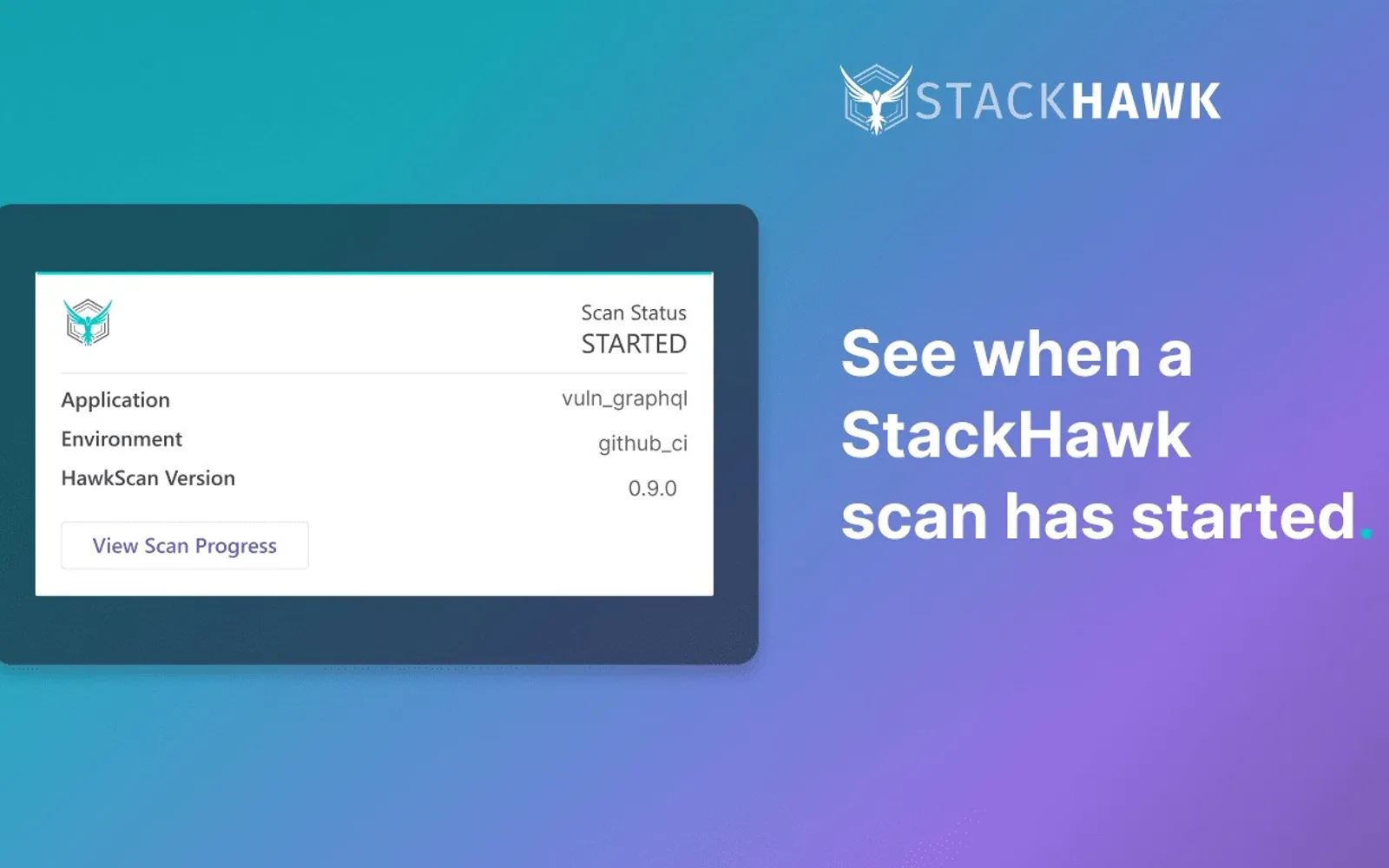
StackHawk for Microsoft Teams sends notifications when application security scans start and provides findings when scans finish. Findings include the number of security bugs by risk. The app links to complete scan results, request and response payloads, bug overviews, and fix documentation. It also reports failed scans with links to error details.
Sends notifications when a scan starts on an application.
Reports the number of security bug findings by risk after a scan completes.
Links to complete scan results, request and response payloads, bug overviews, and fix documentation.
Alerts users about failed scans and links to error details.
Developers managing application security work.
844 plugins in Microsoft Teams · Security
Price distribution: 27 free, 45 freemium, 294 paid, 478 price not published
Cloud-based tool that replaces BIOS passwords with certificate-based configuration management for Dell commercial devices.
Dell Technologies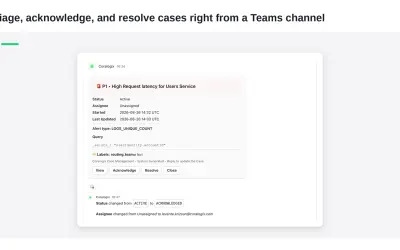
Delivers Coralogix observability notifications and case previews directly into Microsoft Teams channels for review and action.
Coralogix LTD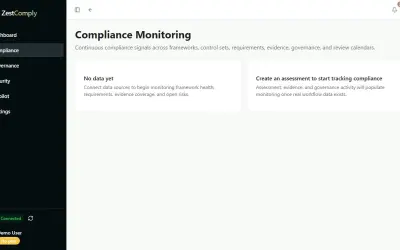
ZestComply manages industry frameworks, generates policies and control mappings, and produces defensible evidence.
"Zest Creations."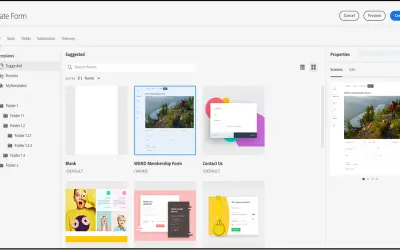
A DAM and CMS for building websites, mobile apps, and forms that delivers marketing content and assets to any channel.
Adobe US«StackHawk makes it simple for developers to find, triage, and fix application security bugs. Scan your application for AppSec bugs in the code your team wrote, triage and fix with provided documentation, and automate in your development pipeline to prevent future bugs from hitting production. When the StackHawk for …»