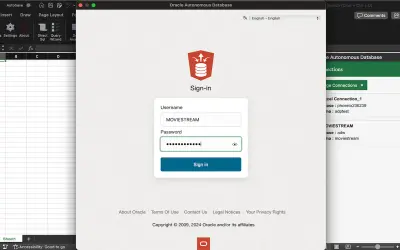
Oracle Database for Excel
An Excel add-in that queries and analyzes data from Oracle Autonomous AI Database and ORDS-enabled Oracle Database deployments.
Oracle IncPrice not published
Query Excel workbook data with SQL through a worksheet function.
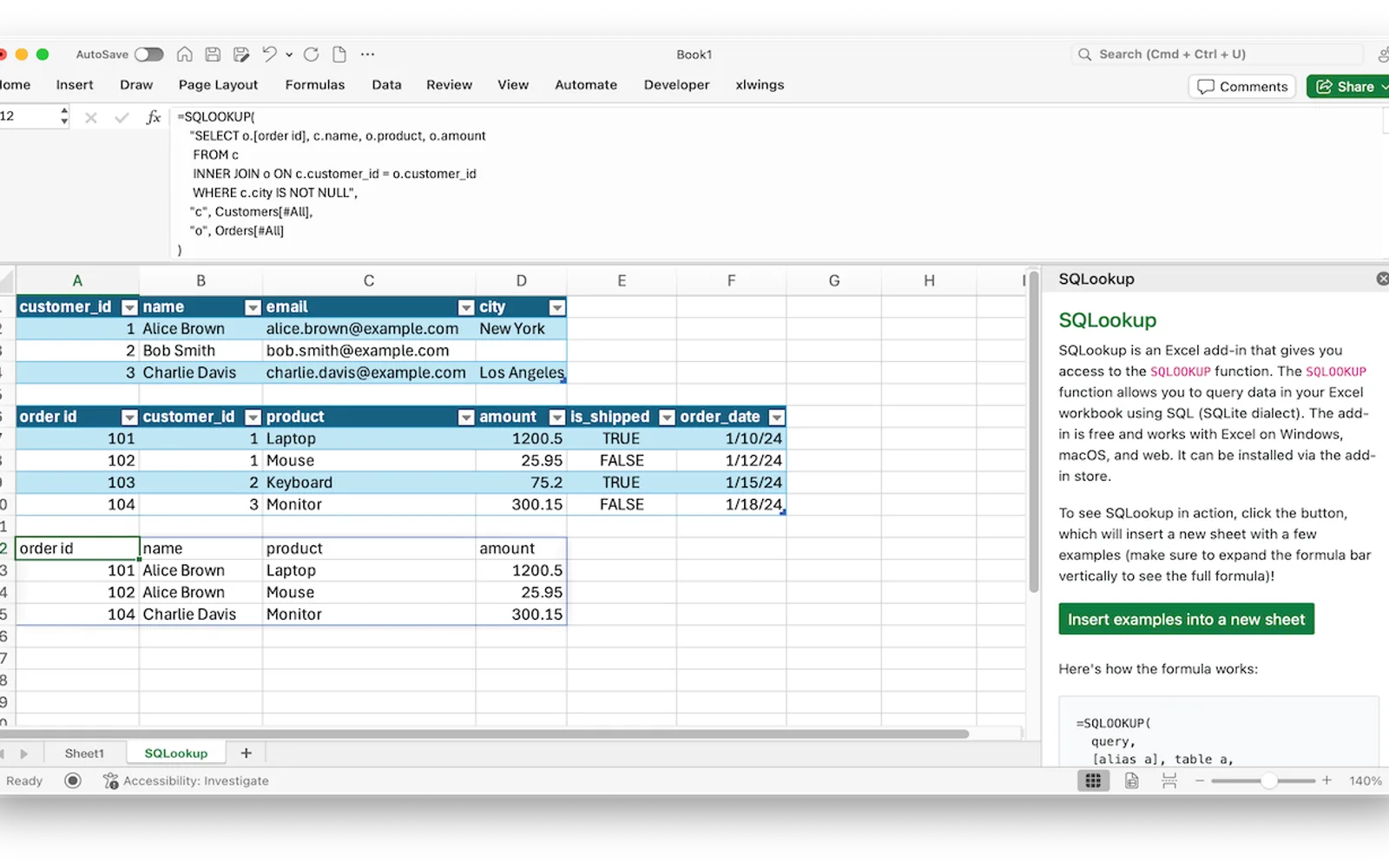
Adds SQLOOKUP to Excel for querying workbook data with SQL in the SQLite dialect. The function can use an Excel range as its data source. The add-in is free and supports Excel across Windows, macOS, and the web.
Provides the SQLOOKUP function for querying workbook data with SQL.
Uses the SQLite dialect for SQL queries.
Allows Excel ranges to be supplied as query data.
Supports Excel on Windows, macOS, and the web.
SQLookup and Oracle Database for Excel both use cloud deployment and have an unknown pricing model. SQLookup was updated on Dec 2024, while Oracle Database for Excel was updated in Aug 2026. Sensr also uses cloud deployment and has an unknown pricing model, with an update date of Dec 2023.
| Name | Pricing | Deployment | Updated |
|---|---|---|---|
| this plugin | Price not published | Cloud | |
| Oracle Database for Excel | Price not published | Cloud | |
| Sensr | Price not published | Cloud |
98 plugins in Excel · Finance
Price distribution: 1 free, 1 freemium, 21 paid, 75 price not published
An Excel add-in that queries and analyzes data from Oracle Autonomous AI Database and ORDS-enabled Oracle Database deployments.
Oracle Inc
Excel and PowerPoint add-in that displays Sensr metrics and values; available only to existing Sensr customers.
Gen II Fund Services LLC
Button-based slicer for Power BI that can be arranged horizontally or as a matrix, with cross highlighting and image support.
Microsoft Corporation
Automates formulas, data cleanup, reporting, and bulk row-by-row tasks in Microsoft Excel from plain-language prompts.
TALARIAN S. à r.l.«SQLookup is an Excel add-in that gives you access to the SQLOOKUP function. The SQLOOKUP function allows you to query data in your Excel workbook using SQL (SQLite dialect). The add-in is free and works with Excel on Windows, macOS, and web. Here's an example query: =SQLOOKUP("SELECT * FROM a", A1:B10)»