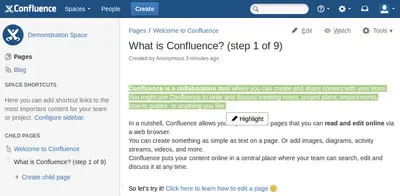
Text Highlighter for Confluence
Highlight and manage selected text fragments in Confluence pages and blog posts.
Big Fig TreePaid
View, create, resolve and delete inline comments while editing Confluence pages and blog posts.
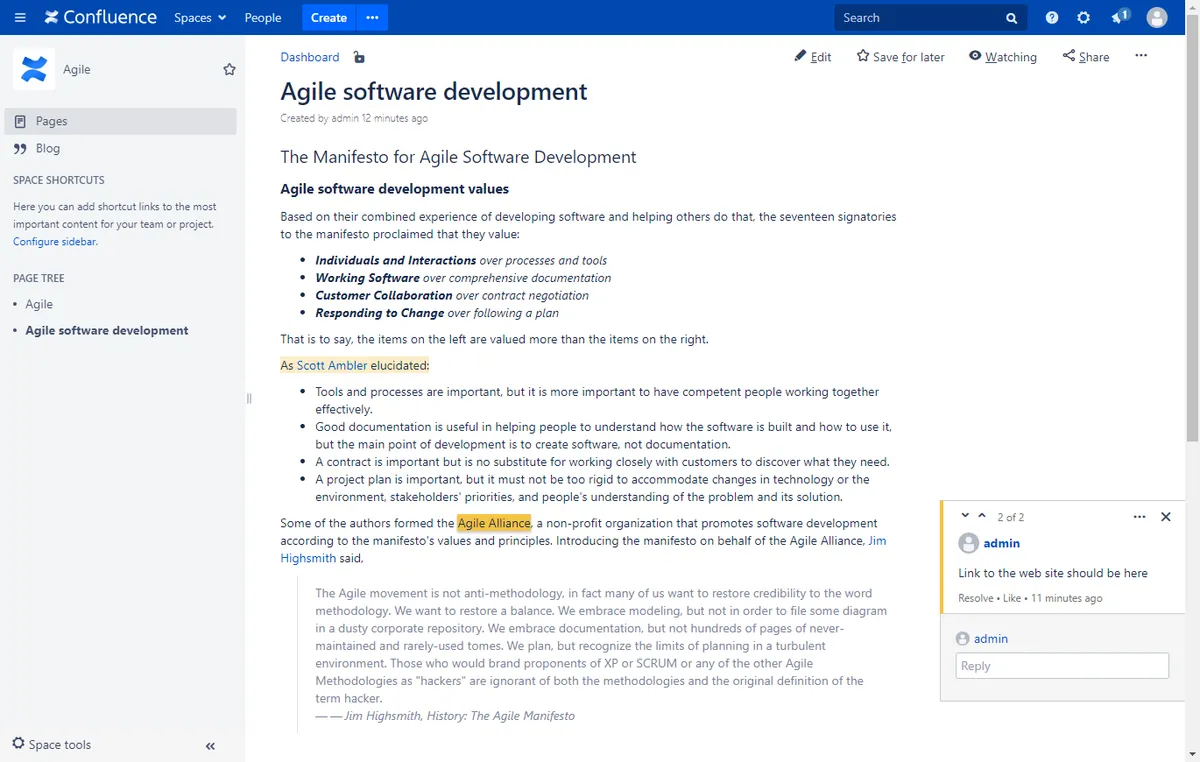
The add-in places inline comments within the Confluence editor. Comments can be viewed in View mode, with navigation to the highlighted text. In Edit mode, existing comments remain available, and comments can be resolved or deleted on pages and blog posts.
Displays inline comments in Confluence View mode.
Allows new inline comments to be added in the Confluence editor.
Provides controls to resolve or delete inline comments while editing a page or blog post.
Show Inline Comments in Editor is paid and supports data-center and server deployment. Text Highlighter for Confluence is also paid but supports server deployment, while Google Sheets for Confluence (Workspace Connector) is freemium and supports cloud deployment.
| Name | Pricing | Deployment | Updated |
|---|---|---|---|
| this plugin | Paid | Data Center · Server | |
| Text Highlighter for Confluence | Paid | Server | |
| Google Sheets for Confluence (Workspace Connector) | Freemium | Cloud |
990 plugins in Confluence · Content and communication
Price distribution: 228 free, 378 freemium, 384 paid
Highlight and manage selected text fragments in Confluence pages and blog posts.
Big Fig Tree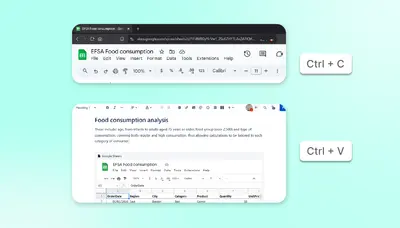
Embeds Google Sheets in Confluence pages for editing, data analysis, collaboration, and access control.
PresagoEmbed Confluence pages in Figma files to view project documentation alongside designs.
Atlassian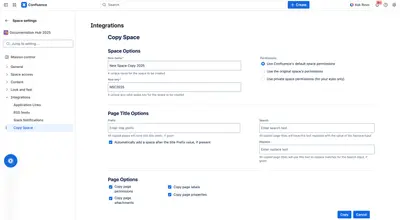
Copies Confluence Cloud spaces with pages, attachments, labels, and properties, plus configurable permissions and page titles.
Appfire«Save time and do better work with a new way to give feedback on pages and files in Confluence. Inline comments are a great way to bring others into the conversation about a page or blog post. They allow you to remark on content, add important information, ask questions, and generally drive collaboration and teamwork …»