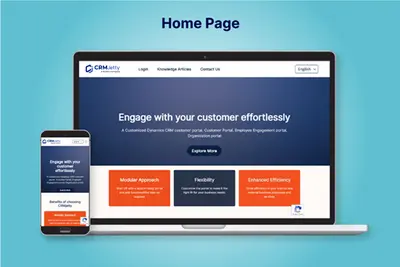
WordPress Customer Portal - CRMJetty
Connects a WordPress customer portal to Salesforce for cases, orders, documents, forms, tasks, and dashboards.
CRMJettyPaid
Build and share no-code searches across Salesforce objects, with administrator controls and Flow support.
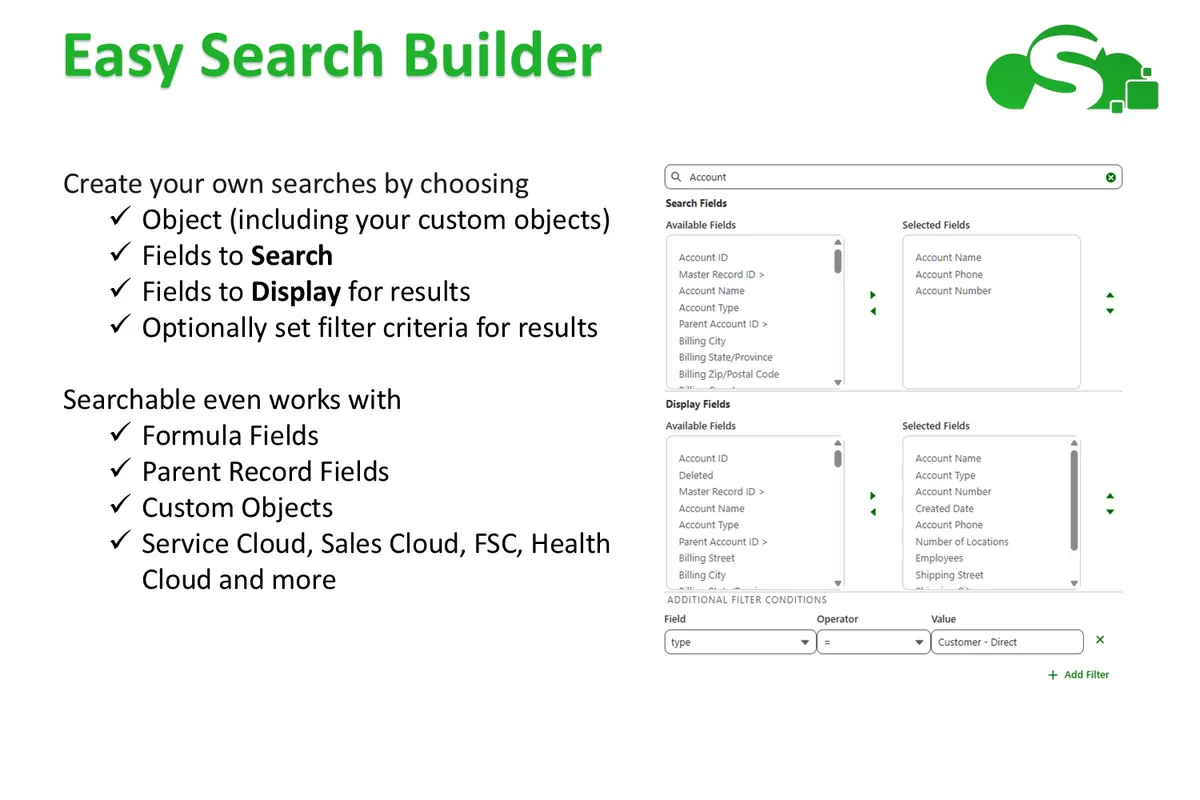
Searchable lets users create and share reusable searches across multiple Salesforce objects without code. Searches can define objects, fields, and filters, with Quick Search, Focused Search, and Search Console modes. Administrators can set defaults, guardrails, visibility, and creation permissions. The add-in also provides configurable searches and guided lookups for Screen Flows, including caller-ID searches in CTI-integrated screen flows and background flows triggered by record selection.
Users can build and share searches across multiple Salesforce objects without writing code.
Searches can control the objects, fields, and filters included.
The add-in provides Quick Search, Focused Search, and Search Console modes.
Administrators can define defaults and guardrails and control search visibility and creation permissions.
Searches can be placed in the Utility Bar, home pages, app pages, record pages, tabs, and mobile tabs.
Configurable searches and guided lookups can extend Screen Flow functionality.
CTI-integrated Screen Flows can automatically search by caller ID.
Auto-launched flows can run in the background when a record is selected.
The add-in is for administrators, users, teams, departments, and contact center experiences.
FCL Filters – Smarter Filtering & Segmentation for Salesforce focuses on filtering and segmentation with a dynamic query builder, while Searchable supports reusable searches across objects and administrator-defined visibility and guardrails. Dynamic Data Table focuses on bringing information from standard or custom Salesforce objects into a hierarchy view, while Searchable provides configurable search modes and placements across Salesforce pages and flows.
| Name | Pricing | Deployment | Updated |
|---|---|---|---|
| this plugin | Paid | Cloud | |
| FCL Filters – Smarter Filtering & Segmentation for Salesforce | Free | Cloud | |
| Dynamic Data Table | Free | Cloud |
1,106 plugins in Salesforce Platform · Data and integration
Price distribution: 265 free, 166 freemium, 675 paid
Connects a WordPress customer portal to Salesforce for cases, orders, documents, forms, tasks, and dashboards.
CRMJetty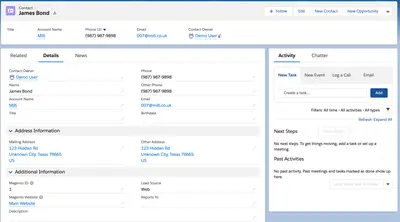
Syncs Adobe Commerce or Magento customer, order, product, cart, and quote data with Salesforce Sales and Service Clouds.
Tech-N-Web, Inc.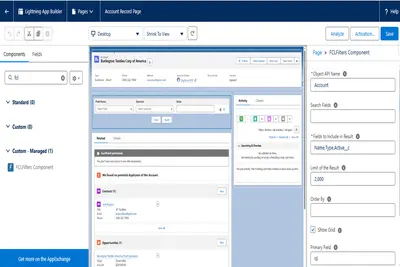
Filter and segment records across Salesforce objects with multi-condition queries, sortable results, and no code.
4CECloud Labs
Adds AI features to Salesforce for records, documents, cases, translations, prompts, and Flow or Apex automation.
SimpleT d.o.o.«Searchable by Appable CRM gives teams a smarter, more consistent way to find data. Users can build and share powerful searches across multiple objects without writing code, turning one-off queries into reusable tools that everyone can rely on. Designed to adapt to different data models and industries, Searchable works …»