
JungleMail for Microsoft 365 and SharePoint
Creates, personalizes, translates and measures employee newsletters using live Microsoft 365 and SharePoint data.
EnovaPointPaid
Organizes email across providers, clients, and devices with filtering, snoozing, reminders, and reply tracking.
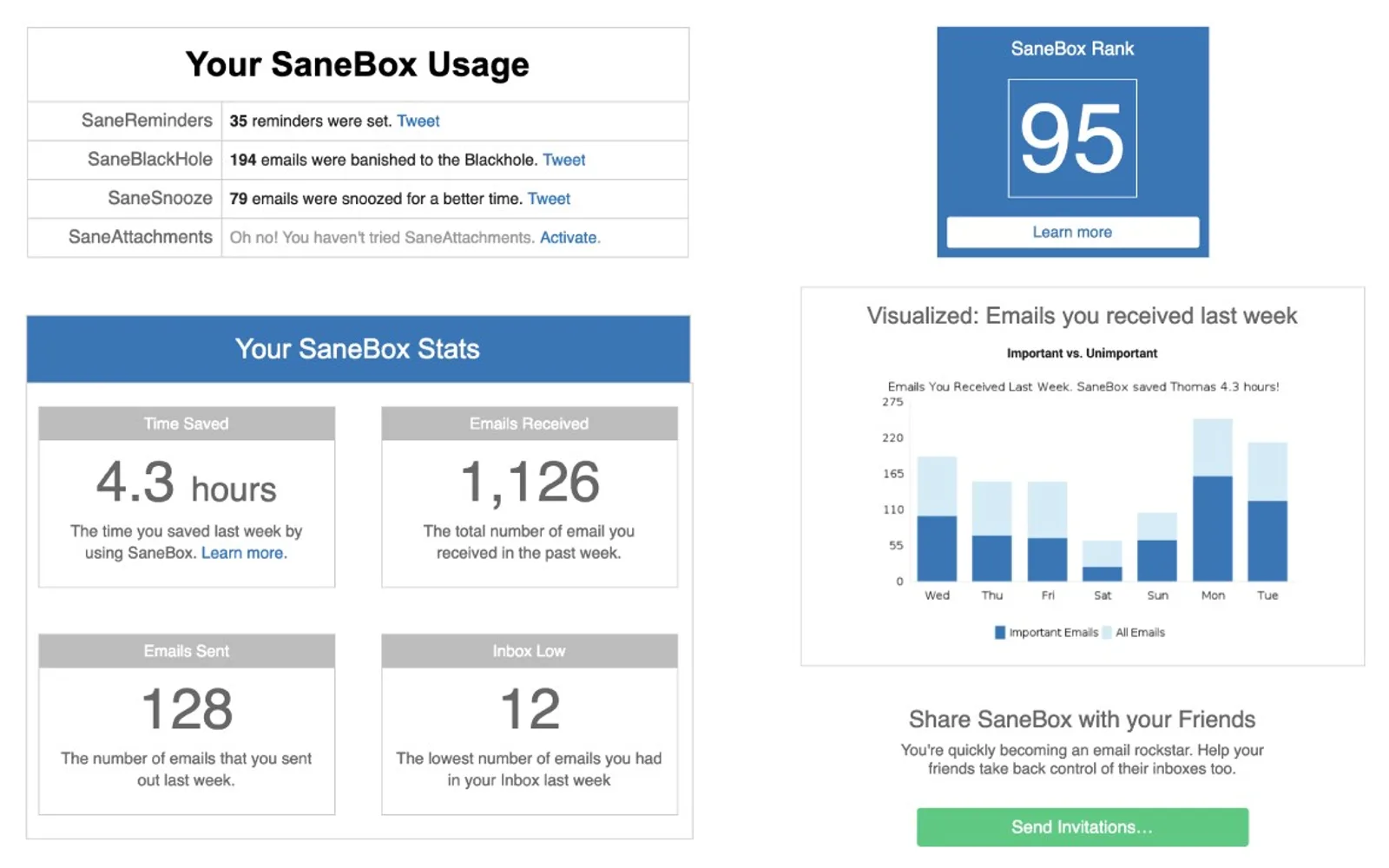
SaneBox organizes email based on email behavior and moves unimportant messages into a separate Later folder. It provides filtered-email digests, reply follow-up reminders, email snoozing, and reminders for future tasks. Do not disturb mode holds incoming email until a later time, while the Black Hole folder removes selected newsletters from view.
Moves unimportant emails from the inbox into a separate Later folder.
Sends a digest of emails moved out of the inbox.
Moves selected newsletters into a Black Hole folder.
Tracks sent emails and sends follow-up reminders when a reply does not arrive in time.
Holds incoming email until a later time.
Delivers selected emails at a later time.
Sends reminder emails for tasks or follow-ups scheduled for later.
73 plugins in Marketing
Price distribution: 1 free, 1 freemium, 30 paid, 41 price not published
Creates, personalizes, translates and measures employee newsletters using live Microsoft 365 and SharePoint data.
EnovaPoint
SwiftERM is an autonomous AI hyper-personalisation app that populates and sends ecommerce email marketing based on consumer data.
SwiftERM
Provides 1,000+ AI-enhanced legal tools, calculators, utilities, services, and continuing legal education for Microsoft 365.
LawWiz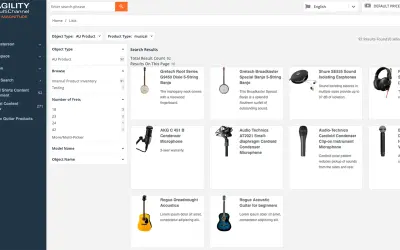
Agility PIM from insightsoftware manages product data on Microsoft Azure for syndication to digital and offline channels.
AGILITY MULTICHANNEL LIMITED«What is SaneBox? Implement SaneBox into your workday, and never waste time on email again! SaneBox simplifies the email process by using powerful algorithms that learn a user’s email behavior to organize their inbox. It works with any email provider, client, or device. Keep your email organized with SaneBox today and …»