
yTemplates | Improve your Salesforce UX with page templates that fit your needs
Create declarative Lightning Page Templates for Home, App, and Record pages in Salesforce Platform.
Yplicity LtdFree
Bulk-updates open Opportunities from an Account in Salesforce Platform using a Quick Action and Flow.
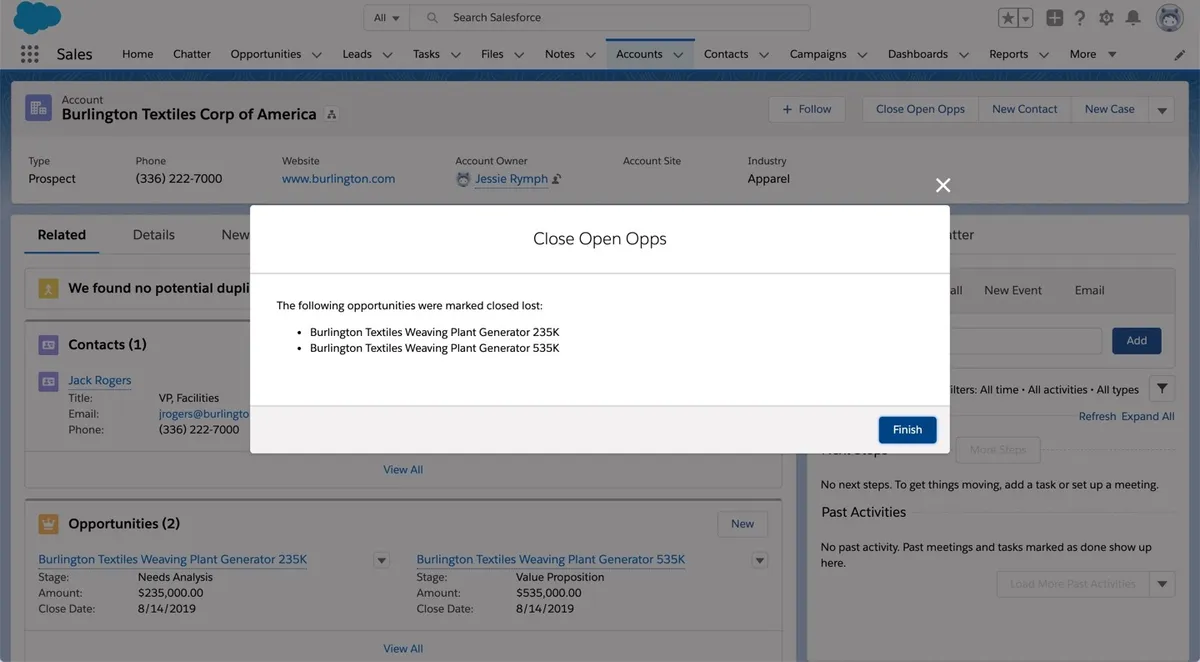
Adds a Quick Action button to Account records that updates all open Opportunities for the Account to Closed Lost. The Flow finds Opportunities where “is closed” is false and applies the change in bulk. A screen then lists the Opportunities that were closed. The package can be modified as a starting point for building Flow loops for other objects.
Provides a “Close Open Opps” button on Account records.
Changes all open Opportunities for a selected Account to Closed Lost.
Uses a Flow loop to find and process records meeting the open-Opportunity condition.
Displays the names of the Opportunities processed by the loop.
Flow Filter by Collection provides collection filtering in Salesforce Flows, while Sample Flow Loop from Button provides an Account action that bulk-updates related open Opportunities and displays the processed records. Declarative Everything includes scheduled Flow execution and processing for large record volumes, whereas this package demonstrates a button-triggered Flow loop for records related to an Account.
| Name | Pricing | Deployment | Updated |
|---|---|---|---|
| this plugin | Free | Cloud | |
| Flow Filter by Collection | Free | Cloud |
464 plugins in Salesforce Platform · Admin and developer tools
Price distribution: 274 free, 25 freemium, 165 paid
Create declarative Lightning Page Templates for Home, App, and Record pages in Salesforce Platform.
Yplicity Ltd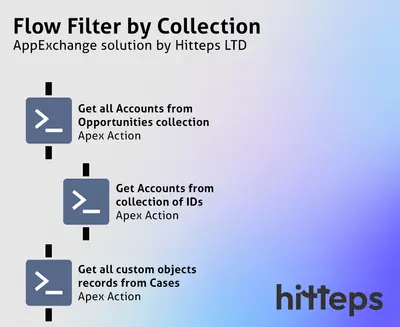
Filter standard and custom object collections in Salesforce Flows to retrieve matching records without loop-based DML or SOQL.
Hitteps LTD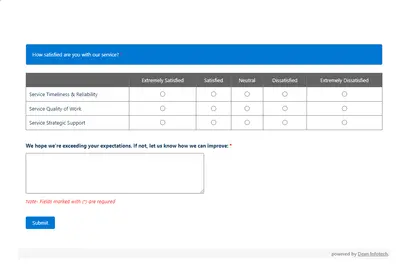
Automates customer satisfaction surveys and stores responses in Salesforce.
Dean Infotech Pvt Ltd
Send, sign, track, and store agreements from Salesforce records with DocuSign eSignature.
Docusign, Inc«This package includes a Quick Action button and a flow. From an Account, click the "Close Open Opps" button to easily update all open Opportunities to "closed lost." The Flow looks for opportunities with "is closed" = false on the particular Account and makes bulk changes. A screen will appear listing the names of the …»