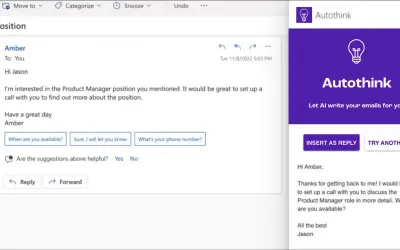
AI Email Reply Writer
Generates automated, professional email replies with customizable tone and sentiment settings for Gmail and Outlook.
AutoMates PartnersPrice not published
Attach received email files when replying or forwarding in Microsoft Outlook.
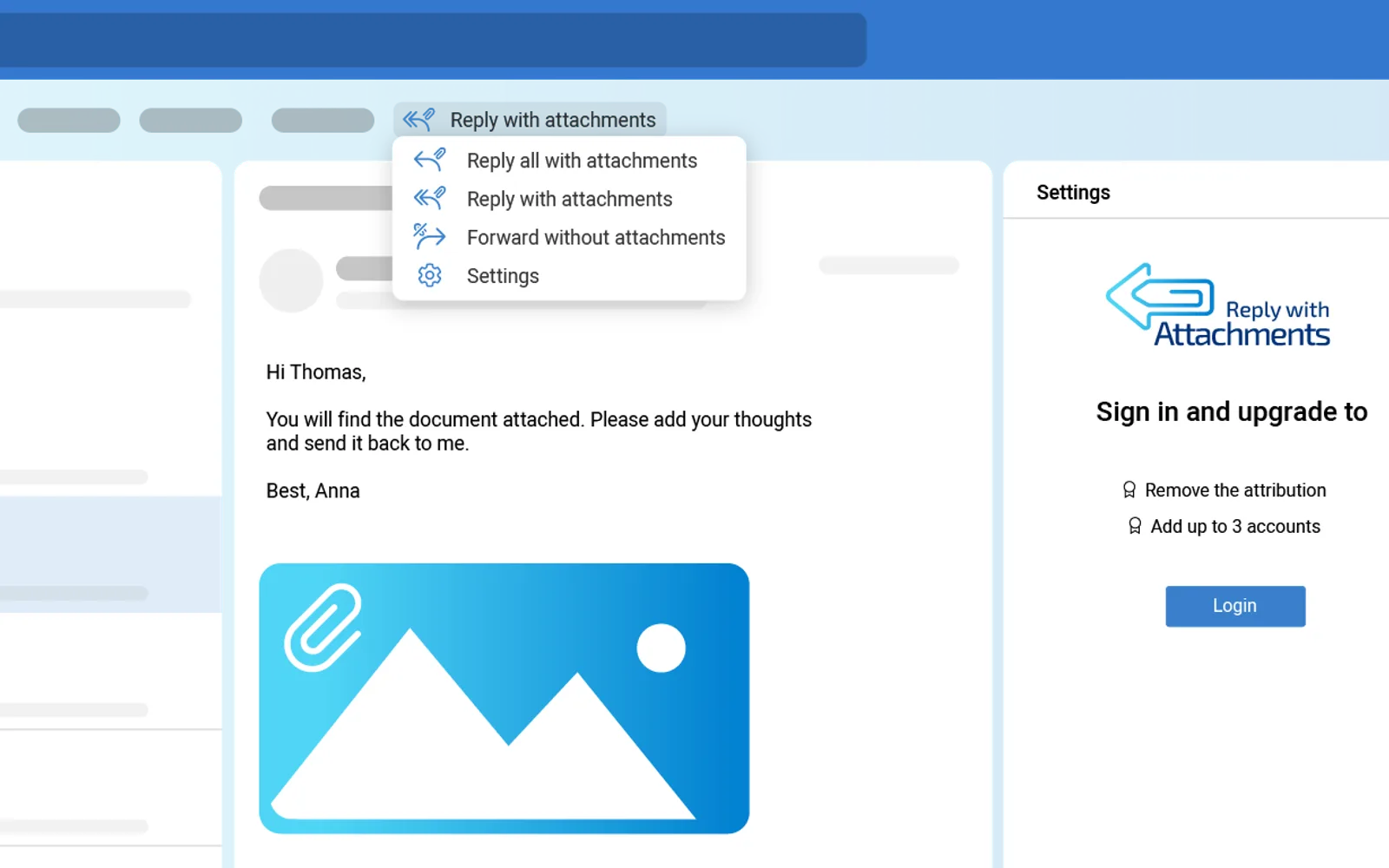
Adds options for replying to all recipients with attachments, replying to the original sender with attachments, and forwarding without attachments. Attachments from received emails can be included directly in a response without first saving them locally or in cloud storage.
Replies to multiple recipients with attachments from the received email.
Replies to the original sender with attachments from the received email.
Forwards an email without including its attachments.
The vendor names busy professionals, project teams, and people handling numerous emails as intended users.
128 plugins in Microsoft Teams · Productivity
Price distribution: 1 free, 1 freemium, 36 paid, 90 price not published
Generates automated, professional email replies with customizable tone and sentiment settings for Gmail and Outlook.
AutoMates Partners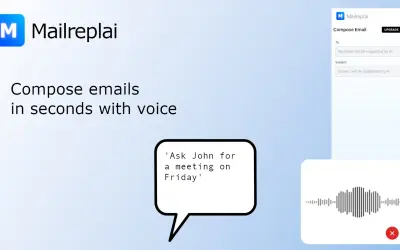
AI email assistant for Outlook that drafts replies, summarizes threads, categorizes the inbox, and takes voice commands.
Syntrixai llc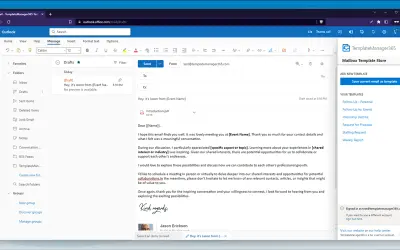
Free add-in for Outlook and Microsoft 365 that stores reusable HTML email templates in the mailbox on any device.
Sol Inventum OÜ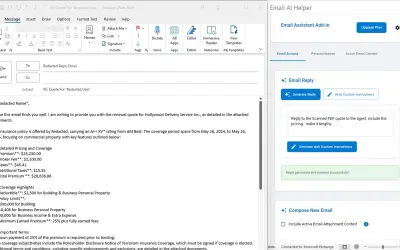
Email AI Helper generates context-aware replies and composes new emails within Microsoft Outlook while matching user tone.
Email AI Helper LLC«Effortless Email Management with 'Reply with Attachments' Introducing 'Reply with Attachments', a revolutionary add-in for Microsoft Outlook that transforms the way you handle email attachments. Designed for efficiency and convenience, this tool is a game-changer for professionals, businesses, and anyone looking to …»