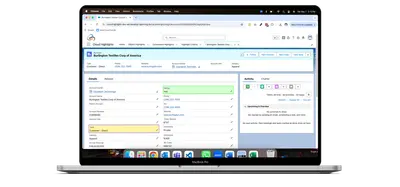
Cloud Highlights
Configure color highlights for Salesforce fields, buttons, headers, backgrounds, and related lists using filter criteria.
Cloudarsh TechnologyPaid
Add configurable navigation buttons and links to Salesforce Platform pages, utility bars, or Salesforce1.
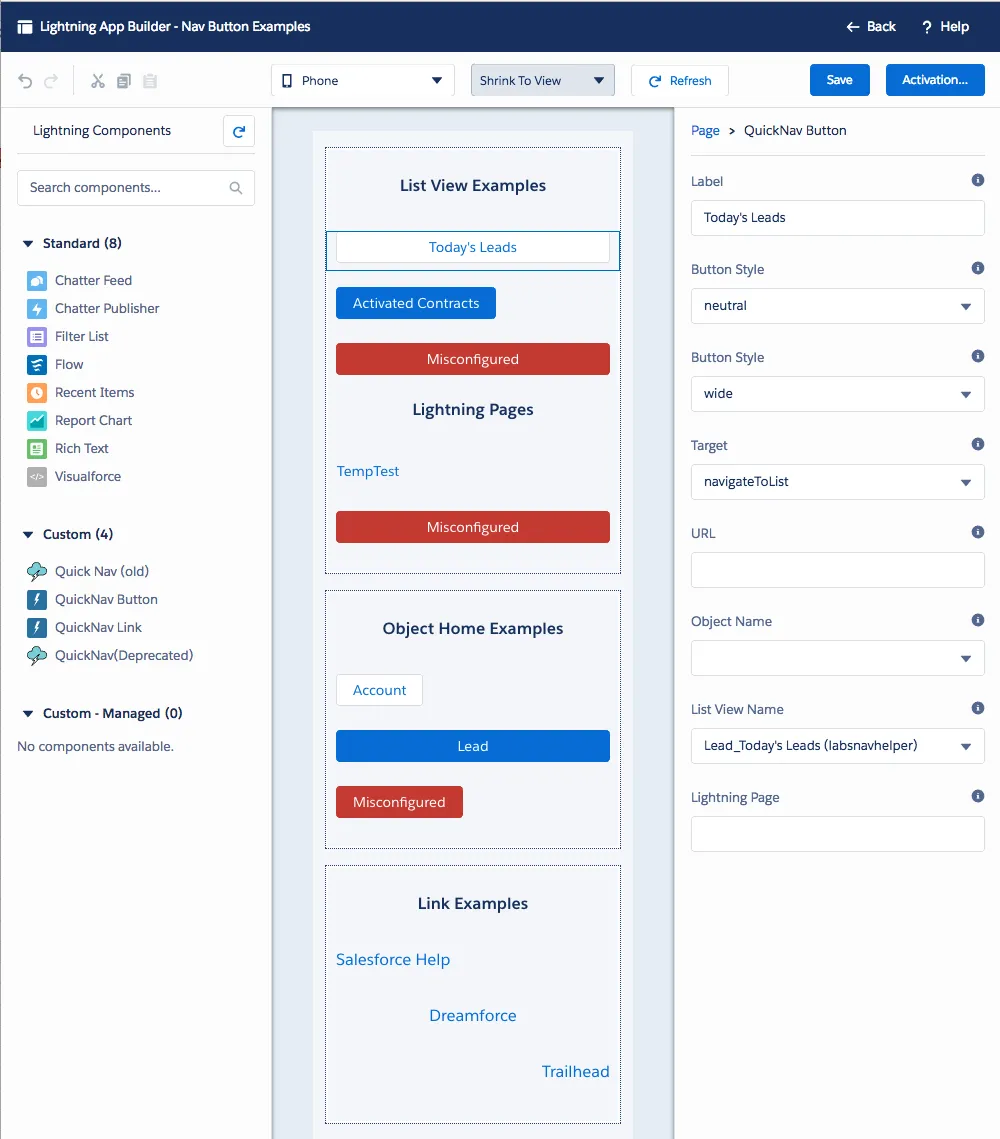
Admins can drag and drop a button and set its navigation target without code. The add-in provides buttons and links for Lightning App Builder, the App Manager Utility Bar, Lightning Pages, and Salesforce1. Targets include URLs, object home pages, list views, and other Lightning Pages.
Admins can drag and drop a button and configure its target without code.
The add-in provides both navigation buttons and links.
Navigation can point to a URL, object home, list view, or another Lightning Page.
Components can be used in Lightning App Builder and the App Manager Utility Bar configuration.
Salesforce admins configuring Lightning pages, utility bars, and Salesforce1.
642 plugins in Salesforce Platform · Productivity
Price distribution: 308 free, 63 freemium, 271 paid
Configure color highlights for Salesforce fields, buttons, headers, backgrounds, and related lists using filter criteria.
Cloudarsh Technology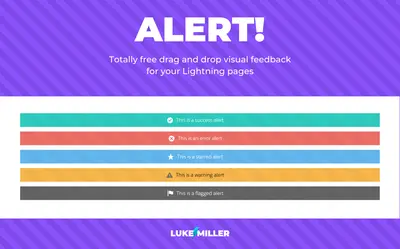
Add configurable visual alerts to Lightning App Builder and Community pages in Salesforce Platform.
Luke Miller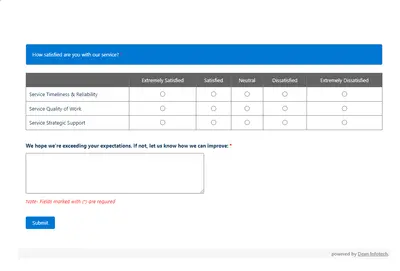
Automates customer satisfaction surveys and stores responses in Salesforce.
Dean Infotech Pvt Ltd
Send, sign, track, and store agreements from Salesforce records with DocuSign eSignature.
Docusign, Inc«1. Allow the admin to drag and drop a button and configure the target with no code 2. Available for use within Lightning App Builder and the App Manager's Utility Bar config (Community coming soon). 3. Navigation Targets: navigateToUrl, navigateToLightningPage, navigateToObjectHome, navigateToListview …»